
Free
$0Free plan available.
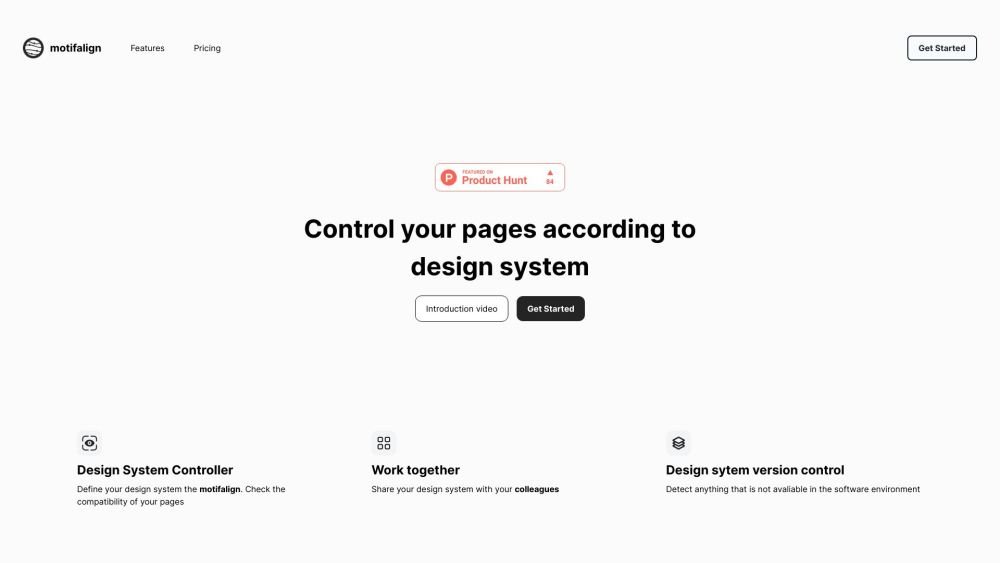
Motifalign is a tool designed to help users check the compatibility of their web pages with their design system. It quickly identifies design mistakes and discrepancies, ensuring that pages align with the defined design system. It allows users to define their design system within Motifalign and then check the compatibility of their pages against it. Users can also share their design system with colleagues and manage different versions.
First, define your design system within Motifalign. Next, audit your web pages to check their compatibility against your defined system. Finally, you can share your design system with team members for collaboration.
You can manage components, icons, radius values, fonts, font sizes, assets, and images.
You can invite teammates who have registered for Motifalign by using their email address.
There is no limit to the number of users.
Following a 7-day trial, the service is available for $4.99 per month.
Yes, you can use the design system studio to edit, remove, or delete values within the controlled sections.
Free plan available.

Similar AI tool in the Other category.
Similar AI tool in the AI Productivity Tools category.
Similar AI tool in the Other category.
Similar AI tool in the Other category.
Similar AI tool in the Other category.
Similar AI tool in the Other category.
Similar AI tool in the Other category.
Similar AI tool in the Other category.