
Free
$0Free plan available.
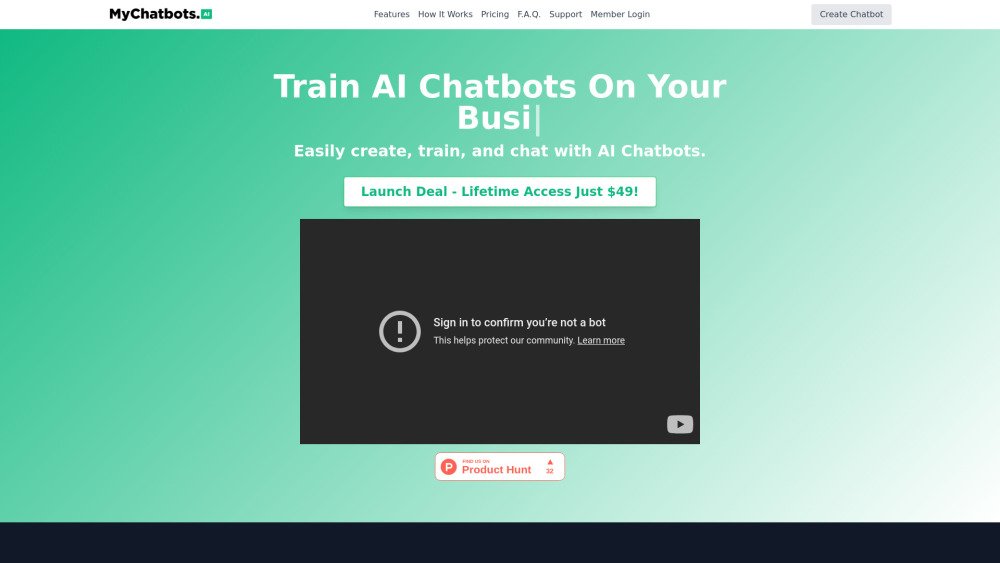
MyChatbots.AI is an AI chatbot platform that enables you to build, train, and interact with intelligent chatbots using your own data. The tool allows users to develop custom AI agents, train them on specific information, and embed them directly into websites. It is designed to improve productivity in fields such as marketing, technology, and analytics by delivering personalized insights and streamlined communication.
Create your chatbot, train it by uploading your own data files, and then either interact with it directly within the MyChatbots.AI interface or embed it on your website using a single line of JavaScript code.
MyChatbots.AI is an AI chatbot tool that helps you create, train, and interact with smart AI chatbots using your own data. It is suitable for both personal and business use.
Yes, you can easily add MyChatbots.AI to your website using our Chatbot Widget feature. After creating your chatbot, navigate to your settings, select widgets, and customize the appearance. Then, copy the provided one-line JavaScript embed tag and paste it into your website’s code to integrate your AI customer service chatbot.
MyChatbots.AI allows you to build chatbots tailored to your specific requirements, upload your own data for training, and interact with them to complete various tasks. This ensures your chatbots provide context-aware and personalized responses.
You can upload various file formats, including .c, .cs, .cpp, .doc, .docx, .html, .java, .json, .md, .pdf, .php, .pptx, .py, .rb, .tex, .txt, .css, .js, .sh, and .ts. Supported text/MIME types must be encoded in utf-8, utf-16, or ascii.
Yes, depending on your selected plan, you can create and interact with multiple AI chatbots. Our Pro plan supports up to 10 chatbots, while the Launch Deal offers unlimited chatbots.
Yes, we prioritize data security. We integrate with the OpenAI Assistants V2 API and upload your files directly to your OpenAI account. OpenAI states that data and files passed to the API are not used to train their models, and you may delete your data at any time. Data uploaded to the Assistants API is stored until you manually delete it.
Yes, we provide a 30-day money-back guarantee. If you are not satisfied with MyChatbots.AI within the first 30 days, you are eligible to request a full refund.
Free plan available.
Use these comparison pages to understand the trade-offs between the models most relevant to MyChatbots.AI.
Compare GPT 5.4 and GPT 5.4 Pro across pricing, context window, capabilities, benchmarks, and API access to choose the better fit for long-context workloads versus long-context workloads.
Compare GPT 5.5 and GPT 5.4 across pricing, context window, capabilities, benchmarks, and API access to choose the better fit for long-context workloads versus long-context workloads.
Compare GPT 5.5 and Claude 4.6 Opus across pricing, context window, capabilities, benchmarks, and API access to choose the better fit for long-context workloads versus long-context workloads.
Compare GPT 5.5 and Claude 4.6 Sonnet across pricing, context window, capabilities, benchmarks, and API access to choose the better fit for long-context workloads versus long-context workloads.

Similar AI tool in the AI Assistant category.
Similar AI tool in the AI Assistant category.
Similar AI tool in the AI Writing Assistants category.
Similar AI tool in the AI Assistant category.
Similar AI tool in the AI Writing Assistants category.
Similar AI tool in the AI Writing Assistants category.
Similar AI tool in the AI Assistant category.
Similar AI tool in the AI Chatbot category.
Similar AI tool in the AI Chatbot category.
Similar AI tool in the AI Assistant category.
Similar AI tool in the AI Assistant category.
Similar AI tool in the AI Assistant category.