
Free
$0Free plan available.
MyKaraoke Video is an all-in-one, browser-based platform for creating karaoke and lyric videos. It uses AI-powered automatic vocal removal and lyrics sync, offers real-time video previews, and provides full customization options. It allows users to create high-quality videos quickly without needing to download or install clunky software.
To create a karaoke video, upload your music, paste the lyrics, customize the visual style, and export your video. The platform includes features like a 1-Click Karaoke Maker and Automatic Lyrics Sync to streamline the creation process.
MyKaraoke Video is a browser-based tool designed to help you create professional karaoke videos quickly and easily. Simply upload your song and paste the lyrics; our tool removes the vocals and automatically syncs the lyrics for you. You can also customize backgrounds, fonts, and colors, and export high-quality videos efficiently. The entire process takes less than 5 minutes.
No, MyKaraoke Video runs entirely in your browser. There is no need to install or update any software on your computer.
Yes, you can use your own instrumental audio. If you have an isolated vocal track, our system can automatically sync the lyrics for you. If not, you can manually sync the lyrics using our Sync Editor.
Yes, you can upload your song and paste its lyrics to create a lyric video with MyKaraoke Video. You can customize the background, text, and colors to create a unique video. You can also export the video with or without the vocal track.
MyKaraoke Video supports all modern audio file formats, including MP3, AAC, WAV, FLAC, and more, ensuring maximum compatibility.
Yes, you can preview your karaoke video in real-time before exporting. You have the option to preview the video with the vocal track to ensure the sync is accurate. The exported file will not include the vocal track unless you choose to include it.
You can set your background using a color, image, or video. Additionally, you can choose any Google Font and adjust the text, wipe, and outline colors to match your vision and create a unique karaoke video.
Yes, you can use MyKaraoke Video for free with certain limitations. You can upgrade to access additional features. Please check our pricing section for more details.
Yes, you can use MyKaraoke Video to create videos for commercial purposes, provided you have the necessary rights to use the song commercially, which is outside the scope of our application. Please review our terms of service for more details regarding commercial use.
Yes, we offer customer support to assist you with any questions or issues. You can contact us through the chat bubble located in the bottom-right corner.
We value user feedback. If you have a feature request or suggestion, you can submit it through our feedback hub. We are always looking for ways to improve our service for our users.
Free plan available.
Use these comparison pages to understand the trade-offs between the models most relevant to MyKaraoke Video.
Compare Gemini 1.0 Pro Deprecated and Gemini 2.0 Flash across pricing, context window, capabilities, benchmarks, and API access to choose the better fit for long-context workloads versus long-context workloads.
Compare Gemini 1.0 Pro Deprecated and Gemini 2.5 Flash across pricing, context window, capabilities, benchmarks, and API access to choose the better fit for long-context workloads versus long-context workloads.
Compare Gemini 2.0 Flash Lite and Gemini 2.0 Flash across pricing, context window, capabilities, benchmarks, and API access to choose the better fit for long-context workloads versus long-context workloads.
Compare Gemini 2.5 Flash and Gemini 2.0 Flash across pricing, context window, capabilities, benchmarks, and API access to choose the better fit for long-context workloads versus long-context workloads.
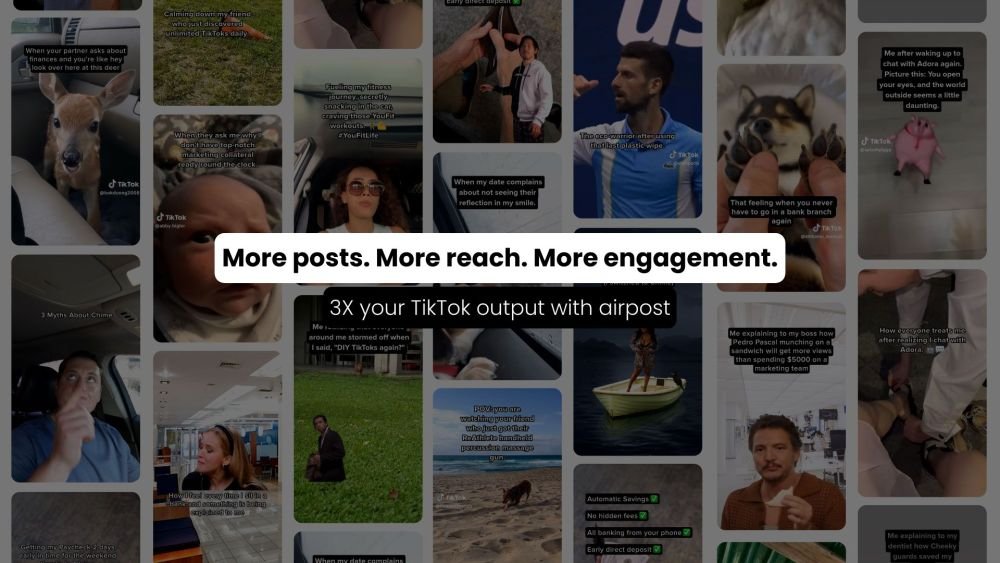
Airpost is an automated UGC video ad platform built for growth marketers. It enables users to generate high-converting short and long-form video ads by creating an instant gallery of options. By using AI to manage scripts, shot selection, pacing, and music, Airpost transforms authentic UGC footage into ads that mimic organic content, offering a scalable and cost-effective alternative to traditional agencies or complex DIY tools.
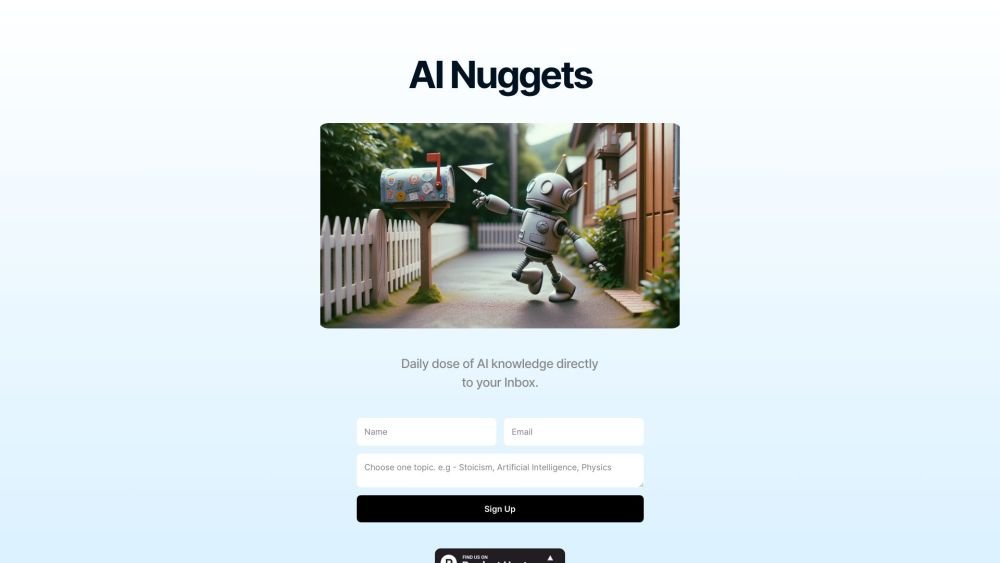
AI Nuggets is an AI-driven daily newsletter that provides concise insights on your selected topics, accompanied by prompts for further exploration. It offers a personalized learning experience designed to foster creativity and broaden your knowledge across subjects ranging from historical facts to modern technology.
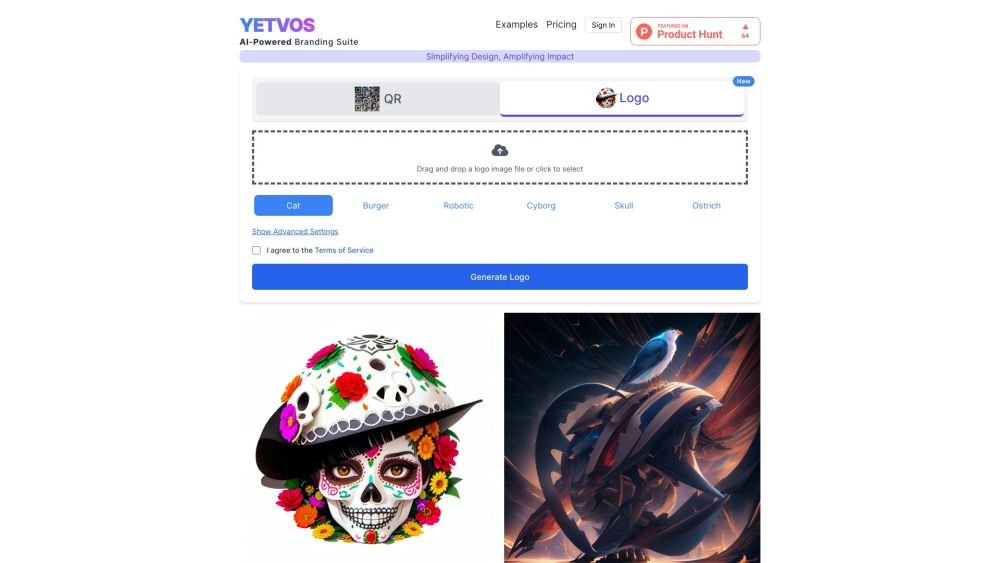
Yetvos is an AI-driven branding platform designed to elevate your brand identity. It enables users to enhance logos, generate artistic QR codes, and manage print-on-demand services efficiently, helping you leverage AI technology for your branding needs.
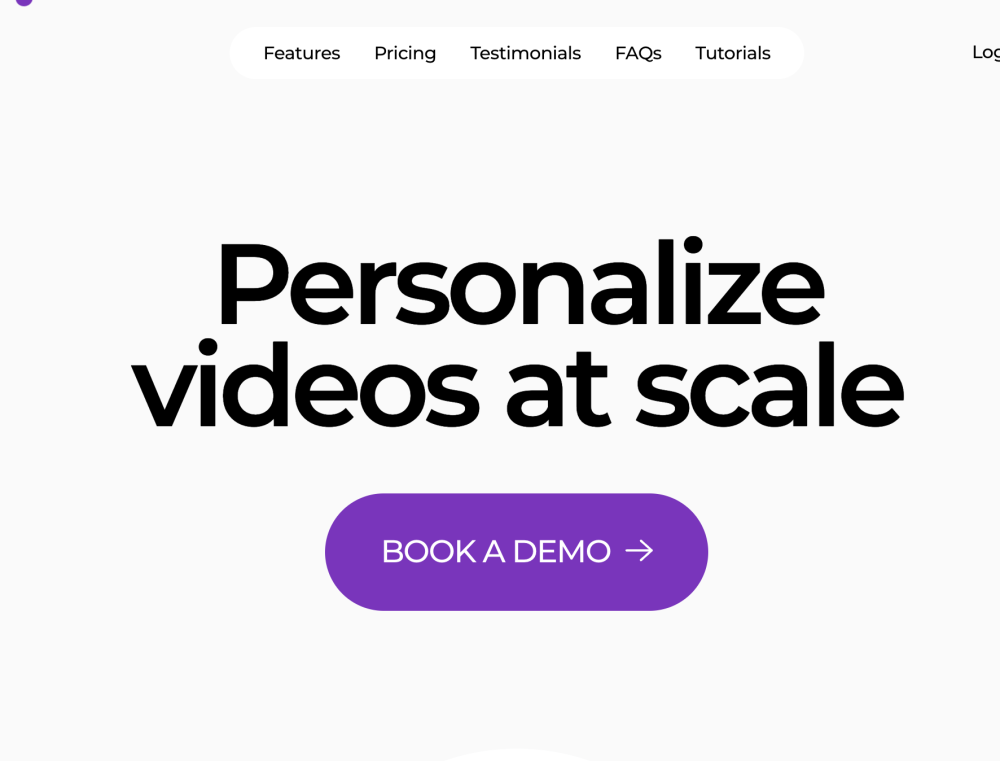
Potion is a video email platform built for sales professionals. It enables users to generate unlimited personalized AI videos that replicate their own face, voice, and gestures to help sales teams increase meeting bookings, build trust, and improve conversion rates.
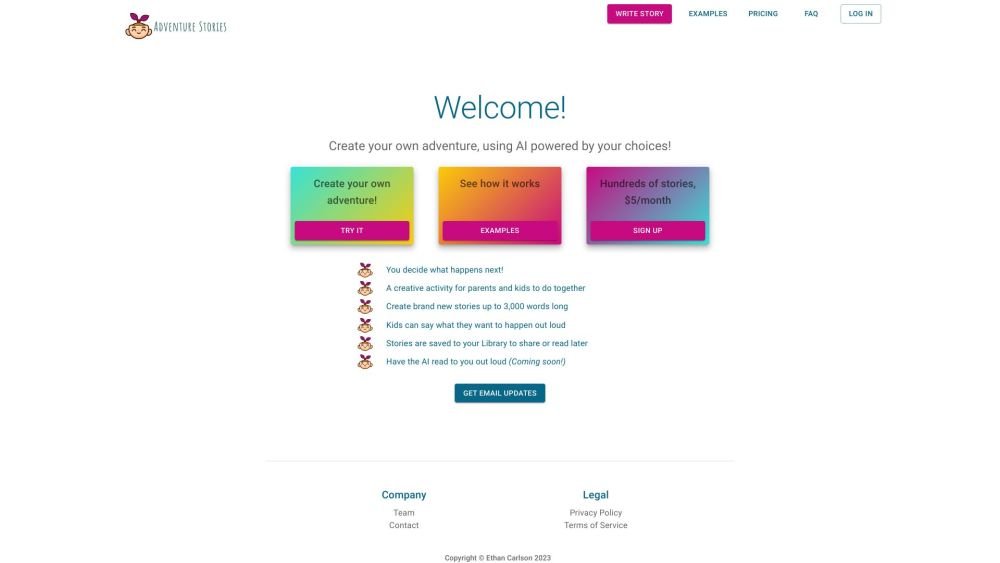
Adventure Stories is a ChatGPT-powered application designed for children and parents to collaboratively create choose-your-own-adventure stories. Users actively shape the narrative by deciding what happens next, resulting in a creative, AI-assisted storytelling experience.
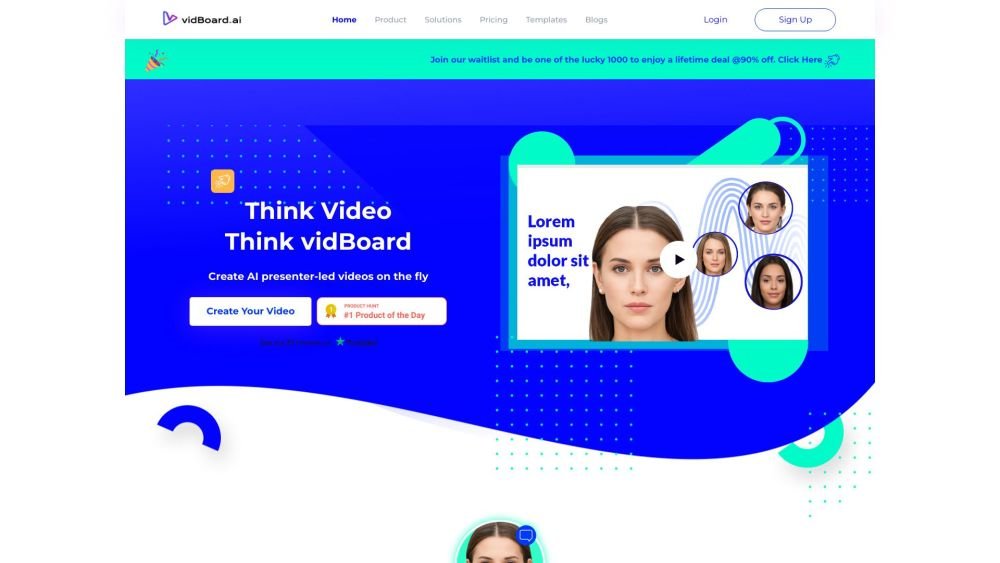
vidBoard.ai is an AI-powered platform designed to help users create studio-quality videos in minutes. By converting documents, links, or text into engaging content, the platform utilizes AI avatars, voiceovers, and multimedia assets. With built-in features like AI script generation, captioning, and voice cloning, it enables video creation for users without prior editing experience.
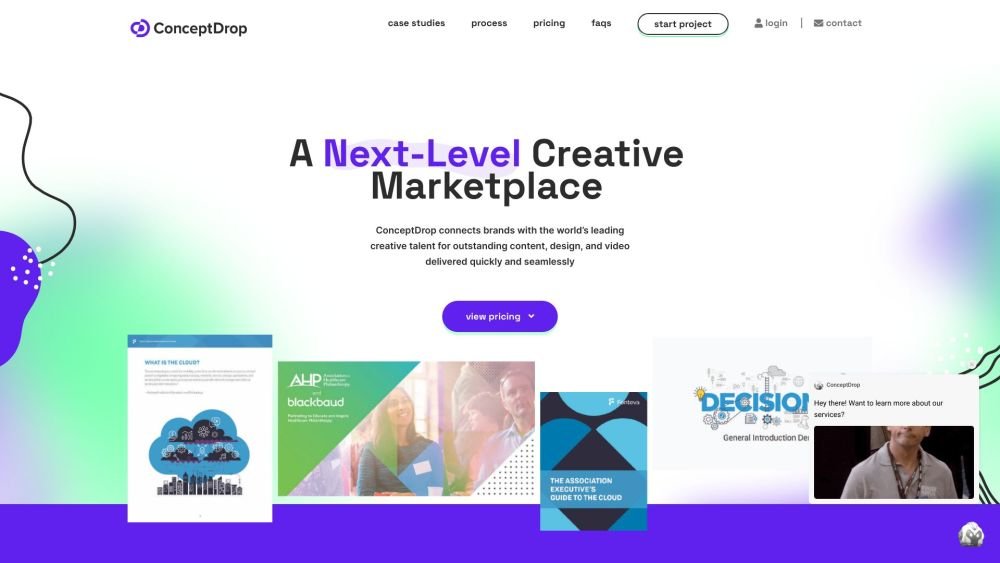
Source (formerly ConceptDrop) is an all-in-one freelancing platform that connects businesses with vetted creative, digital, and consulting professionals. It simplifies the process of sourcing, managing, and paying freelancers by providing a single contract and dedicated account managers to ensure project consistency and client satisfaction.
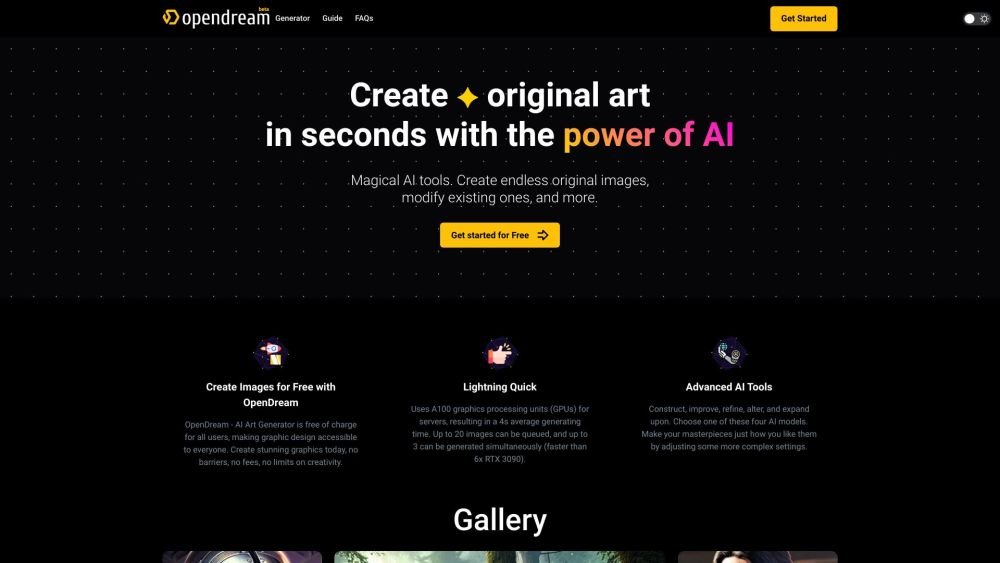
OpenDream is a free AI art generator that enables users to create digital artwork. It allows you to generate AI images from text prompts, upscale existing images, create variations, and share your work. The platform provides customizable templates, various artistic styles, and multiple models to produce unique images, with options available for commercial use.
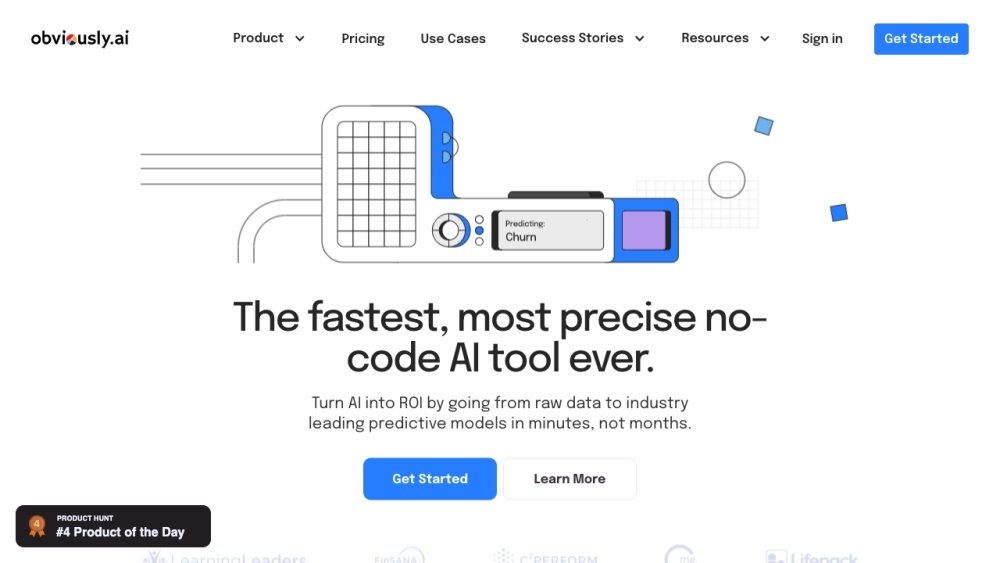
Zams is an enterprise platform built to create AI agents that automate back-office operations with speed, security, and governance. It enables users to convert raw data into predictive models in minutes. Key features include seamless data integration, actionable AI agents, LLM flexibility, advanced model analytics, cost management, continuous monitoring, expert support, and compliance with SOC 2 Type II, GDPR, and HIPAA standards.
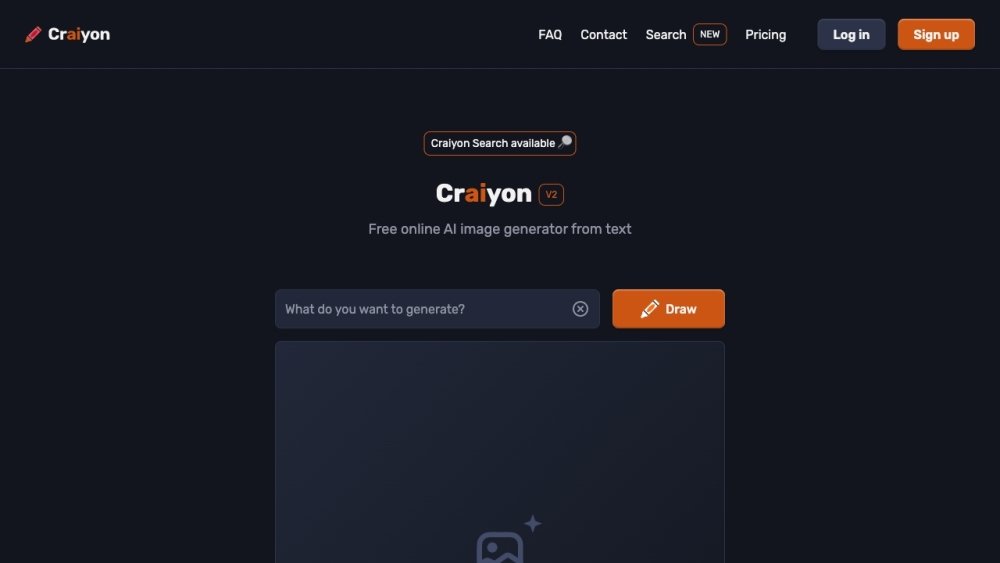
Craiyon is a free AI image generator that creates artwork from text prompts. Users enter keywords to generate images, with both free and paid subscription tiers available. Paid plans offer benefits such as improved image quality, faster generation speeds, and additional features.
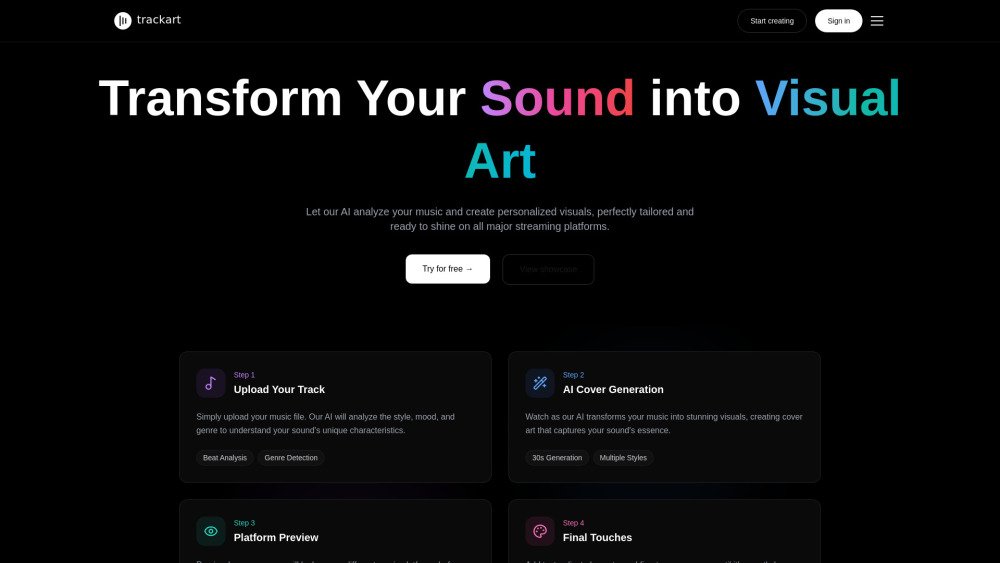
Trackart is an AI-powered platform that analyzes the BPM and energy of your music to generate unique, streaming-optimized cover art. Specifically designed for electronic music, it helps translate your sound into a distinct visual identity, providing high-quality artwork ready for all major streaming platforms.
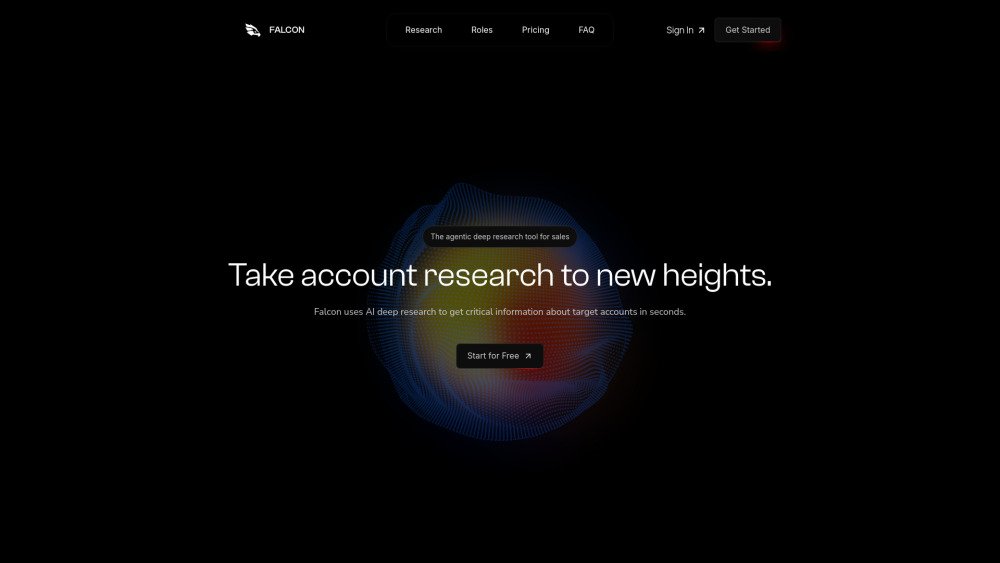
Falcon Research is an agentic AI tool designed to help sales teams conduct deep research. By learning your specific value proposition, the system scans the internet to identify relevant information about your target accounts in seconds. It provides custom intelligence to support sales development, account management, customer success, and RevOps teams in improving efficiency.