
Student of Life
$$7.99 /moPricing from the source listing.
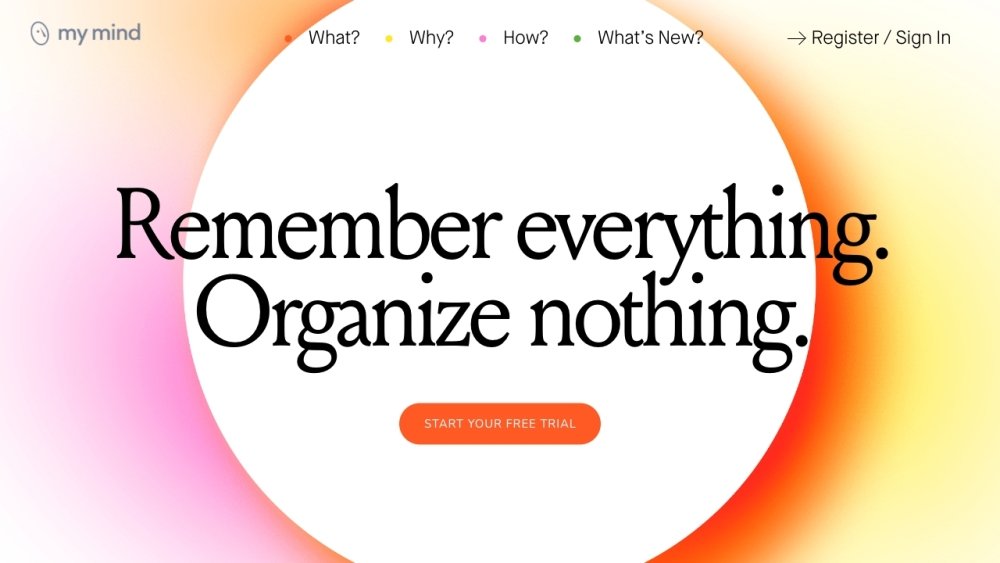
mymind is a private digital workspace designed to help you save and recall various content types, including images, links, notes, videos, quotes, PDFs, and articles, from your web browser, computer, or mobile device. Focused on simplicity and clean design, it aims to reduce time spent on manual organization so you can focus on creative and productive tasks. Powered by AI, mymind automatically categorizes your saved content, removing the need for manual tagging or filing. It also prioritizes user privacy, ensuring your data remains secure and is never shared or sold.
Save content to mymind with a single click using the browser extension or mobile app. The AI automatically analyzes and remembers key details, categorizing your items without requiring manual filing, labeling, or tagging. You can then retrieve your saved content using keywords, colors, brands, or dates through associative search and visual cues.
You can save images, links, notes, videos, quotes, PDFs, and articles—anything you want to remember from the web, your computer, or your phone.
Yes, mymind is built as a private space. Your content is not visible to others, and the platform does not track or sell your data.
No, mymind uses AI to automatically categorize your content, eliminating the need for manual filing, labeling, or tagging.
Smart Bookmarking allows mymind to recognize the type of content you are saving—such as an article, product, book, or recipe—and store it appropriately without requiring manual input.
Reading Mode lets you save and view full articles within mymind, removing clutter, ads, and pop-ups for a distraction-free reading experience.
Pricing from the source listing.
Pricing from the source listing.
Pricing from the source listing.
Pricing from the source listing.
Pricing from the source listing.
Pricing from the source listing.
Use these comparison pages to understand the trade-offs between the models most relevant to mymind.
Compare Gemini 1.0 Pro Deprecated and Gemini 2.0 Flash across pricing, context window, capabilities, benchmarks, and API access to choose the better fit for long-context workloads versus long-context workloads.
Compare Gemini 1.0 Pro Deprecated and Gemini 2.5 Flash across pricing, context window, capabilities, benchmarks, and API access to choose the better fit for long-context workloads versus long-context workloads.
Compare Gemini 2.0 Flash Lite and Gemini 2.0 Flash across pricing, context window, capabilities, benchmarks, and API access to choose the better fit for long-context workloads versus long-context workloads.
Compare Gemini 2.5 Flash and Gemini 2.0 Flash across pricing, context window, capabilities, benchmarks, and API access to choose the better fit for long-context workloads versus long-context workloads.

Similar AI tool in the AI Assistant category.
Similar AI tool in the AI Assistant category.
Similar AI tool in the AI Productivity Tools category.
Similar AI tool in the AI Assistant category.
Similar AI tool in the AI Assistant category.
Similar AI tool in the AI Assistant category.
Similar AI tool in the AI Chatbot category.
Similar AI tool in the AI Productivity Tools category.
Similar AI tool in the AI Assistant category.
Similar AI tool in the AI Assistant category.
Similar AI tool in the AI Assistant category.
Similar AI tool in the AI Assistant category.