
Free
$0Free plan available.
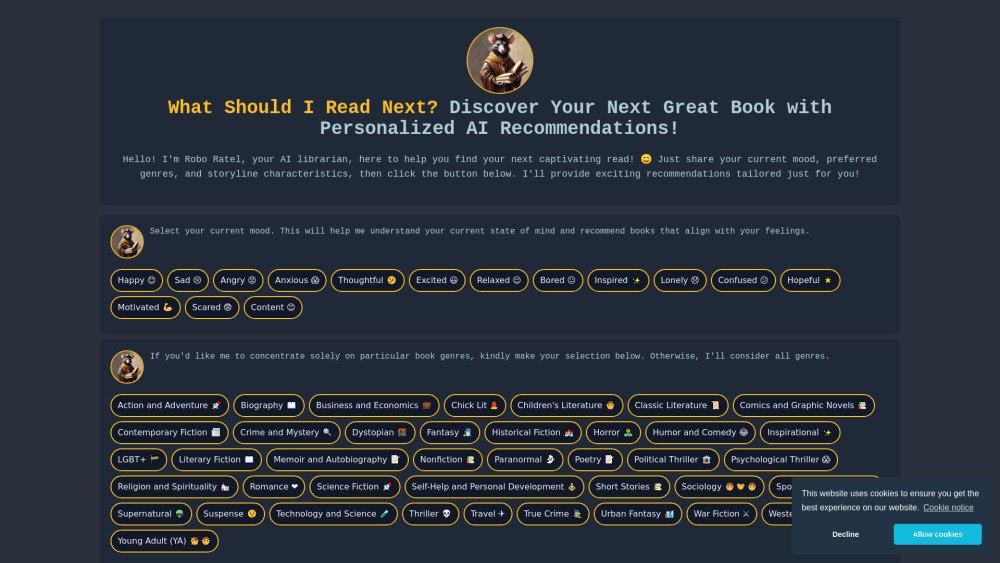
What Should I Read Next? is a website that provides personalized book recommendations using advanced AI. It helps users discover new titles and find their perfect read effortlessly by considering their mood, preferred genres, and storyline characteristics.
To use the website, select your current mood, preferred genres, and a storyline characteristic. Then, click the 'Suggest me what to read next' button to receive tailored book recommendations.
The AI analyzes your current mood, preferred genres, and selected storyline characteristics to generate personalized book suggestions tailored to your preferences.
Yes, you can select multiple genres to refine your book recommendations.
This limitation is in place to prevent broadening the scope of the recommendations too much and to provide more focused suggestions.
Free plan available.

Airpost is an automated UGC video ad platform built for growth marketers. It enables users to generate high-converting short and long-form video ads by creating an instant gallery of options. By using AI to manage scripts, shot selection, pacing, and music, Airpost transforms authentic UGC footage into ads that mimic organic content, offering a scalable and cost-effective alternative to traditional agencies or complex DIY tools.

Modifyla is an AI-powered platform designed to help users generate professional product advertising photos in seconds. It streamlines the creation of high-quality imagery to enhance your product marketing efforts.

Discute is a tool that enables users to interact with various data formats, ranging from standard documents to complex databases. By functioning as a virtual assistant that accesses your knowledge base, it helps you retrieve information and resolve issues more efficiently. The platform currently supports PDF, DOCX, TXT, and CSV files, with future updates planned for database and website integration.

JOI AI Girlfriend is an artificial intelligence companion inspired by the character JOI. It provides emotional support and companionship for those experiencing loneliness. This virtual AI girlfriend offers private, respectful interactions, meaningful conversations, and a flirty dating simulator experience. Users can engage in friendly chats, participate in roleplay, and work on developing their relationship skills.
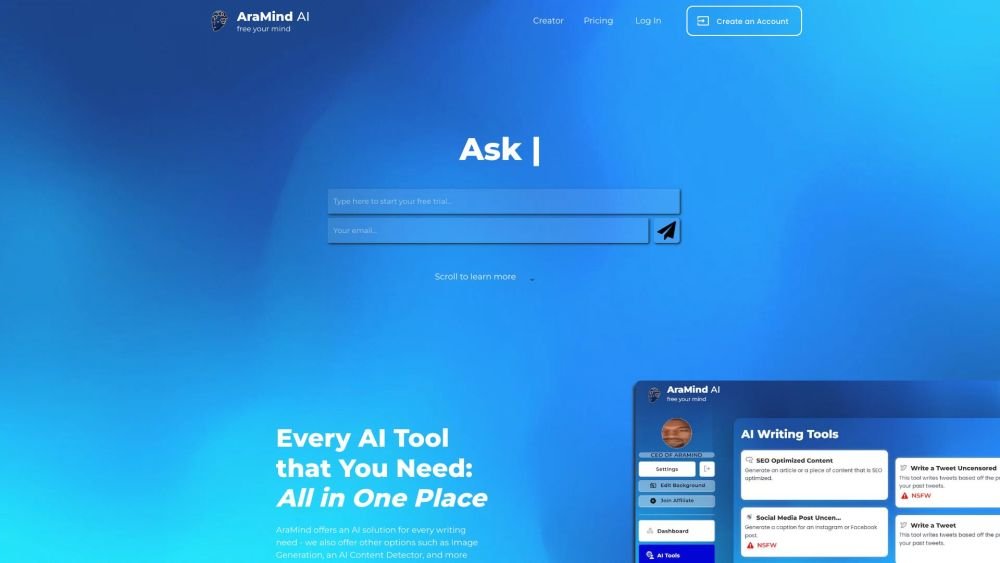
AraMind AI is an all-in-one platform designed to support various writing tasks. It provides a suite of AI-powered tools, including image generation and an AI content detector, to help users produce creative, human-like content. By automating the creation process and assisting with AI detection, AraMind AI helps users save time and minimize the need for extensive manual editing.
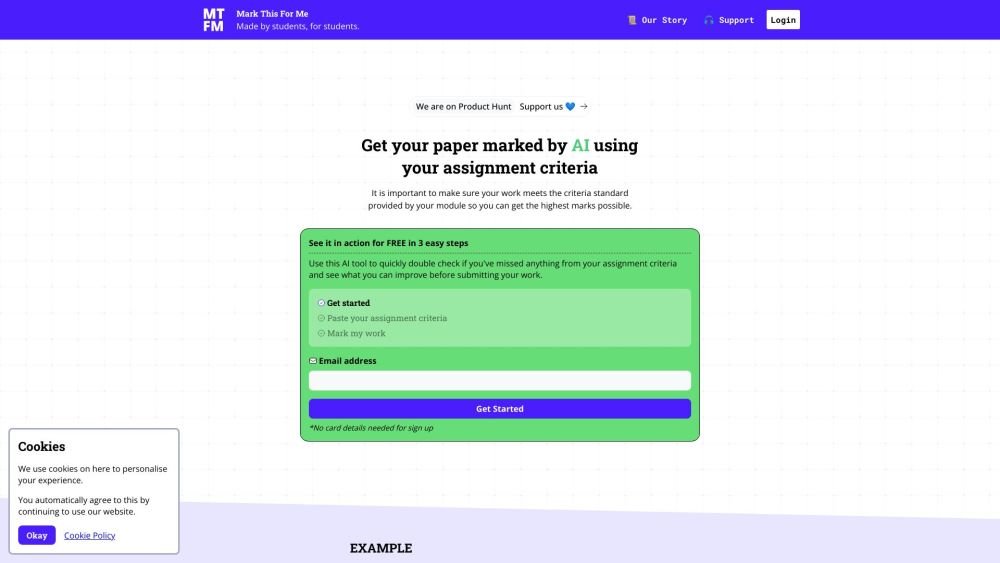
Mark This For Me is an AI-powered platform that provides students with instant, personalized feedback on their assignments. By leveraging OpenAI's GPT models, the tool evaluates work against specific criteria to offer insights that boost motivation and support academic success. The platform provides constructive guidance to help students refine their critical thinking and identify areas for improvement.

Kniru is a mobile application designed to help you manage your personal finances using AI. Through a chat-based interface, it provides precise, personalized, and actionable insights while answering your questions regarding investments, taxes, retirement, and spending. The platform allows users to track, manage, and optimize transactions, investments, and loans to support smarter financial decision-making in a secure environment.
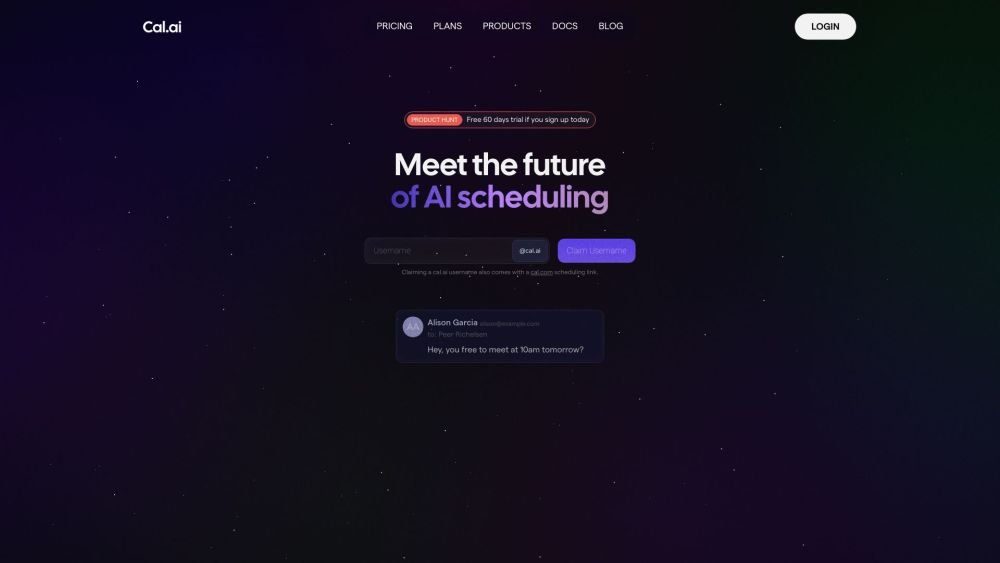
Cal.com is an open-source scheduling infrastructure offering fully customizable software for individuals, businesses, and developers building scheduling platforms. It provides flexible deployment options, including self-hosted and SaaS solutions, alongside features like routing, a unified calendar API, a desktop application, and an enterprise API. Additionally, Cal.com integrates AI-powered scheduling assistance via Cal.ai, which includes AI Phone Agents.
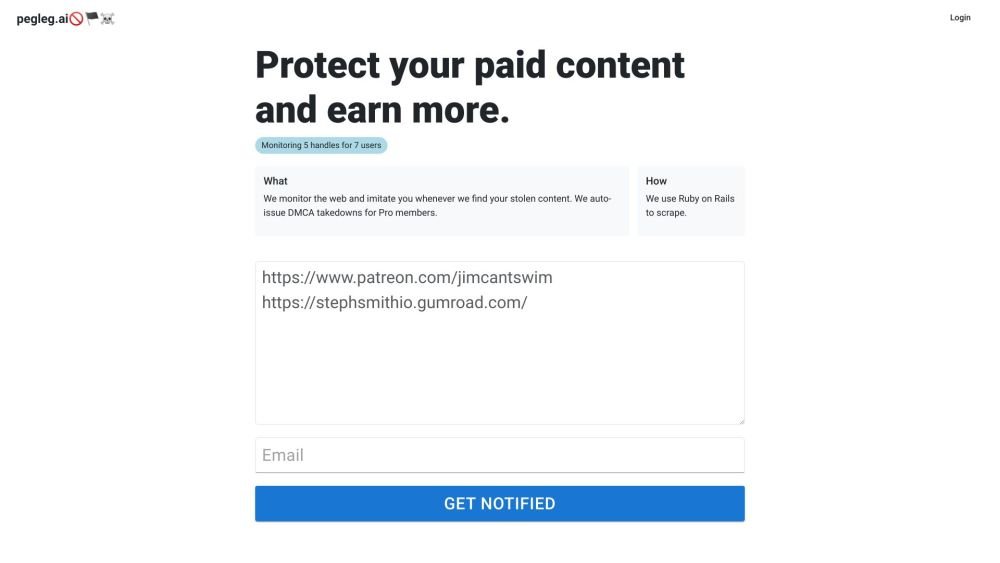
Pegleg.ai monitors the web for unauthorized copies of your content by scanning Patreon and Gumroad links. It helps protect your paid work and revenue by identifying stolen material and, for Pro members, automatically issuing DMCA takedown notices.
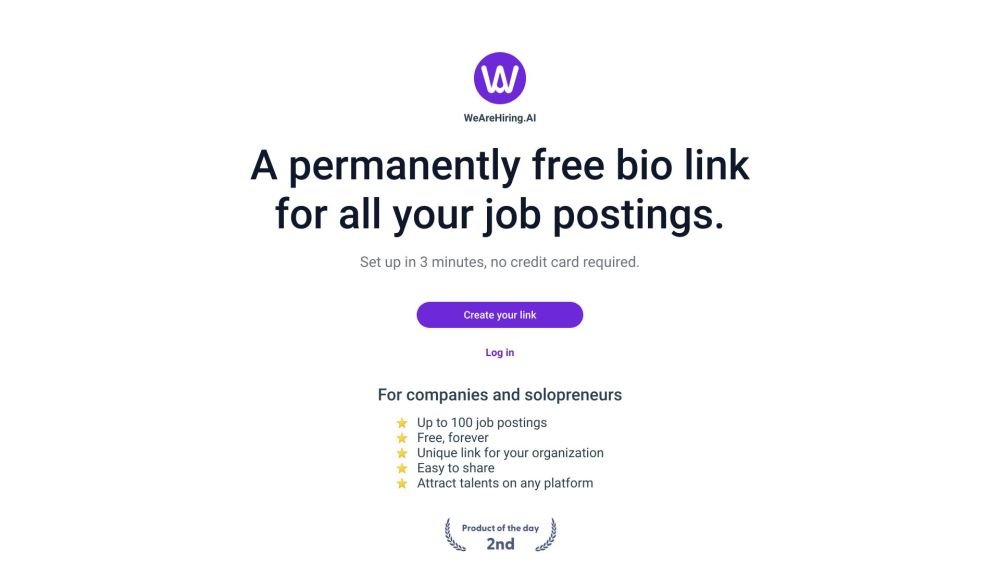
WeAreHiring.AI provides a free, shareable bio link that allows you to showcase up to 100 job postings. You can create your permanent bio link in just 3 minutes with no credit card required.
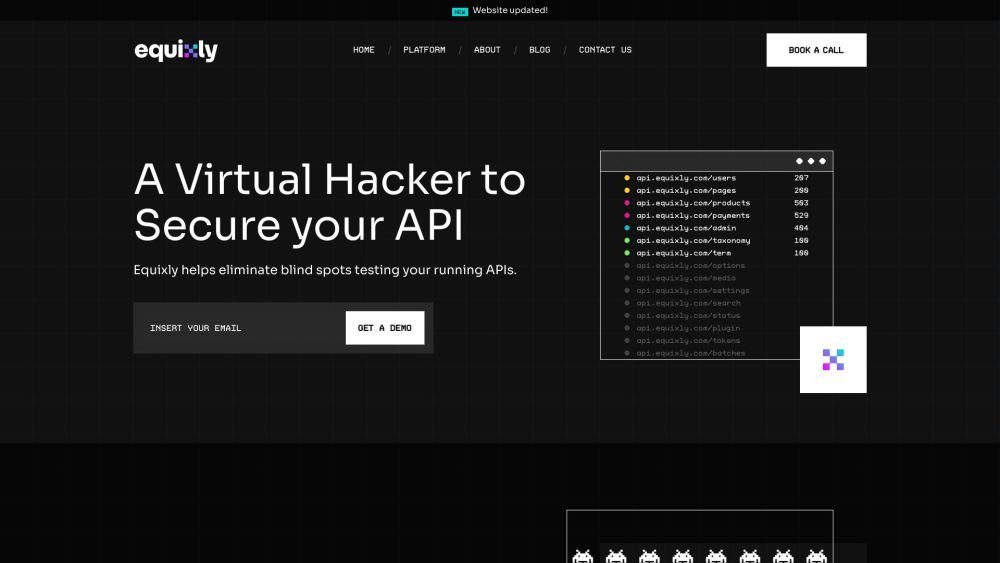
Equixly is a SaaS platform that integrates API security testing into the software development lifecycle (SDLC). It detects vulnerabilities, lowers bug-fixing costs, and scales penetration testing for every new feature release. By using AI-powered bots to scan APIs early, the platform enables faster, more efficient remediation and secure code deployment. Equixly also maps your attack surface by inventorying your API landscape, classifying operations, dependencies, and data flow. Additionally, it simplifies compliance by generating clear reports on security risks and sensitive data exposure to help meet regulatory requirements.
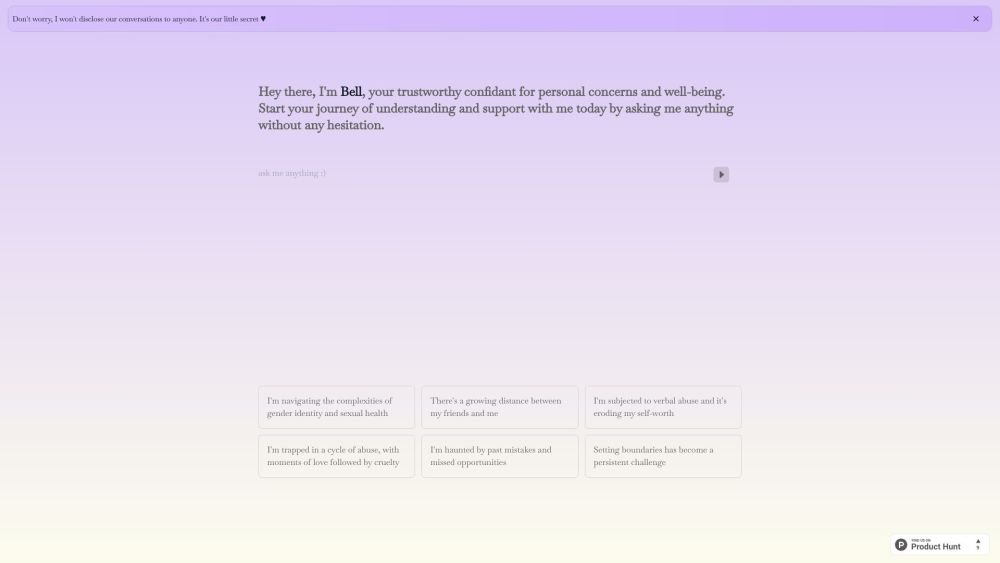
Bell serves as a personal confidant for navigating life's challenges, providing a judgment-free environment to discuss your concerns and questions. It is designed to help users gain self-awareness and support their well-being through private, confidential conversations.