
Free
$0Free plan available.
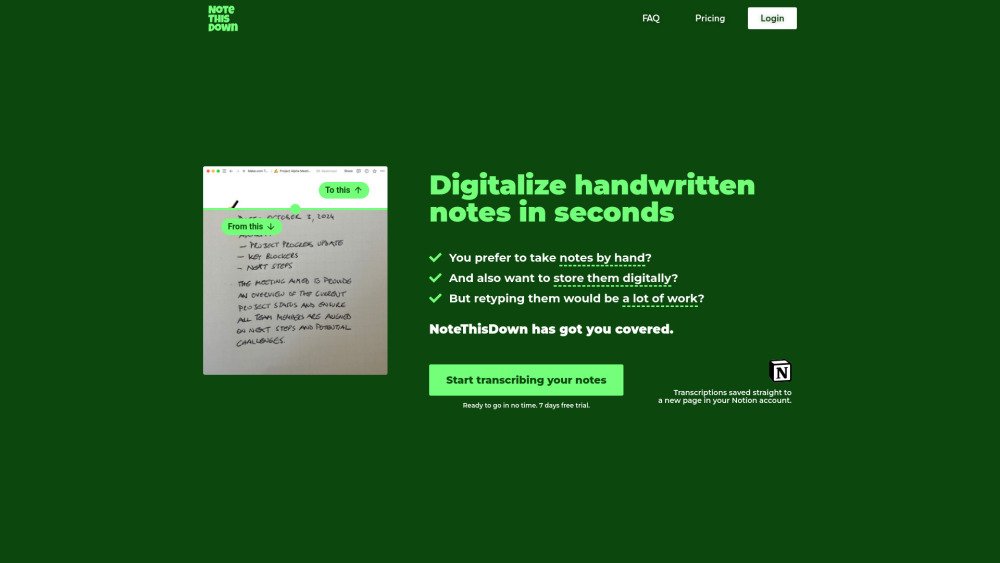
Note This Down transforms handwritten notes into digital text, seamlessly integrating with Notion. Simply snap a photo, and our AI converts your notes to searchable, editable content. Perfect for those who prefer handwriting but need digital organization. It offers instant handwriting to text conversion, direct integration with Notion, and unlimited uploads and transcriptions.
Connect your Notion account, upload photos of your handwritten notes, enter a page title, and let the AI transcribe the text. Both the original image and the transcribed text are saved to a new page in your Notion account.
Note This Down is an application that transcribes your handwritten notes and integrates them into your Notion workspace, facilitating digital organization and retrieval.
Connect your Notion account, upload photos of your handwritten notes, enter a page title, and allow the AI to transcribe the text. The original image and the transcribed text are saved to a new page in your Notion account.
Yes. We prioritize data confidentiality and security, ensuring all information is stored securely and remains accessible only to you via your personal Notion account.
Our AI is designed for high accuracy across various handwriting styles. However, performance may vary depending on handwriting clarity and photo quality.
Yes, Note This Down is accessible from any device capable of capturing or uploading photos, allowing you to transcribe notes on the go.
Note This Down can transcribe various handwritten notes, including meeting notes, lecture notes, and brainstorming sessions.
Select your subscription, connect your Notion account, and begin uploading photos of your notes. Our interface will guide you through the setup.
Yes, new users receive a 7-day free trial. You may cancel at any time if the service does not meet your needs.
Yes. Once your notes are transcribed and saved in Notion, you can organize, categorize, and search them as you would with any other digital note.
Our customer support team is available to assist you. You can reach out via the app or email for any help you may need.
While Note This Down is optimized for English, it generally supports all major languages.
Our subscription plans include unlimited note uploads and transcriptions.
Free plan available.
Use these comparison pages to understand the trade-offs between the models most relevant to Note This Down.
Compare Gemini 1.0 Pro Deprecated and Gemini 2.0 Flash across pricing, context window, capabilities, benchmarks, and API access to choose the better fit for long-context workloads versus long-context workloads.
Compare Gemini 1.0 Pro Deprecated and Gemini 2.5 Flash across pricing, context window, capabilities, benchmarks, and API access to choose the better fit for long-context workloads versus long-context workloads.
Compare Gemini 2.0 Flash Lite and Gemini 2.0 Flash across pricing, context window, capabilities, benchmarks, and API access to choose the better fit for long-context workloads versus long-context workloads.
Compare Gemini 2.5 Flash and Gemini 2.0 Flash across pricing, context window, capabilities, benchmarks, and API access to choose the better fit for long-context workloads versus long-context workloads.
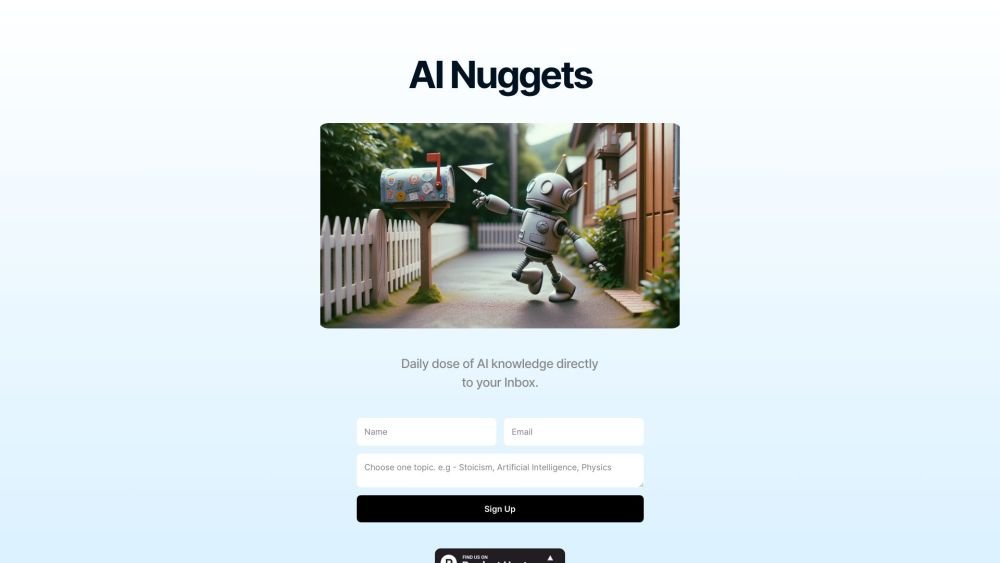
AI Nuggets is an AI-driven daily newsletter that provides concise insights on your selected topics, accompanied by prompts for further exploration. It offers a personalized learning experience designed to foster creativity and broaden your knowledge across subjects ranging from historical facts to modern technology.
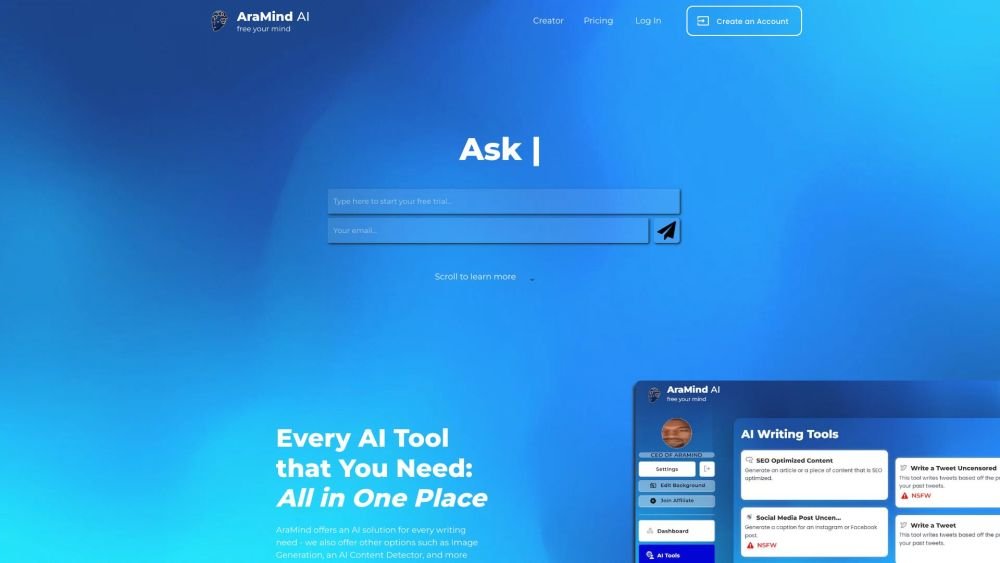
AraMind AI is an all-in-one platform designed to support various writing tasks. It provides a suite of AI-powered tools, including image generation and an AI content detector, to help users produce creative, human-like content. By automating the creation process and assisting with AI detection, AraMind AI helps users save time and minimize the need for extensive manual editing.
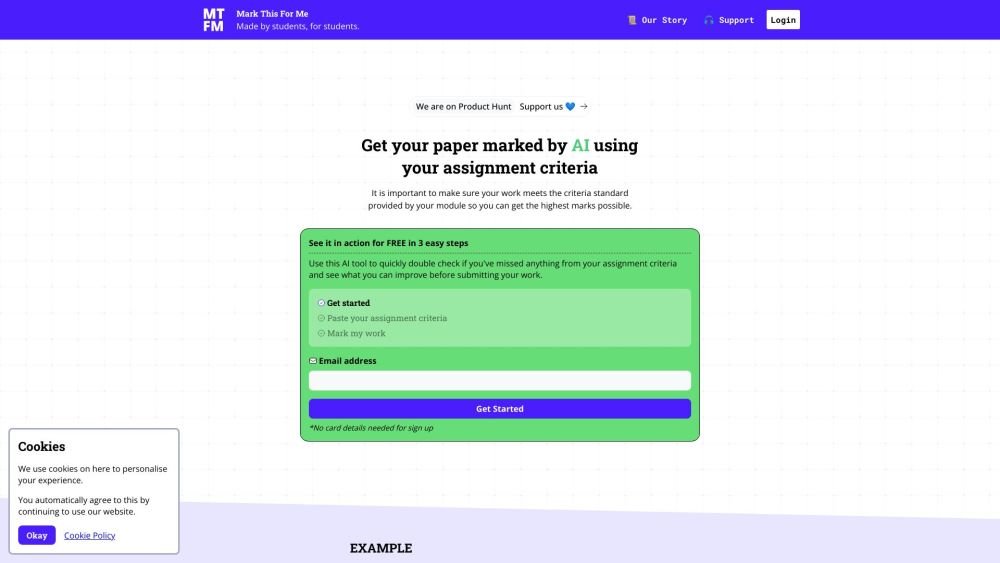
Mark This For Me is an AI-powered platform that provides students with instant, personalized feedback on their assignments. By leveraging OpenAI's GPT models, the tool evaluates work against specific criteria to offer insights that boost motivation and support academic success. The platform provides constructive guidance to help students refine their critical thinking and identify areas for improvement.
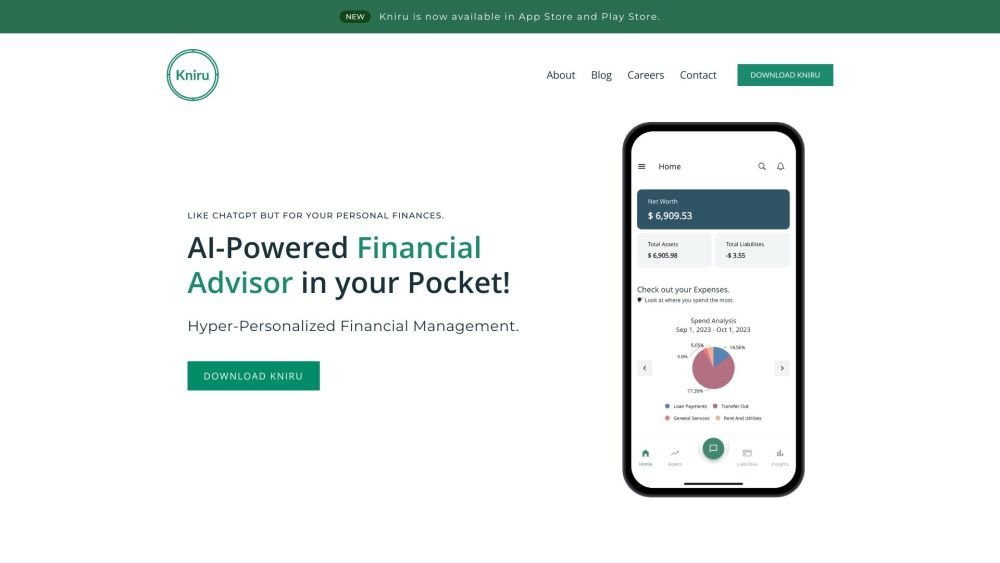
Kniru is a mobile application designed to help you manage your personal finances using AI. Through a chat-based interface, it provides precise, personalized, and actionable insights while answering your questions regarding investments, taxes, retirement, and spending. The platform allows users to track, manage, and optimize transactions, investments, and loans to support smarter financial decision-making in a secure environment.
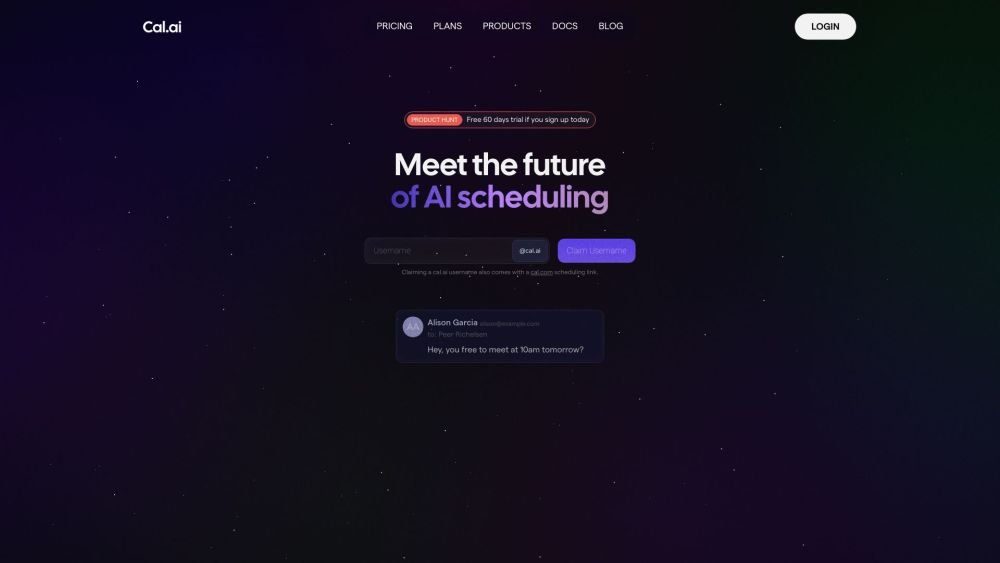
Cal.com is an open-source scheduling infrastructure offering fully customizable software for individuals, businesses, and developers building scheduling platforms. It provides flexible deployment options, including self-hosted and SaaS solutions, alongside features like routing, a unified calendar API, a desktop application, and an enterprise API. Additionally, Cal.com integrates AI-powered scheduling assistance via Cal.ai, which includes AI Phone Agents.
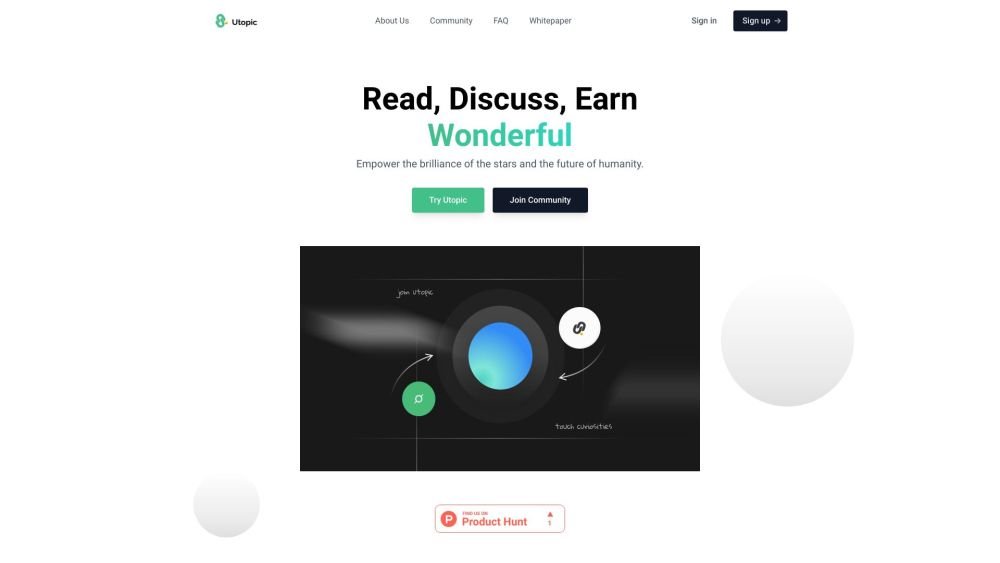
Utopic.ai is a Web3 platform that leverages AI to facilitate discussions, connect users with peers, and reward contributions. Designed as a social community for technology enthusiasts, it allows members to share knowledge, experiences, and perspectives while earning cryptocurrency for asking questions, providing answers, reading, and creating content.
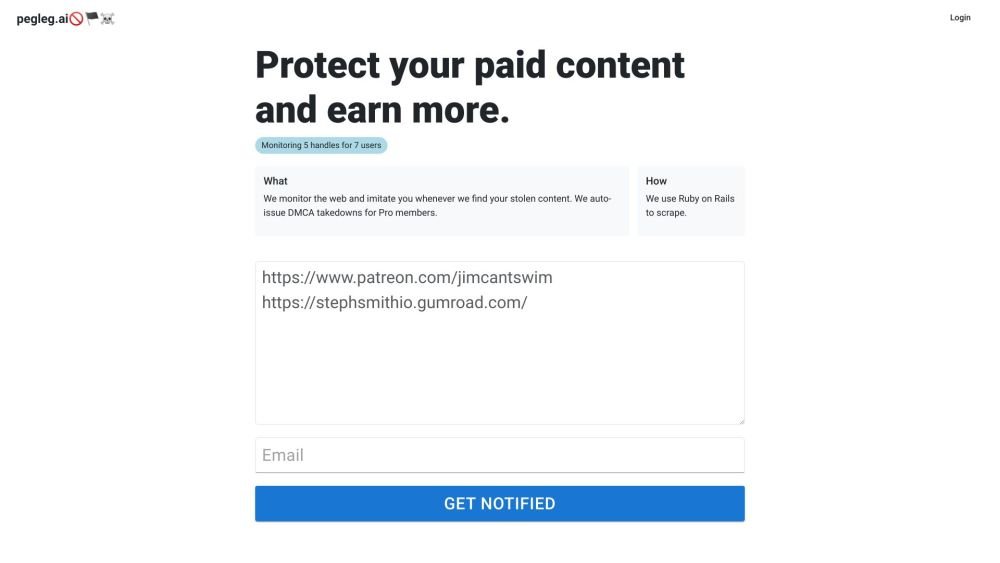
Pegleg.ai monitors the web for unauthorized copies of your content by scanning Patreon and Gumroad links. It helps protect your paid work and revenue by identifying stolen material and, for Pro members, automatically issuing DMCA takedown notices.
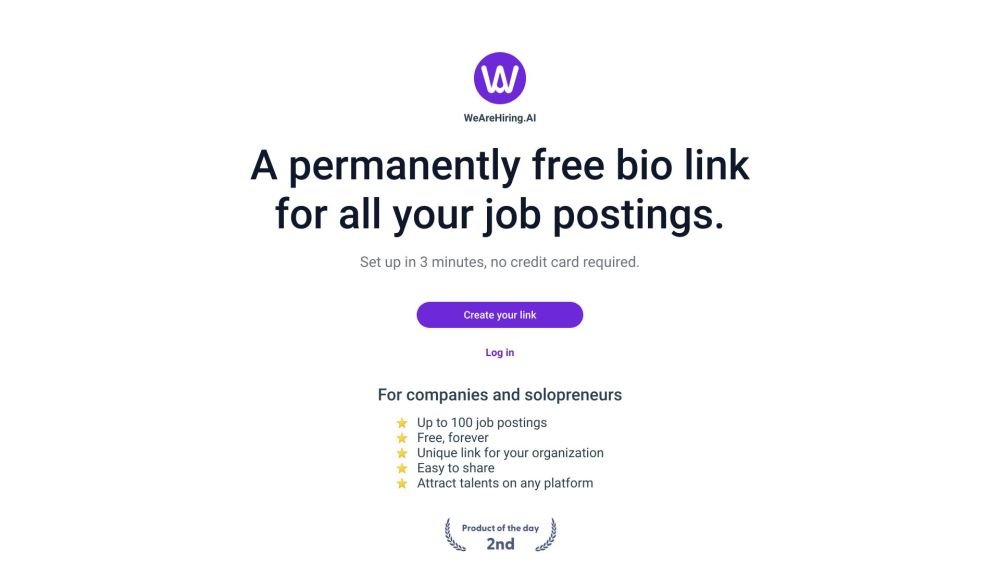
WeAreHiring.AI provides a free, shareable bio link that allows you to showcase up to 100 job postings. You can create your permanent bio link in just 3 minutes with no credit card required.
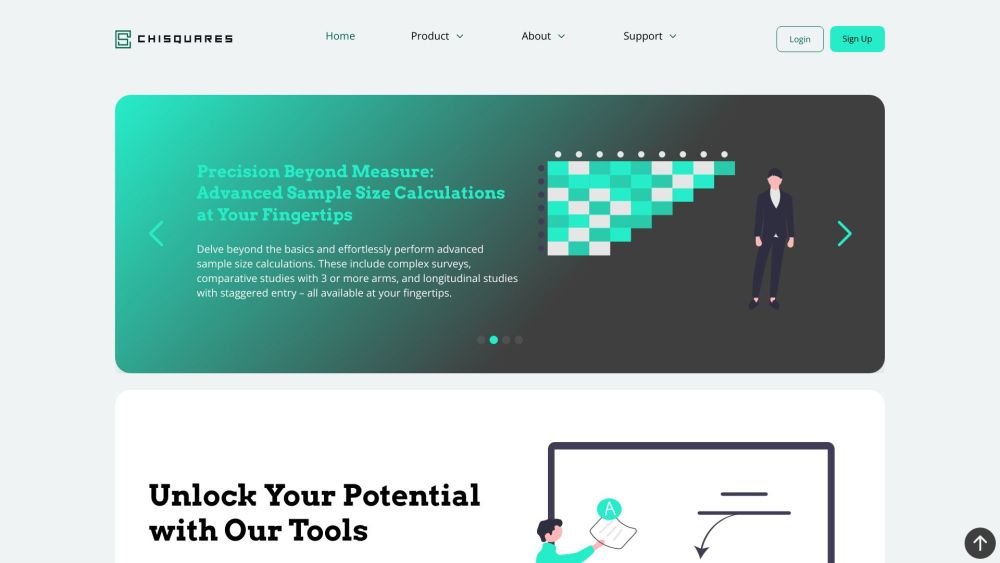
Chisquares is an AI-driven research platform providing end-to-end support for study design, data collection, analysis, and reporting. The platform includes tools for generating representative samples, calculating sample sizes, building custom surveys, and managing data collection. Additionally, it offers features for scientific writing, code-free data analysis, and integrated journal selection and submission.
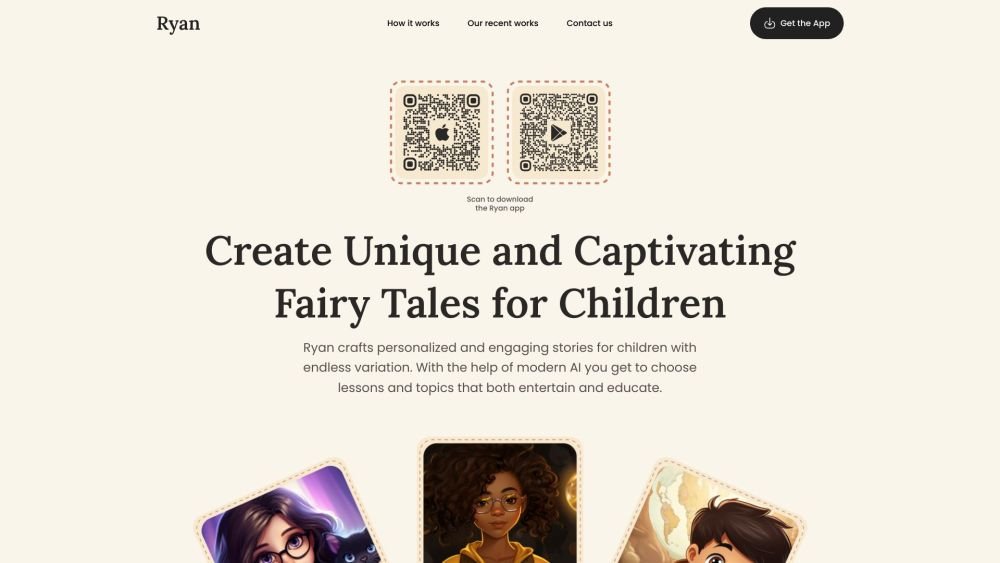
Ryan AI generates custom children's fairy tales tailored to specific preferences, including genres and characters. Featuring multilingual voice narration and background music, it provides an engaging experience for children while offering parents a convenient way to entertain them. By leveraging modern AI, you can select specific themes and educational lessons to create unique, personalized stories.
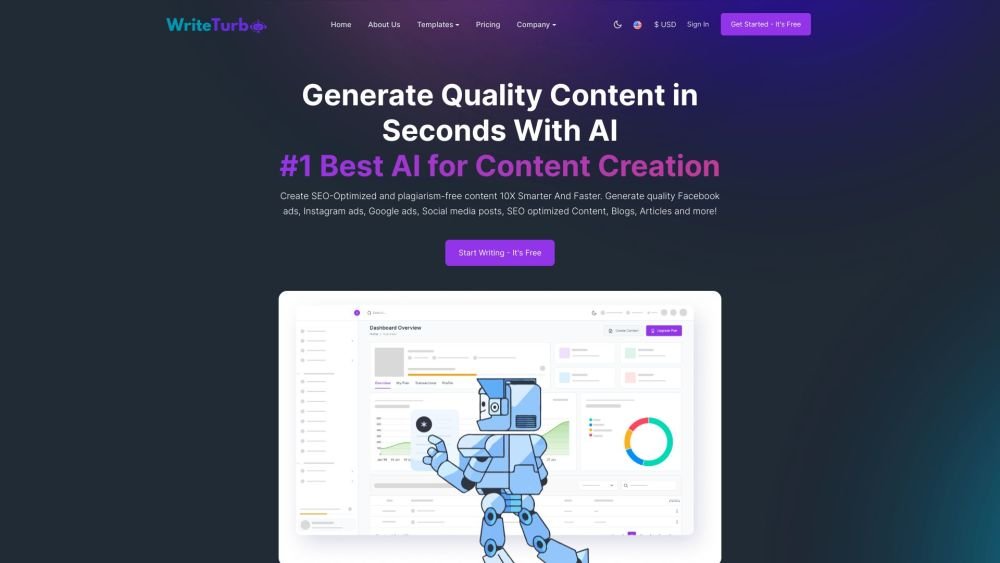
WriteTurbo is an AI-powered platform designed to help users generate high-quality content for diverse marketing and creative needs. It provides tools for crafting Facebook, Instagram, and Google ads, social media posts, SEO-optimized articles, and blog content. WriteTurbo focuses on delivering affordable and efficient AI-driven content generation.
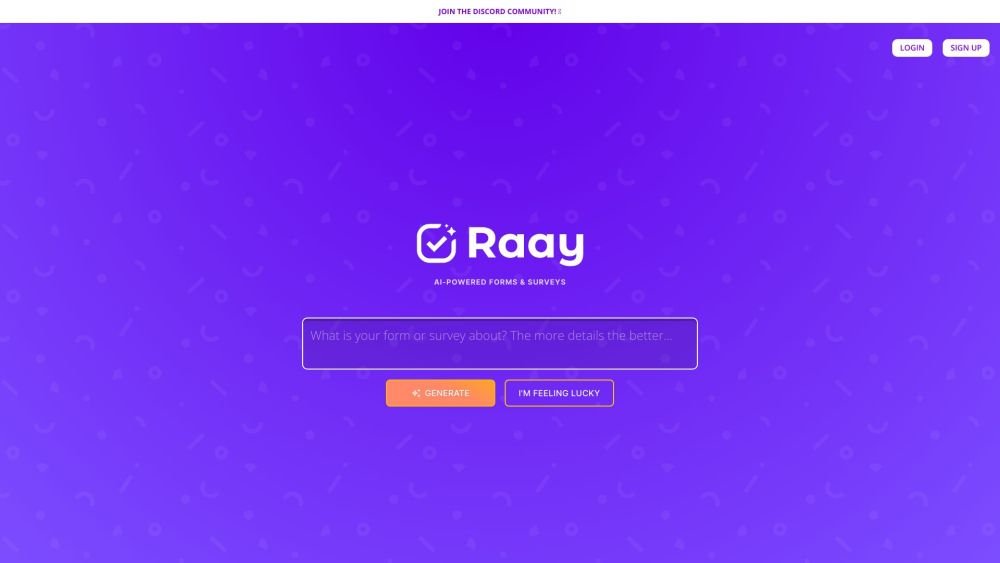
Raay is an AI-powered platform designed to streamline the creation of forms and surveys. By entering a simple prompt, users can generate forms in seconds. The platform also provides interactive summaries of responses and offers seamless integrations to support data-driven decision-making, allowing users to create, share, and analyze data efficiently.