
Free
$0Free plan available.
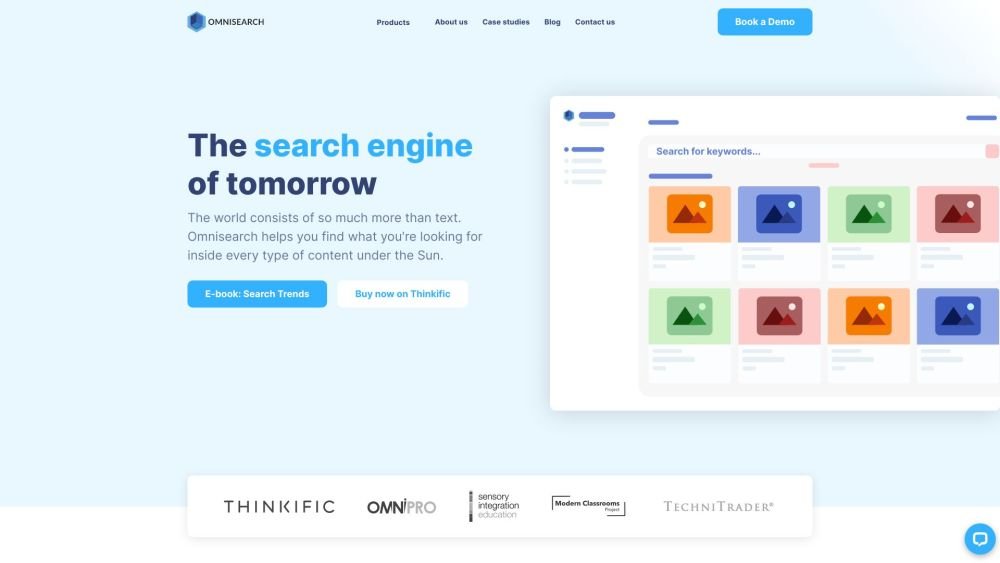
Omnisearch is an AI-powered search platform that indexes and extracts content from audio, video, images, and documents, making it searchable. It allows users to find specific mentions inside videos, audio files, and other multimedia content. Omnisearch's machine learning algorithms ensure accurate and instant results, surpassing industry standards. It supports scaling across multiple servers and cloud environments, offers API-driven flexibility for integration, and provides real-time indexing and enterprise-grade security.
1. Upload or connect your content, including audio, video, images, or documents, to the Omnisearch platform. 2. Use the search bar to find specific keywords, phrases, or objects within your files. 3. View the search results, which include timestamps and the specific locations of your requested mentions.
No. If your content exceeds your current plan's capacity, you can purchase additional processing units as a one-time transaction through the dashboard without changing your subscription. This is common when initially ingesting large volumes of course materials.
Omnisearch supports 27 languages out of the box, and we are continuously expanding our language support.
No. Omnisearch automatically extracts and indexes all relevant information from your audio, video, documents, and images. The system works out of the box, requiring only the content itself.
We support a wide variety of providers, including YouTube, Vimeo, Wistia, and cloud storage services like S3.
Free plan available.
Use these comparison pages to understand the trade-offs between the models most relevant to Omnisearch.
Compare Gemini 1.0 Pro Deprecated and Gemini 2.0 Flash across pricing, context window, capabilities, benchmarks, and API access to choose the better fit for long-context workloads versus long-context workloads.
Compare Gemini 1.0 Pro Deprecated and Gemini 2.5 Flash across pricing, context window, capabilities, benchmarks, and API access to choose the better fit for long-context workloads versus long-context workloads.
Compare Gemini 2.0 Flash Lite and Gemini 2.0 Flash across pricing, context window, capabilities, benchmarks, and API access to choose the better fit for long-context workloads versus long-context workloads.
Compare Gemini 2.5 Flash and Gemini 2.0 Flash across pricing, context window, capabilities, benchmarks, and API access to choose the better fit for long-context workloads versus long-context workloads.

Similar AI tool in the AI Assistant category.
Similar AI tool in the AI Assistant category.
Similar AI tool in the AI Productivity Tools category.
Similar AI tool in the AI Assistant category.
Similar AI tool in the AI Writing Assistants category.
Similar AI tool in the AI Image Generator category.
Similar AI tool in the AI Writing Assistants category.
Similar AI tool in the AI Writing Assistants category.
Similar AI tool in the AI Chatbot category.
Similar AI tool in the AI Assistant category.
Similar AI tool in the AI Chatbot category.
Similar AI tool in the AI Assistant category.