
Free
$0Free plan available.
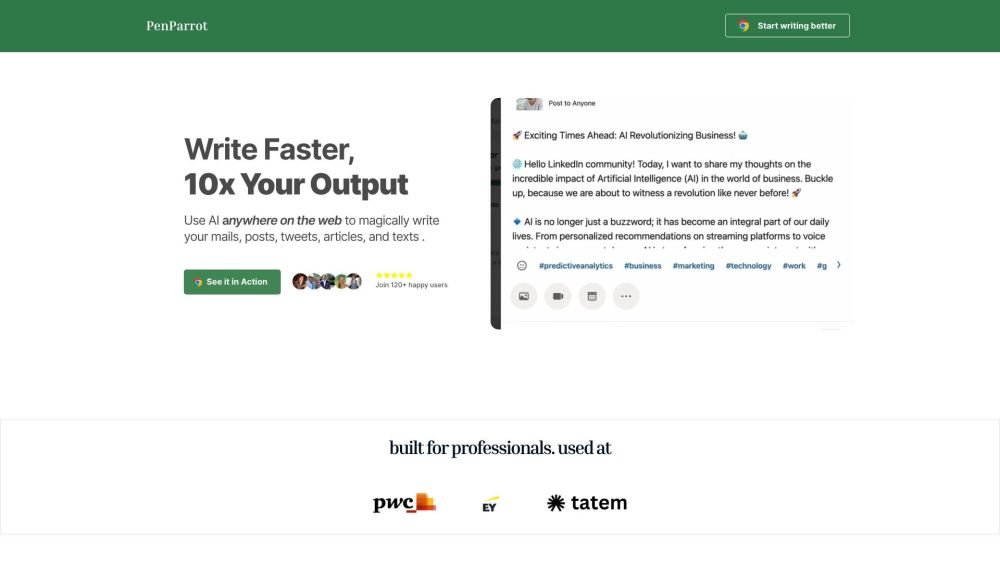
PenParrot enables you to use ChatGPT within any browser textbox to draft LinkedIn posts, emails, Twitter threads, and more. You can simplify your workflow by creating one-word shortcuts for your prompts or by using specialized agents like r/ask_marketer. PenParrot is compatible with over 20,000 websites and applications, including email clients, spreadsheets, and code editors. By designing your own personal shortcuts, you can increase your productivity and receive instant answers across your browser.
Install the PenParrot browser extension. Once installed, ChatGPT functionality becomes available in any browser text box. You can then use the default shortcuts or create your own custom shortcuts to generate content efficiently.
Currently, we support Chrome, Opera, Brave, and Edge.
While it functions on most sites, you may experience occasional issues with Google Docs, Facebook, and Outlook.
No, an API key is not required. We cover all GPT usage costs, and we do not collect any of your personal data.
Free plan available.
Use these comparison pages to understand the trade-offs between the models most relevant to PenParrot.
Compare GPT 5.4 and GPT 5.4 Pro across pricing, context window, capabilities, benchmarks, and API access to choose the better fit for long-context workloads versus long-context workloads.
Compare GPT 5.5 and GPT 5.4 across pricing, context window, capabilities, benchmarks, and API access to choose the better fit for long-context workloads versus long-context workloads.
Compare GPT 5.5 and Claude 4.6 Opus across pricing, context window, capabilities, benchmarks, and API access to choose the better fit for long-context workloads versus long-context workloads.
Compare GPT 5.5 and Claude 4.6 Sonnet across pricing, context window, capabilities, benchmarks, and API access to choose the better fit for long-context workloads versus long-context workloads.

Similar AI tool in the AI Assistant category.
Similar AI tool in the AI Assistant category.
Similar AI tool in the AI Productivity Tools category.
Similar AI tool in the AI Writing Assistants category.
Similar AI tool in the AI Assistant category.
Similar AI tool in the AI Writing Assistants category.
Similar AI tool in the AI Writing Assistants category.
Similar AI tool in the AI Assistant category.
Similar AI tool in the AI Assistant category.
Similar AI tool in the AI Chatbot category.
Similar AI tool in the AI Productivity Tools category.
Similar AI tool in the AI Assistant category.