
Free
$0Free plan available.
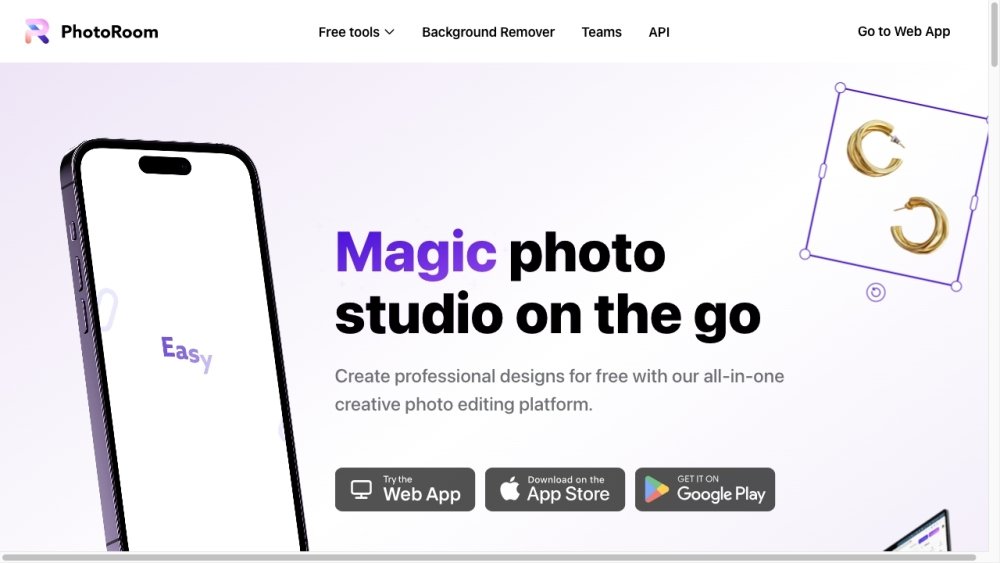
Photoroom is an all-in-one creative photo editing platform that allows users to create professional designs on the go. It offers tools to remove and change backgrounds, retouch images, and create product and portrait pictures using only a phone. It caters to individuals and businesses looking to enhance their visual content for e-commerce, social media, and marketing.
Users can access Photoroom by downloading the mobile app or using the web application. Simply upload your photos, apply the available editing and enhancement tools, and export your final designs.
Download the Photoroom app from the Apple App Store or Google Play Store. If you prefer working on a desktop, you can access the Photoroom Web App directly.
The Free plan provides access to the Photoroom app, including features like background removal, text addition, and various templates. It also includes 250 exports per month and access to the Retouch tool.
The Pro plan allows for unlimited exports without watermarks. It also includes access to AI-powered features like AI Backgrounds, additional AI tools, and Batch Mode, which enables you to edit multiple images simultaneously.
Payments on the website are processed via credit card. For the mobile app, payments are handled through the payment method associated with your Apple App Store or Google Play Store account.
Navigate to your account settings within the app and select “Manage Subscriptions” to cancel your subscription with a single click.
Refunds are available for up to one week after purchase. The process for requesting a refund depends on the platform used to subscribe; please refer to our “How to get a refund” guide for specific instructions.
Free plan available.
Use these comparison pages to understand the trade-offs between the models most relevant to Photoroom.
Compare Gemini 1.0 Pro Deprecated and Gemini 1.5 Flash Vision Deprecated across pricing, context window, capabilities, benchmarks, and API access to choose the better fit for long-context workloads versus general-purpose AI workloads.
Compare Gemini 1.5 Pro Vision Deprecated and Gemini 1.0 Pro Deprecated across pricing, context window, capabilities, benchmarks, and API access to choose the better fit for general-purpose AI workloads versus long-context workloads.
Compare Gemini 1.0 Pro Vision Deprecated and Gemini 1.5 Flash Vision Deprecated across pricing, context window, capabilities, benchmarks, and API access to choose the better fit for general-purpose AI workloads versus general-purpose AI workloads.
Compare Gemini 1.5 Pro Vision Deprecated and Gemini 1.0 Pro Vision Deprecated across pricing, context window, capabilities, benchmarks, and API access to choose the better fit for general-purpose AI workloads versus general-purpose AI workloads.

Similar AI tool in the AI Assistant category.
Similar AI tool in the AI Image Generator category.
Similar AI tool in the AI Writing Assistants category.
Similar AI tool in the AI Background Remover category.
Similar AI tool in the AI Chatbot category.
Similar AI tool in the AI Image Generator category.
Similar AI tool in the AI Image Generator category.
Similar AI tool in the AI Writing Assistants category.
Similar AI tool in the AI Writing Assistants category.
Similar AI tool in the AI Chatbot category.
Similar AI tool in the AI Image Generator category.
Similar AI tool in the AI Chatbot category.