
Free
$0Free plan available.
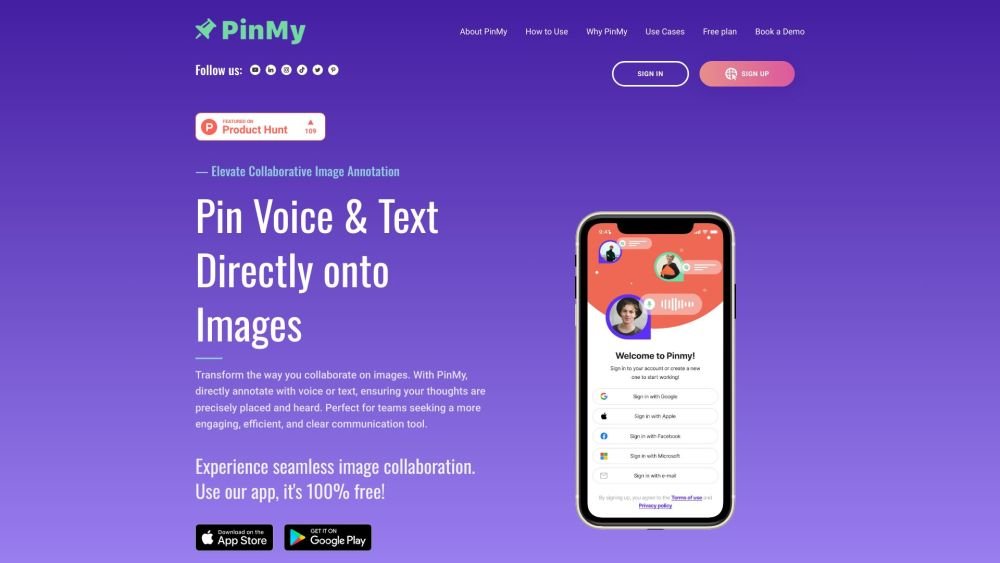
PinMy is a visual collaboration hub that allows users to annotate images, share insights, and manage team feedback with simplicity and precision. It offers mobile and web apps for annotating and collaborating on images with voice and text comments. PinMy transforms images, PDFs, and videos into interactive workspaces, enabling precise discussions and annotations directly on visuals, streamlining workflows in both creative and structural projects.
PinMy allows users to annotate images directly using voice or text, ensuring feedback is accurately placed and understood. You can pinpoint specific details, link comments to exact areas of an image, and manage all feedback within a structured system.
PinMy supports various file formats, including JPEG, PNG, PDF, GIF, SVG, AI, MP4, and MOV.
Guest Mode allows users to add comments and pins by entering their name, which streamlines the feedback process without requiring full registration. To upload files and access full features, users must create at least a free account.
The Premium Plan provides 3,000 MB of storage with a 300 MB limit per file upload. The free plan includes limited storage.
Free plan available.
Use these comparison pages to understand the trade-offs between the models most relevant to PinMy.
Compare Gemini 1.0 Pro Deprecated and Gemini 2.0 Flash across pricing, context window, capabilities, benchmarks, and API access to choose the better fit for long-context workloads versus long-context workloads.
Compare Gemini 1.0 Pro Deprecated and Gemini 2.5 Flash across pricing, context window, capabilities, benchmarks, and API access to choose the better fit for long-context workloads versus long-context workloads.
Compare Gemini 2.0 Flash Lite and Gemini 2.0 Flash across pricing, context window, capabilities, benchmarks, and API access to choose the better fit for long-context workloads versus long-context workloads.
Compare Gemini 2.5 Flash and Gemini 2.0 Flash across pricing, context window, capabilities, benchmarks, and API access to choose the better fit for long-context workloads versus long-context workloads.

Similar AI tool in the AI Assistant category.
Similar AI tool in the AI Productivity Tools category.
Similar AI tool in the AI Writing Assistants category.
Similar AI tool in the AI Assistant category.
Similar AI tool in the AI Writing Assistants category.
Similar AI tool in the AI Writing Assistants category.
Similar AI tool in the AI Assistant category.
Similar AI tool in the AI Assistant category.
Similar AI tool in the AI Chatbot category.
Similar AI tool in the AI Productivity Tools category.
Similar AI tool in the AI Chatbot category.
Similar AI tool in the AI Assistant category.