
Free
$0Free plan available.
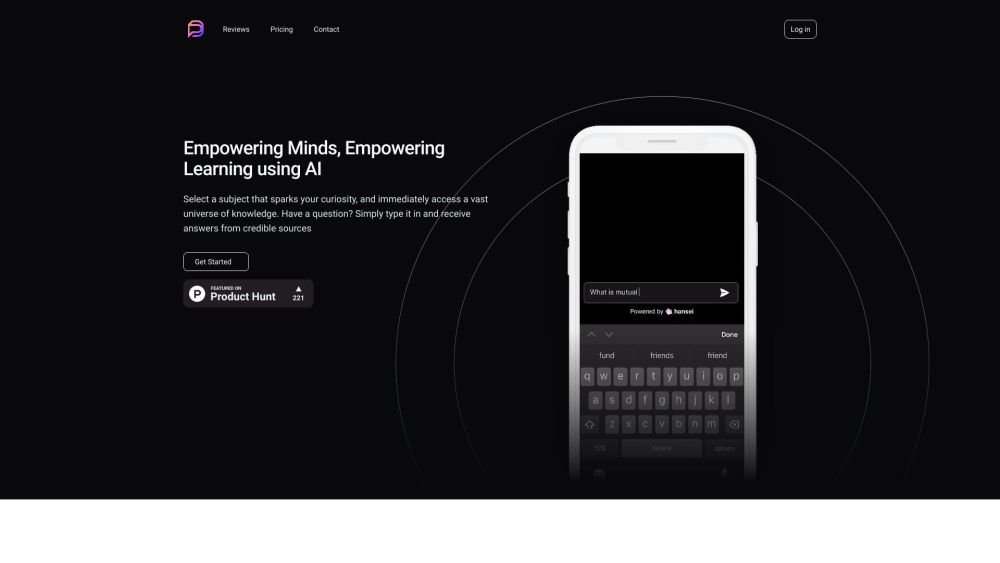
Pocket Hansei is a personal assistant that delivers instant answers by connecting you to reliable, well-sourced information, such as renowned books, research papers, credible articles, and trending topics. Simply ask questions to receive well-researched responses.
Subscribe to the service, ask your questions, and receive well-researched answers. You can also download the application for iPhone or Android.
Pocket Hansei is a personal assistant that provides instant answers by connecting you to trusted, well-sourced topics, including renowned books, research papers, reliable articles, and trending topics. You can ask questions and receive well-researched answers.
Yes, we offer extensive language support. While topics and sources are currently uploaded primarily in English, you have the flexibility to add sources in any language of your choice and recommend them within a topic.
You can request a topic via our Discord channel. Alternatively, you may explore using Hansei to meet your custom requirements.
Yes, you can try all features of Pocket Hansei for free, subject to quota limits on the number of topics and questions. Please refer to the Pricing section for more details.
To install the Pocket Hansei PWA on your iPhone, open Safari, tap the share icon at the bottom, and select 'Add to Home Screen.' Confirm by tapping 'Add' in the top-right corner to access the app directly from your home screen.
Hansei utilizes a combination of state-of-the-art OpenAI models, such as ChatGPT, alongside our own custom models to train our chatbots and generate accurate responses.
Yes, you can contact Hansei regarding an enterprise plan or schedule a meeting directly through our website.
To add the Pocket Hansei PWA to your Android device, open your browser menu or settings and select 'Add to Home Screen' or 'Install App.' Follow the on-screen prompts to complete the installation for easy access from your home screen.
We are committed to data privacy and security. We use industry-standard encryption to protect your data both in transit and at rest. You may delete your data from our servers at any time. For further details, please review our Terms of Use and Privacy Policy.
Free plan available.
Use these comparison pages to understand the trade-offs between the models most relevant to Pocket Hansei.
Compare GPT 5.4 and GPT 5.4 Pro across pricing, context window, capabilities, benchmarks, and API access to choose the better fit for long-context workloads versus long-context workloads.
Compare GPT 5.5 and GPT 5.4 across pricing, context window, capabilities, benchmarks, and API access to choose the better fit for long-context workloads versus long-context workloads.
Compare GPT 5.5 and Claude 4.6 Opus across pricing, context window, capabilities, benchmarks, and API access to choose the better fit for long-context workloads versus long-context workloads.
Compare GPT 5.5 and Claude 4.6 Sonnet across pricing, context window, capabilities, benchmarks, and API access to choose the better fit for long-context workloads versus long-context workloads.

Similar AI tool in the AI Assistant category.
Similar AI tool in the AI Assistant category.
Similar AI tool in the AI Productivity Tools category.
Similar AI tool in the AI Assistant category.
Similar AI tool in the AI Assistant category.
Similar AI tool in the AI Assistant category.
Similar AI tool in the AI Chatbot category.
Similar AI tool in the AI Chatbot category.
Similar AI tool in the AI Productivity Tools category.
Similar AI tool in the AI Assistant category.
Similar AI tool in the AI Assistant category.
Similar AI tool in the AI Assistant category.