
Polymath Product Information
What is Polymath?
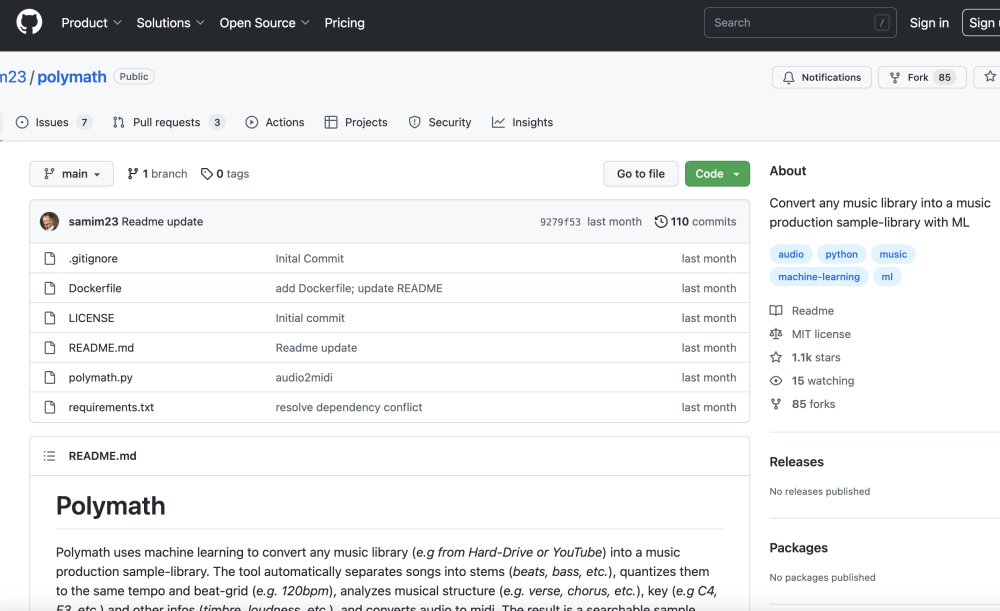
Polymath uses machine learning to convert any music library (e.g from Hard-Drive or YouTube) into a music production sample-library. The tool automatically separates songs into stems (beats, bass, etc.), quantizes them to the same tempo and beat-grid (e.g. 120bpm), analyzes musical structure (e.g. verse, chorus, etc.), key (e.g C4, E3, etc.) and other infos (timbre, loudness, etc.), and converts audio to midi. The result is a searchable sample library that streamlines the workflow for music prod
How to use Polymath?
Add songs from your hard drive or YouTube to the Polymath library. The tool automatically analyzes, separates, quantizes, and converts the audio. Use the search function to find similar songs and create mixes.
Polymath Use Cases
FAQ from Polymath
What software do I need to have installed? +
You need to have ffmpeg installed on your system.
How do I install Polymath? +
You need python version >=3.7 and <=3.10. From your terminal run: git clone https://github.com/samim23/polymath, cd polymath, pip install -r requirements.txt
How do I reset the Polymath library? +
The database is stored in the folder "/library/database.p". To reset everything, simply delete it.