
Free
$0Free plan available.
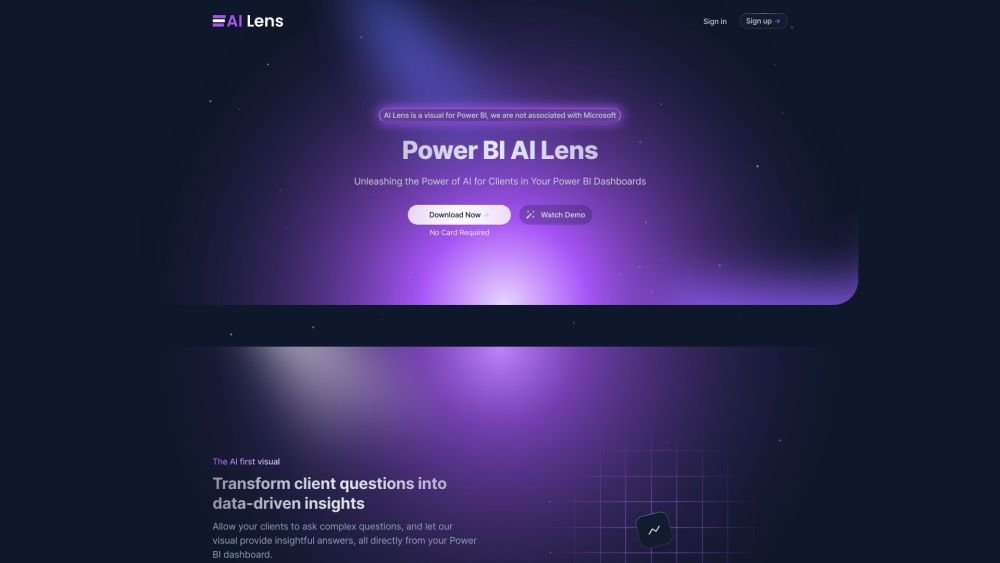
AI Lens for Power BI is an AI-powered visual that integrates directly into Power BI dashboards. It allows users to ask complex questions in natural language and receive clear, data-driven insights in return. It transforms client questions into actionable insights, making data-driven decisions easier.
Add the AI Lens visual to your Power BI project. Enable your clients to ask questions directly within the dashboard, and the visual will convert those queries into clear, actionable insights.
AI Lens prioritizes data privacy and does not store, log, sell, or monitor your information. It utilizes the OpenAI API in accordance with their recommended security protocols, ensuring that data submitted via the API is not used to train or improve their models.
AI Lens integrates seamlessly as a visual within any Power BI project, allowing you to incorporate AI capabilities into your reports for a more intuitive and streamlined data analysis experience.
Once an AI Lens session concludes, all data memory remains stored locally within Power BI.
Free plan available.
Use these comparison pages to understand the trade-offs between the models most relevant to AI Lens For Power BI.
Compare GPT 5.4 and GPT 5.4 Pro across pricing, context window, capabilities, benchmarks, and API access to choose the better fit for long-context workloads versus long-context workloads.
Compare GPT 5.5 and GPT 5.4 across pricing, context window, capabilities, benchmarks, and API access to choose the better fit for long-context workloads versus long-context workloads.
Compare GPT 5.5 and Claude 4.6 Opus across pricing, context window, capabilities, benchmarks, and API access to choose the better fit for long-context workloads versus long-context workloads.
Compare GPT 5.5 and Claude 4.6 Sonnet across pricing, context window, capabilities, benchmarks, and API access to choose the better fit for long-context workloads versus long-context workloads.

Similar AI tool in the AI Assistant category.
Similar AI tool in the AI Assistant category.
Similar AI tool in the AI Assistant category.
Similar AI tool in the AI Productivity Tools category.
Similar AI tool in the AI Assistant category.
Similar AI tool in the AI Assistant category.
Similar AI tool in the AI Chatbot category.
Similar AI tool in the AI Chatbot category.
Similar AI tool in the AI Assistant category.
Similar AI tool in the AI Chatbot category.
Similar AI tool in the AI Assistant category.
Similar AI tool in the AI Assistant category.