
Free
$0Free plan available.
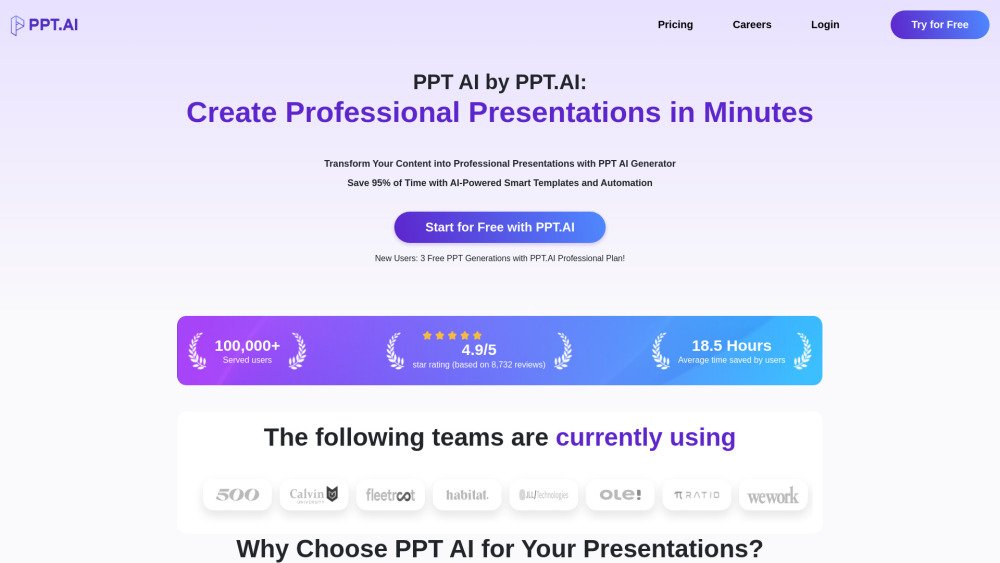
PPT AI is an AI-powered presentation generator that transforms your ideas into professional slides with speed and ease. It utilizes advanced technology to convert various inputs—including text, documents, PDFs, websites, and videos—into structured presentations, saving up to 95% of the time typically required for creation. With features like smart automation, premium templates, and multilingual support, PPT AI provides an efficient solution for users of all backgrounds.
To use PPT AI, upload your source content (such as text, Word documents, PDFs, or videos) or input your topic, select a template, and allow the AI to generate your slides. Once generated, you can refine the presentation using the built-in editing tools, then download the file or present it directly from the platform.
PPT AI transforms your content into professional presentations in minutes by using advanced AI to analyze your input and generate well-structured, visually engaging slides.
Sign up, upload your content or enter your topic, select a template style, let the AI generate your presentation, and then review and customize the results.
Free users can generate 3 presentations per month, access over 50 templates, create up to 15 slides, utilize essential editing tools, and download presentations with a watermark.
PPT AI supports Word, PDF, TXT, and Markdown for input, and provides PPT, PPTX, and PDF for output. All presentations can be edited directly within the online platform.
PPT AI uses algorithms trained on millions of professional presentations to analyze content structure and design principles, resulting in high-quality outputs with a 96% user satisfaction rate.
PPT AI distinguishes itself through intelligent content analysis, automatic design suggestions, 95% faster creation times, professional templates with smart matching, and automated content organization.
Yes, PPT AI prioritizes data security through bank-level encryption, secure cloud storage, regular security audits, GDPR compliance, and options for users to delete their data at any time.
PPT AI currently supports 15 major languages, including Chinese, Japanese, Korean, French, German, and Portuguese.
Yes, all presentations created with PPT AI can be customized using built-in editing tools to adjust colors, fonts, images, layouts, and content.
PPT AI offers three plans: <div>- Free: 3 presentations/month</div> <div>- Basic: $4.9/month or $3.9/month annually, up to 50 presentations/month</div> <div>- Unlimited: $19.9/month or $13.9/month annually, unlimited presentations</div>
PPT AI offers three plans: - Free: 3 presentations/month - Basic: $4.9/month or $3.9/month annually, up to 50 presentations/month - Unlimited: $19.9/month or $13.9/month annually, unlimited presentations
Free plan available.
Use these comparison pages to understand the trade-offs between the models most relevant to PPT AI.
Compare Gemini 1.0 Pro Deprecated and Gemini 2.0 Flash across pricing, context window, capabilities, benchmarks, and API access to choose the better fit for long-context workloads versus long-context workloads.
Compare Gemini 1.0 Pro Deprecated and Gemini 1.5 Flash Deprecated across pricing, context window, capabilities, benchmarks, and API access to choose the better fit for long-context workloads versus general-purpose AI workloads.
Compare Gemini 1.0 Pro Deprecated and Gemini 1.5 Flash Vision Deprecated across pricing, context window, capabilities, benchmarks, and API access to choose the better fit for long-context workloads versus general-purpose AI workloads.
Compare Gemini 1.0 Pro Deprecated and Gemini 2.5 Flash across pricing, context window, capabilities, benchmarks, and API access to choose the better fit for long-context workloads versus long-context workloads.
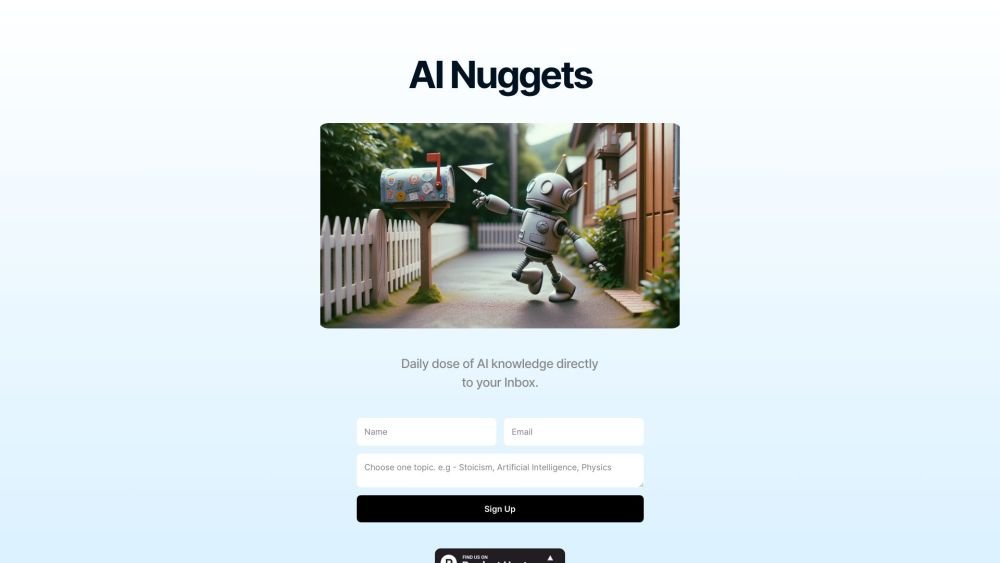
AI Nuggets is an AI-driven daily newsletter that provides concise insights on your selected topics, accompanied by prompts for further exploration. It offers a personalized learning experience designed to foster creativity and broaden your knowledge across subjects ranging from historical facts to modern technology.
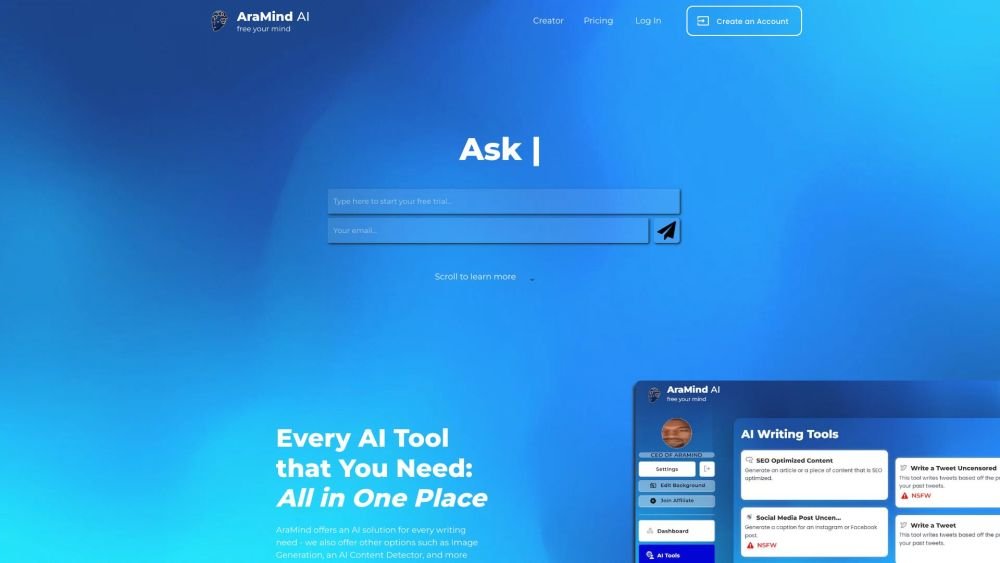
AraMind AI is an all-in-one platform designed to support various writing tasks. It provides a suite of AI-powered tools, including image generation and an AI content detector, to help users produce creative, human-like content. By automating the creation process and assisting with AI detection, AraMind AI helps users save time and minimize the need for extensive manual editing.
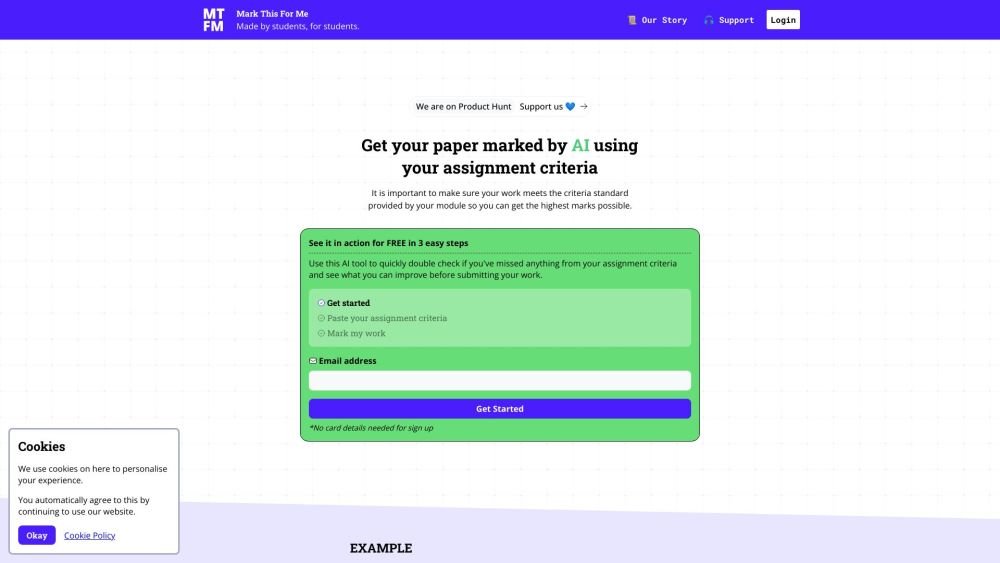
Mark This For Me is an AI-powered platform that provides students with instant, personalized feedback on their assignments. By leveraging OpenAI's GPT models, the tool evaluates work against specific criteria to offer insights that boost motivation and support academic success. The platform provides constructive guidance to help students refine their critical thinking and identify areas for improvement.
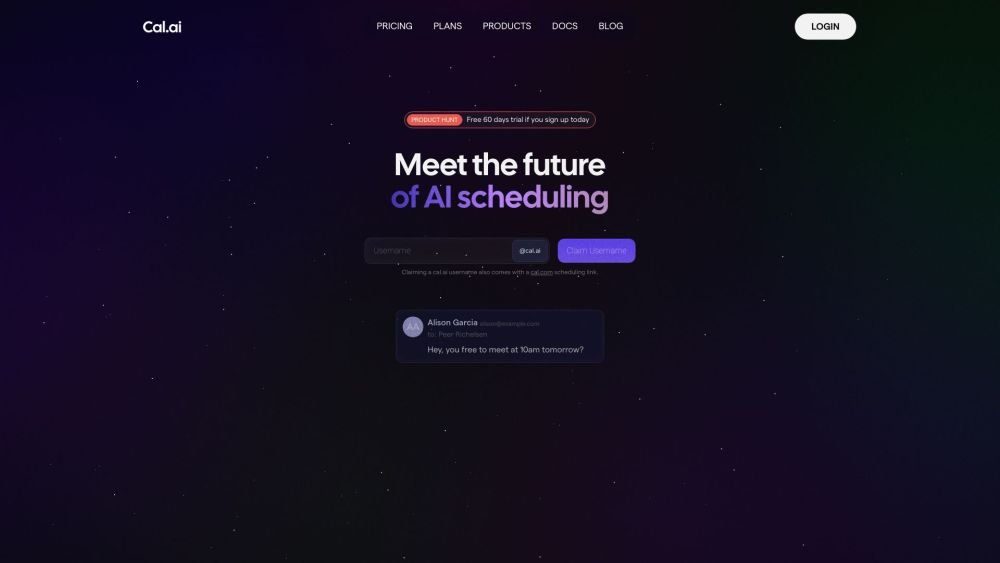
Cal.com is an open-source scheduling infrastructure offering fully customizable software for individuals, businesses, and developers building scheduling platforms. It provides flexible deployment options, including self-hosted and SaaS solutions, alongside features like routing, a unified calendar API, a desktop application, and an enterprise API. Additionally, Cal.com integrates AI-powered scheduling assistance via Cal.ai, which includes AI Phone Agents.

Pegleg.ai monitors the web for unauthorized copies of your content by scanning Patreon and Gumroad links. It helps protect your paid work and revenue by identifying stolen material and, for Pro members, automatically issuing DMCA takedown notices.
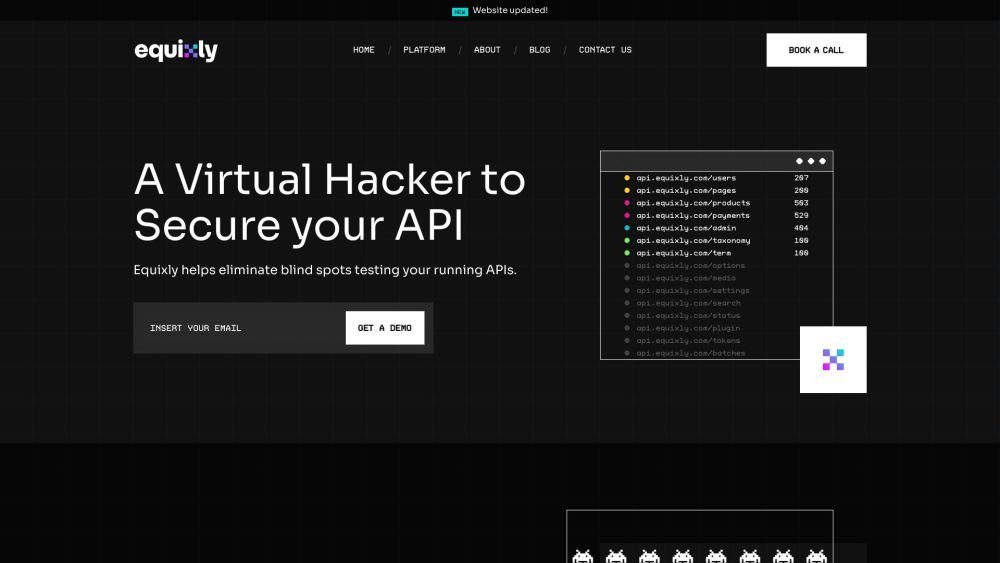
Equixly is a SaaS platform that integrates API security testing into the software development lifecycle (SDLC). It detects vulnerabilities, lowers bug-fixing costs, and scales penetration testing for every new feature release. By using AI-powered bots to scan APIs early, the platform enables faster, more efficient remediation and secure code deployment. Equixly also maps your attack surface by inventorying your API landscape, classifying operations, dependencies, and data flow. Additionally, it simplifies compliance by generating clear reports on security risks and sensitive data exposure to help meet regulatory requirements.

Chisquares is an AI-driven research platform providing end-to-end support for study design, data collection, analysis, and reporting. The platform includes tools for generating representative samples, calculating sample sizes, building custom surveys, and managing data collection. Additionally, it offers features for scientific writing, code-free data analysis, and integrated journal selection and submission.
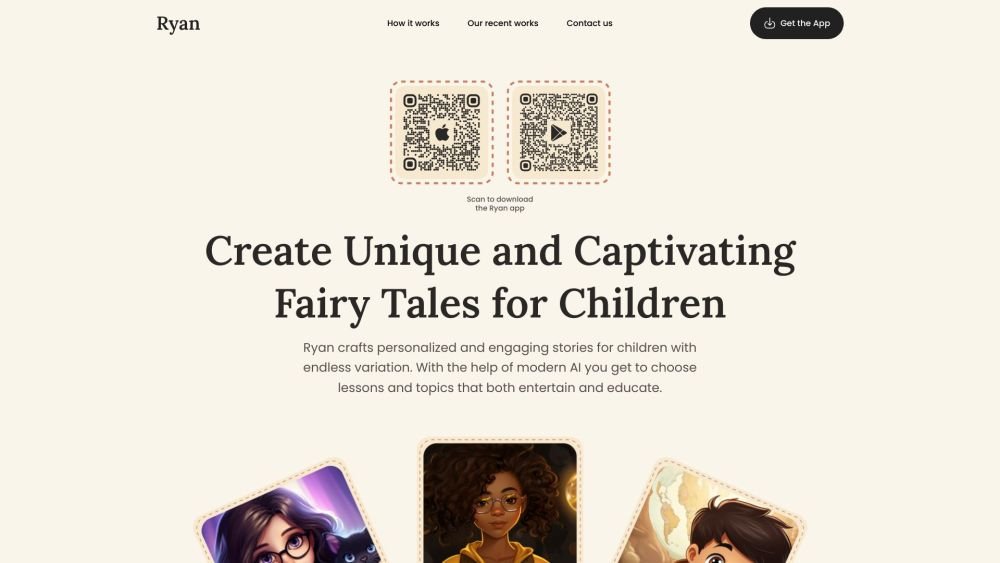
Ryan AI generates custom children's fairy tales tailored to specific preferences, including genres and characters. Featuring multilingual voice narration and background music, it provides an engaging experience for children while offering parents a convenient way to entertain them. By leveraging modern AI, you can select specific themes and educational lessons to create unique, personalized stories.
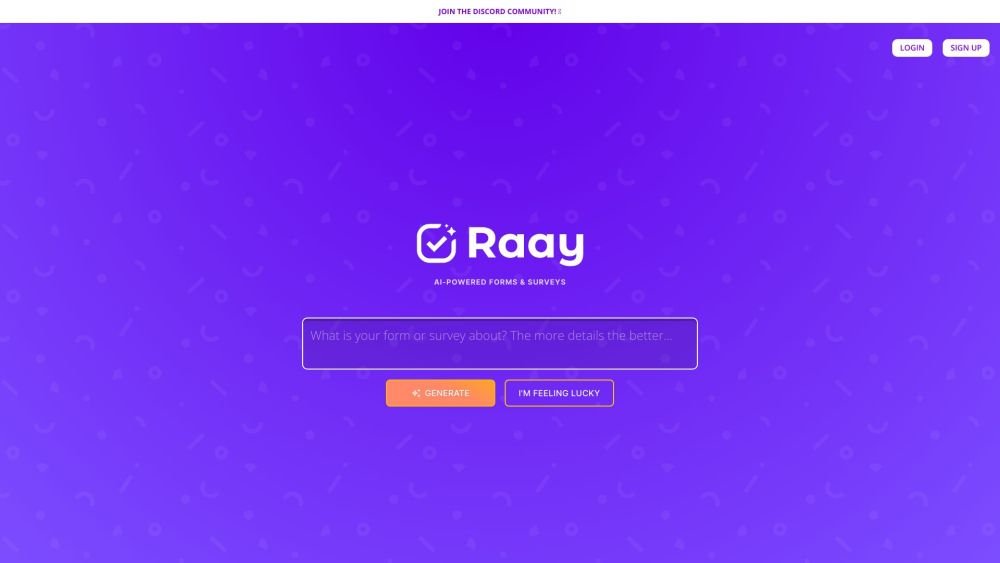
Raay is an AI-powered platform designed to streamline the creation of forms and surveys. By entering a simple prompt, users can generate forms in seconds. The platform also provides interactive summaries of responses and offers seamless integrations to support data-driven decision-making, allowing users to create, share, and analyze data efficiently.
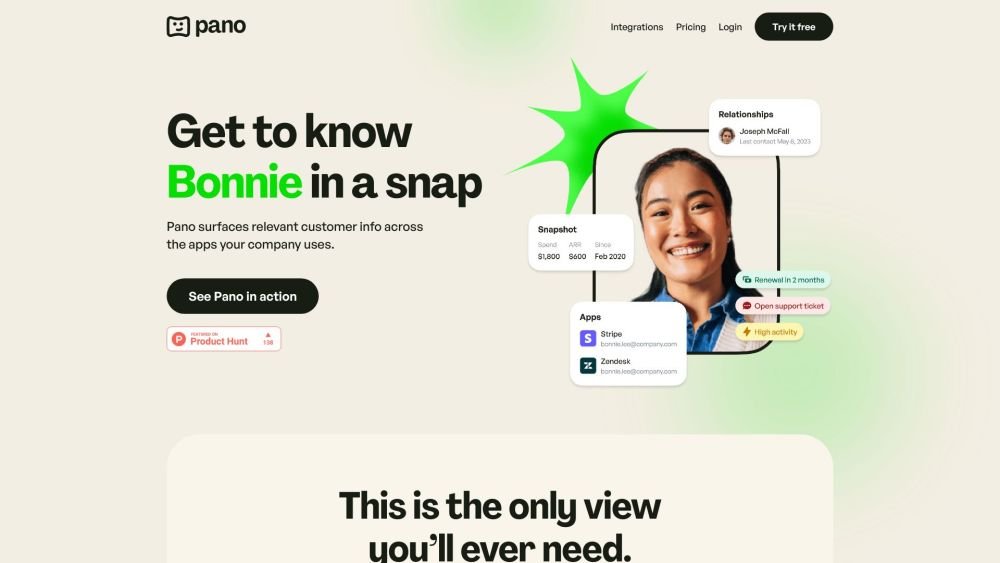
Pano aggregates essential customer data from your existing platforms into a concise, personalized snapshot. By integrating with your current applications, Pano provides a comprehensive view of the customer journey in seconds. It filters for relevant information and highlights key action items, allowing you to leverage your existing tech stack without manual data retrieval. Additionally, Pano tracks customer interactions, enabling your team to collaborate effectively for an improved customer experience.
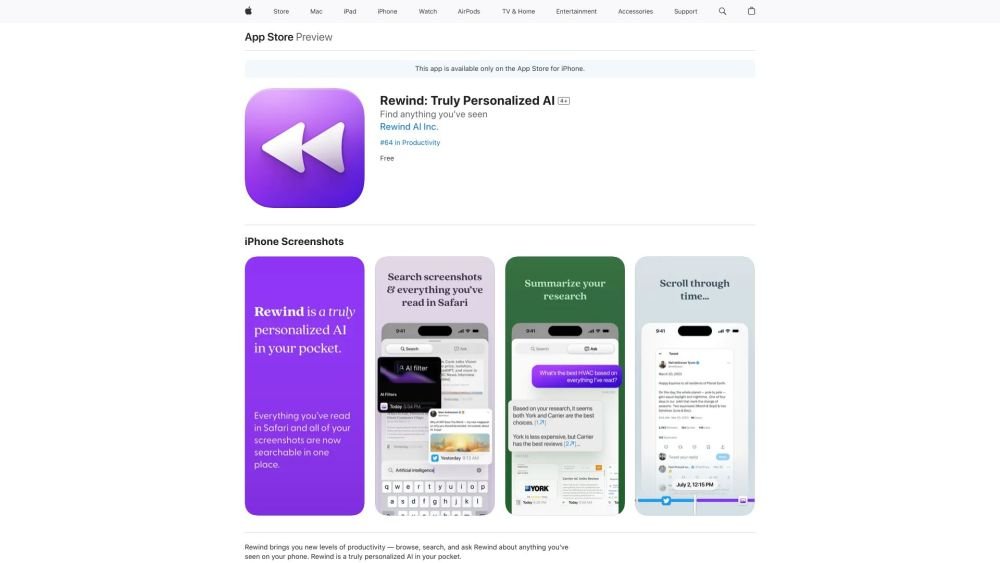
Rewind is a personalized AI application for iPhone that captures your Safari browsing activity and imports your screenshots. It enables you to search, browse, and query information you have previously viewed on your device, offering AI-generated summaries and immediate access to your past activity.
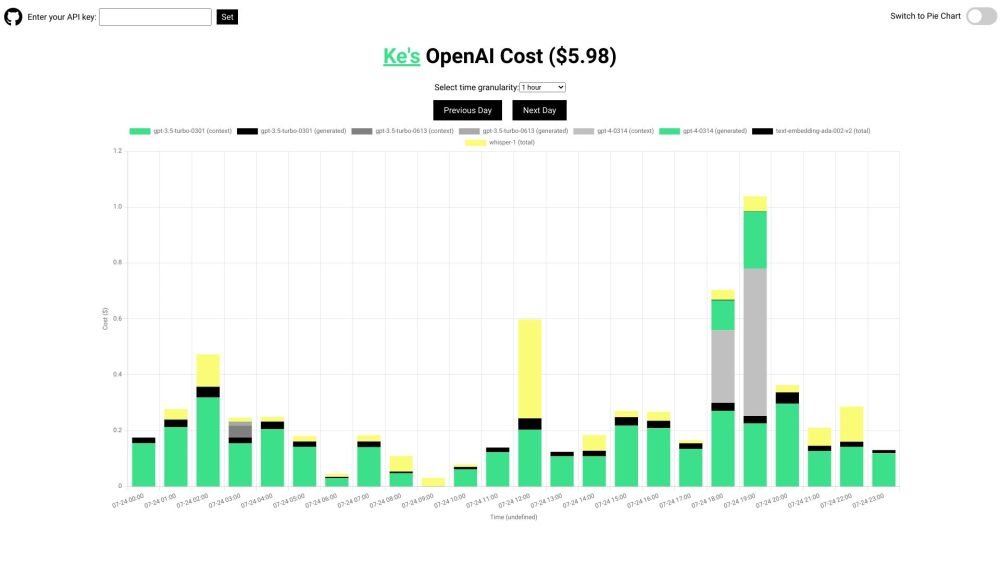
OpenAI API Cost Tracker is a minimalist, open-source utility designed to help you monitor and analyze your daily OpenAI API expenses. It provides a breakdown of costs across various models, including GPT-4, ChatGPT, Whisper, and text-embedding models, with visualization options like time-based charts and pie charts. The tool is open-source and ensures your API key remains secure.