
Free
$0Free plan available.
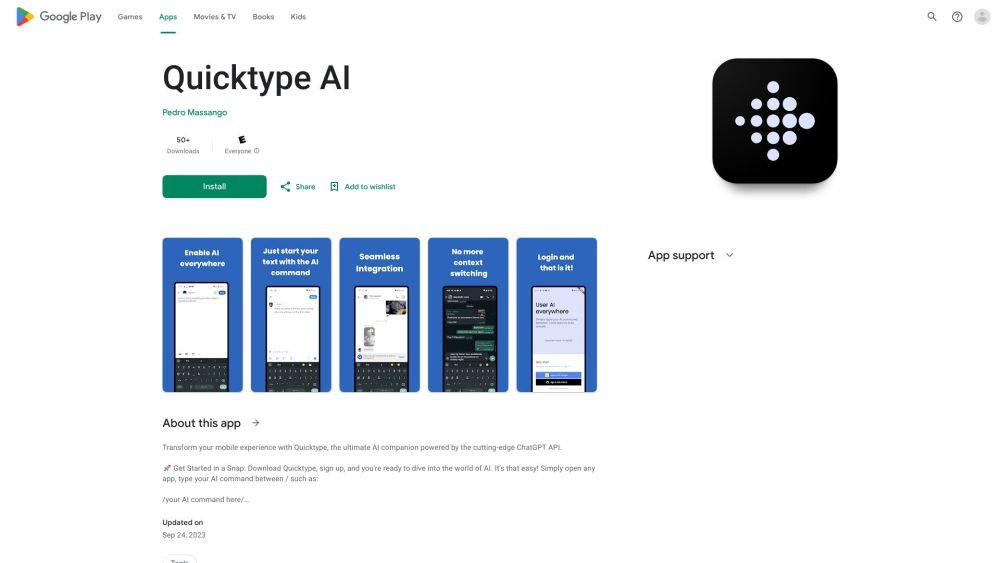
Quicktype AI is a Google Play application that enhances your typing experience by integrating AI across all apps, eliminating the need for context switching. It leverages the ChatGPT API to provide insightful responses within any app. Users can activate AI assistance by typing commands between forward slashes, such as /your AI command here/.
After signing up, open any app and type your AI command between forward slashes (/). Quicktype AI will then generate insightful responses powered by the ChatGPT API.
Once you have signed up, you can begin using the AI. Simply open any app, type your command between forward slashes (e.g., /your AI command here/), and the AI will provide an insightful response.
Yes, Quicktype AI requires Accessibility Permission to read your AI commands within other apps and to enable artificial intelligence capabilities across your device.
The app may collect personal information and app activity data, which may be shared with third parties.
Free plan available.
Use these comparison pages to understand the trade-offs between the models most relevant to Quicktype AI.
Compare GPT 5.4 and GPT 5.4 Pro across pricing, context window, capabilities, benchmarks, and API access to choose the better fit for long-context workloads versus long-context workloads.
Compare GPT 5.5 and GPT 5.4 across pricing, context window, capabilities, benchmarks, and API access to choose the better fit for long-context workloads versus long-context workloads.
Compare GPT 5.5 and Claude 4.6 Opus across pricing, context window, capabilities, benchmarks, and API access to choose the better fit for long-context workloads versus long-context workloads.
Compare GPT 5.5 and Claude 4.6 Sonnet across pricing, context window, capabilities, benchmarks, and API access to choose the better fit for long-context workloads versus long-context workloads.

Similar AI tool in the AI Assistant category.
Similar AI tool in the AI Assistant category.
Similar AI tool in the AI Productivity Tools category.
Similar AI tool in the AI Assistant category.
Similar AI tool in the AI Assistant category.
Similar AI tool in the AI Assistant category.
Similar AI tool in the AI Chatbot category.
Similar AI tool in the AI Chatbot category.
Similar AI tool in the AI Productivity Tools category.
Similar AI tool in the AI Assistant category.
Similar AI tool in the AI Assistant category.
Similar AI tool in the AI Assistant category.