
Free
$0Free plan available.
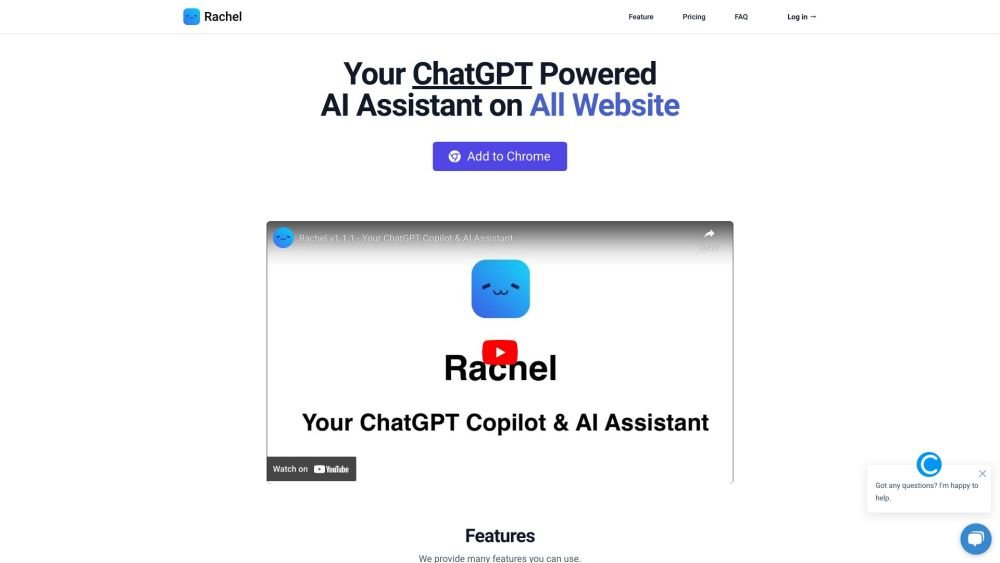
Rachel is a ChatGPT-powered copilot and AI assistant designed to answer questions and assist with various tasks on any website. It functions as a Chrome extension, enabling users to chat and create copywriting using AI capabilities. Rachel aims to enhance productivity and simplify copywriting tasks.
Install the Rachel Chrome extension. Use the shortcut ⌘+M or Ctrl+M to begin chatting with Rachel on any website.
Rachel is a personal AI assistant powered by ChatGPT, designed to help you chat and generate copy through a Chrome extension.
Rachel leverages ChatGPT technology to understand your inputs and provide relevant responses to your chat messages.
Simply press ⌘+M or Ctrl+M to open the chat interface on any website.
Yes, free users have access with daily usage limits. You can upgrade your account to access additional functionality.
Free plan available.
Use these comparison pages to understand the trade-offs between the models most relevant to Rachel.
Compare GPT 5.4 and GPT 5.4 Pro across pricing, context window, capabilities, benchmarks, and API access to choose the better fit for long-context workloads versus long-context workloads.
Compare GPT 5.5 and GPT 5.4 across pricing, context window, capabilities, benchmarks, and API access to choose the better fit for long-context workloads versus long-context workloads.
Compare GPT 5.5 and Claude 4.6 Opus across pricing, context window, capabilities, benchmarks, and API access to choose the better fit for long-context workloads versus long-context workloads.
Compare GPT 5.5 and Claude 4.6 Sonnet across pricing, context window, capabilities, benchmarks, and API access to choose the better fit for long-context workloads versus long-context workloads.

Similar AI tool in the AI Assistant category.
Similar AI tool in the AI Assistant category.
Similar AI tool in the AI Productivity Tools category.
Similar AI tool in the AI Assistant category.
Similar AI tool in the AI Assistant category.
Similar AI tool in the AI Assistant category.
Similar AI tool in the AI Chatbot category.
Similar AI tool in the AI Chatbot category.
Similar AI tool in the AI Productivity Tools category.
Similar AI tool in the AI Assistant category.
Similar AI tool in the AI Assistant category.
Similar AI tool in the AI Assistant category.