
Free
$0Free plan available.
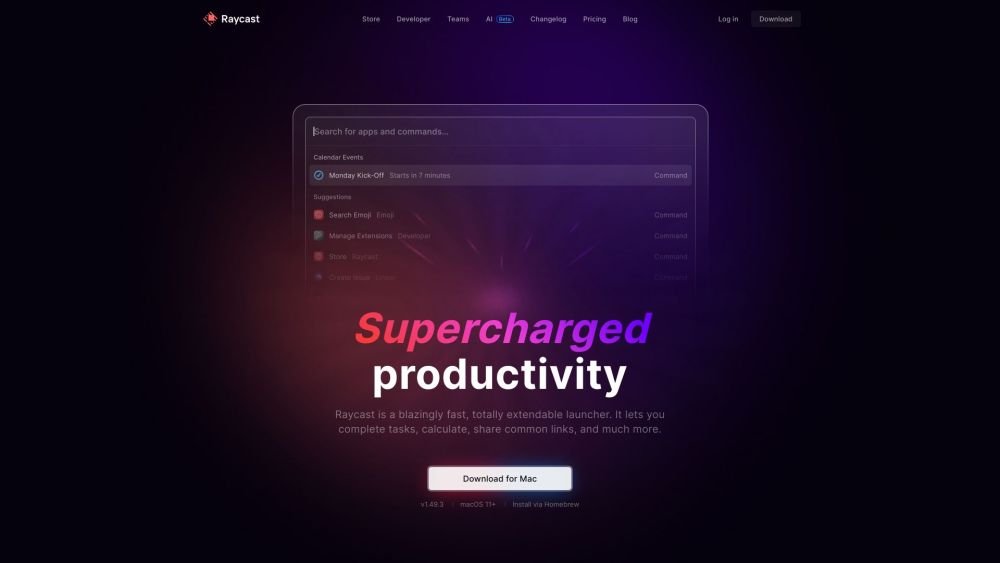
Raycast is a fast, highly extensible launcher. It enables you to complete tasks, perform calculations, share common links, and more. It functions as a collection of powerful productivity tools housed within an extensible launcher, built to be fast, ergonomic, and reliable.
Use the search bar to filter entries and execute commands. Raycast allows you to launch apps, run commands, search for emojis and symbols, manage your clipboard history, find files, define words, perform web searches, manage windows, and much more.
Raycast is free for personal use to ensure it remains an accessible productivity layer for everyone. The free plan includes all built-in extensions and access to the full library of public community-built extensions.
No, all Pro plans include AI features. However, you can disable AI functionality entirely via the Settings menu.
All users receive a limited number of free AI messages to test the service. To continue using AI, you must upgrade to a Pro plan, which includes a 14-day free trial of additional features. Advanced AI models are available as an add-on for Pro subscribers and are not included in the trial.
No, the free Team plan does not expire. It is a permanent plan, though it is limited to 30 shared snippets, 30 shared quicklinks, and 5 commands across your extensions.
There is no seat limit for your team. You can add users as needed and pay on a per-user, per-month basis.
Yes, you can maintain personal extensions for your own workflow alongside team extensions shared across your organization. Team extensions are accessible and installable via the Store command under your team's specific filter.
Yes, you can join an unlimited number of organizations. It is recommended to use a single email address for all organizations to ensure seamless access to shared snippets, quicklinks, and extensions within the app.
Free plan available.
Use these comparison pages to understand the trade-offs between the models most relevant to Raycast.
Compare Gemini 1.0 Pro Deprecated and Gemini 2.0 Flash across pricing, context window, capabilities, benchmarks, and API access to choose the better fit for long-context workloads versus long-context workloads.
Compare Gemini 1.0 Pro Deprecated and Gemini 2.5 Flash across pricing, context window, capabilities, benchmarks, and API access to choose the better fit for long-context workloads versus long-context workloads.
Compare Gemini 2.0 Flash Lite and Gemini 2.0 Flash across pricing, context window, capabilities, benchmarks, and API access to choose the better fit for long-context workloads versus long-context workloads.
Compare Gemini 2.5 Flash and Gemini 2.0 Flash across pricing, context window, capabilities, benchmarks, and API access to choose the better fit for long-context workloads versus long-context workloads.

Similar AI tool in the AI Assistant category.
Similar AI tool in the AI Assistant category.
Similar AI tool in the AI Productivity Tools category.
Similar AI tool in the AI Assistant category.
Similar AI tool in the AI Assistant category.
Similar AI tool in the AI Assistant category.
Similar AI tool in the AI Chatbot category.
Similar AI tool in the AI Chatbot category.
Similar AI tool in the AI Productivity Tools category.
Similar AI tool in the AI Assistant category.
Similar AI tool in the AI Assistant category.
Similar AI tool in the AI Assistant category.