
Free
$0Free plan available.
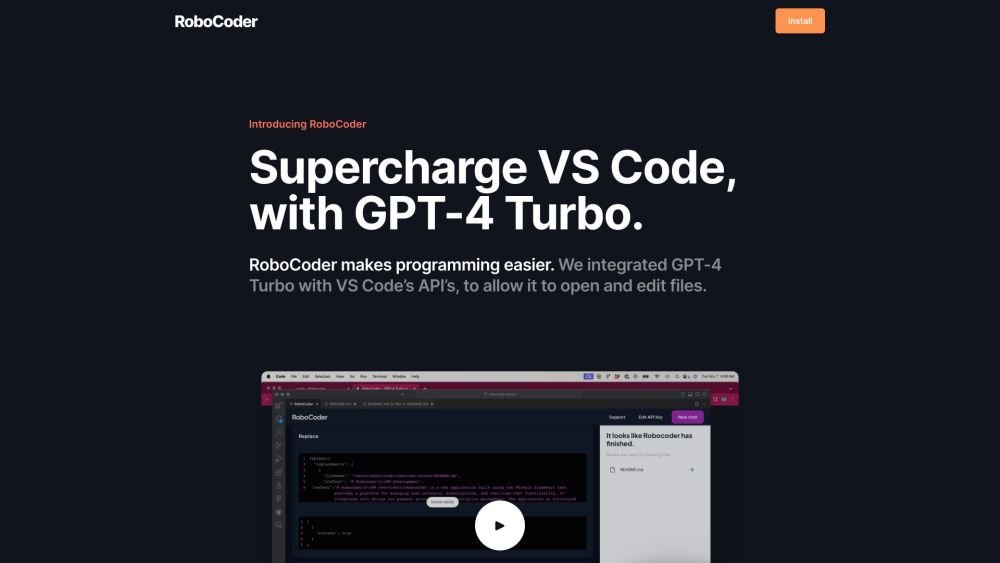
RoboCoder is a Visual Studio Code extension that integrates GPT-4o to allow it to open and edit files. It enables users to collaborate with ChatGPT on coding plans and then instruct it to implement them directly within VS Code. RoboCoder allows users to bring their own OpenAI API key for direct communication, ensuring code and data privacy.
Install the RoboCoder extension in VS Code, enter your OpenAI API key, and use natural language commands to instruct ChatGPT to open, edit, and patch files within your codebase.
RoboCoder enables you to use your own OpenAI API key for direct communication with OpenAI. Your code is not processed by our servers, and your data is not used for model training.
RoboCoder lets you collaborate with ChatGPT to create a coding plan and execute it. GPT-4o can navigate your codebase, open files, and propose patches using the built-in VS Code diff tool.
Install the RoboCoder extension, navigate to your OpenAI account settings to create a new secret API key, paste that key into the RoboCoder 'API Key' field, and save your settings.
Free plan available.
Use these comparison pages to understand the trade-offs between the models most relevant to RoboCoder.
Compare GPT 5.4 and GPT 5.4 Pro across pricing, context window, capabilities, benchmarks, and API access to choose the better fit for long-context workloads versus long-context workloads.
Compare GPT 5.5 and GPT 5.4 across pricing, context window, capabilities, benchmarks, and API access to choose the better fit for long-context workloads versus long-context workloads.

Similar AI tool in the AI Copilot category.
Similar AI tool in the AI Assistant category.
Similar AI tool in the AI Assistant category.
Similar AI tool in the AI Productivity Tools category.
Similar AI tool in the AI Assistant category.
Similar AI tool in the AI Writing Assistants category.
Similar AI tool in the AI Image Generator category.
Similar AI tool in the AI Assistant category.
Similar AI tool in the AI Chatbot category.
Similar AI tool in the AI Chatbot category.
Similar AI tool in the AI Productivity Tools category.
Similar AI tool in the AI Assistant category.