
Free
$0Free plan available.
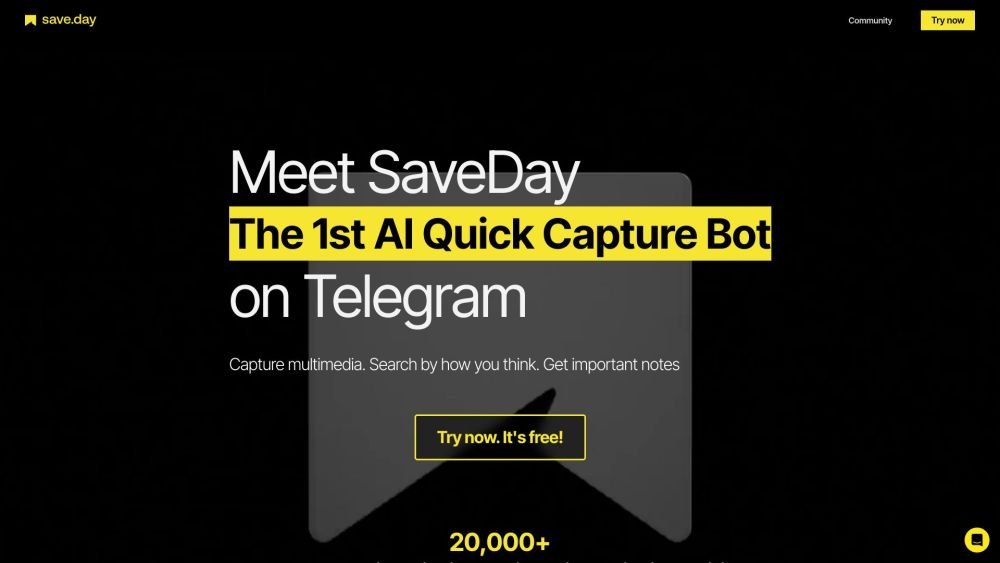
SaveDay is an intelligent tool designed to help you capture, organize, and utilize knowledge effectively. It offers a Telegram bot, browser extensions (Chrome, Edge), and web/mobile apps to save multimedia, search intuitively, and extract key notes from articles and YouTube videos. It functions as a bookmark manager and organizer, allowing users to capture online content quickly with a single click. SaveDay automatically organizes information, eliminating the need for manual labeling, while enabling effective searching and Q&A based on your saved content.
SaveDay can be accessed via its Telegram bot, browser extensions (Chrome, Edge), and web/mobile apps. Users can capture content with a single click, which the tool then organizes automatically. The search functionality allows users to retrieve saved information and generate answers based on their stored content.
SaveDay offers a fast information-capture solution across a wide range of platforms. It allows you to effortlessly save important information or reminders without needing to navigate through multiple pages or folders.
Current SaveDay features on Telegram and browser extensions are free. We plan to introduce advanced features in the future that will be exclusive to premium users.
Yes, all of your saved content is kept confidential and secure. SaveDay does not share your content with third parties.
Yes, you can access your saved content from any device that supports Telegram or our browser extensions, including mobile phones, tablets, and desktops.
Yes. You can use our Basic Plan at no cost, which includes unlimited saved items, search, highlights, and notes. Please note that the key point extraction and Q&A features are limited, though you receive free credits for these each month.
Navigate to "Account" in the desktop settings, select "Change plan," and click "I definitely want to cancel." You will retain access to paid features until your current billing cycle concludes.
If you believe you signed up for a paid SaveDay plan in error, please contact us at billing@save.day. We provide refunds for the unused portion of your plan if you cancel within 14 days of signing up, for both monthly and yearly subscriptions.
SaveDay is a personalized tool designed to help you develop rational thoughts using relevant facts from your own collection. Because its responses are tailored to your saved content, it is less prone to the inaccuracies or hallucinations sometimes associated with general tools like ChatGPT.
Free plan available.
Use these comparison pages to understand the trade-offs between the models most relevant to SaveDay.
Compare GPT 5.4 and GPT 5.4 Pro across pricing, context window, capabilities, benchmarks, and API access to choose the better fit for long-context workloads versus long-context workloads.
Compare GPT 5.5 and GPT 5.4 across pricing, context window, capabilities, benchmarks, and API access to choose the better fit for long-context workloads versus long-context workloads.
Compare GPT 5.5 and Claude 4.6 Opus across pricing, context window, capabilities, benchmarks, and API access to choose the better fit for long-context workloads versus long-context workloads.
Compare GPT 5.5 and Claude 4.6 Sonnet across pricing, context window, capabilities, benchmarks, and API access to choose the better fit for long-context workloads versus long-context workloads.

Similar AI tool in the AI Assistant category.
Similar AI tool in the AI Assistant category.
Similar AI tool in the AI Productivity Tools category.
Similar AI tool in the AI Assistant category.
Similar AI tool in the AI Assistant category.
Similar AI tool in the AI Chatbot category.
Similar AI tool in the AI Chatbot category.
Similar AI tool in the AI Assistant category.
Similar AI tool in the AI Assistant category.
Similar AI tool in the AI Assistant category.
Similar AI tool in the Large Language Models (LLMs) category.
Similar AI tool in the AI Summarizer category.