
Free
$0Free plan available.
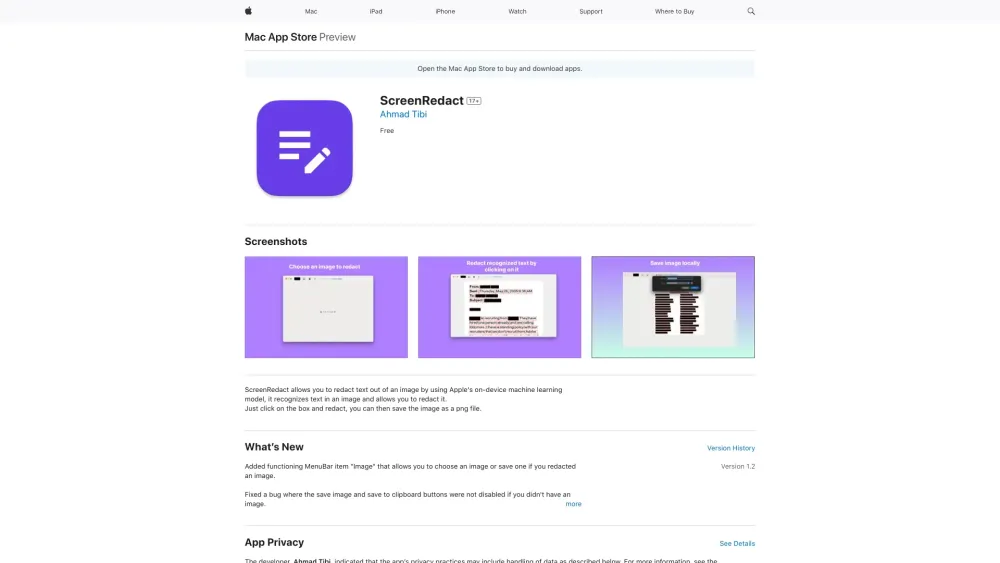
ScreenRedact is a Mac application developed by Ahmad Tibi that allows users to quickly redact sensitive information from images using Apple's on-device machine learning. It recognizes text within an image and provides a simple interface to redact it, saving the modified image as a PNG file.
Open an image in ScreenRedact to have the app automatically detect the text. Click on the identified text boxes to redact them, then save the resulting image as a PNG file.
ScreenRedact is a Mac application that allows you to redact text from images using Apple's on-device machine learning.
Open an image, click on the text boxes to redact them, and save the file as a PNG.
Yes, ScreenRedact is free to use.
ScreenRedact requires macOS 14.0 or later.
Free plan available.
Use these comparison pages to understand the trade-offs between the models most relevant to ScreenRedact.
Compare Gemini 1.0 Pro Deprecated and Gemini 2.0 Flash across pricing, context window, capabilities, benchmarks, and API access to choose the better fit for long-context workloads versus long-context workloads.
Compare Gemini 1.0 Pro Deprecated and Gemini 2.5 Flash across pricing, context window, capabilities, benchmarks, and API access to choose the better fit for long-context workloads versus long-context workloads.
Compare Gemini 2.0 Flash Lite and Gemini 2.0 Flash across pricing, context window, capabilities, benchmarks, and API access to choose the better fit for long-context workloads versus long-context workloads.
Compare Gemini 2.5 Flash and Gemini 2.0 Flash across pricing, context window, capabilities, benchmarks, and API access to choose the better fit for long-context workloads versus long-context workloads.

Similar AI tool in the AI Chatbot category.
Similar AI tool in the AI Assistant category.
Similar AI tool in the AI Writing Assistants category.
Similar AI tool in the AI Chatbot category.
Similar AI tool in the AI Image Generator category.
Similar AI tool in the AI Image Generator category.
Similar AI tool in the AI OCR category.
Similar AI tool in the AI Chatbot category.
Similar AI tool in the AI Assistant category.
Similar AI tool in the AI Assistant category.
Similar AI tool in the AI Image Generator category.
Similar AI tool in the AI Chatbot category.