
Free
$0Free plan available.
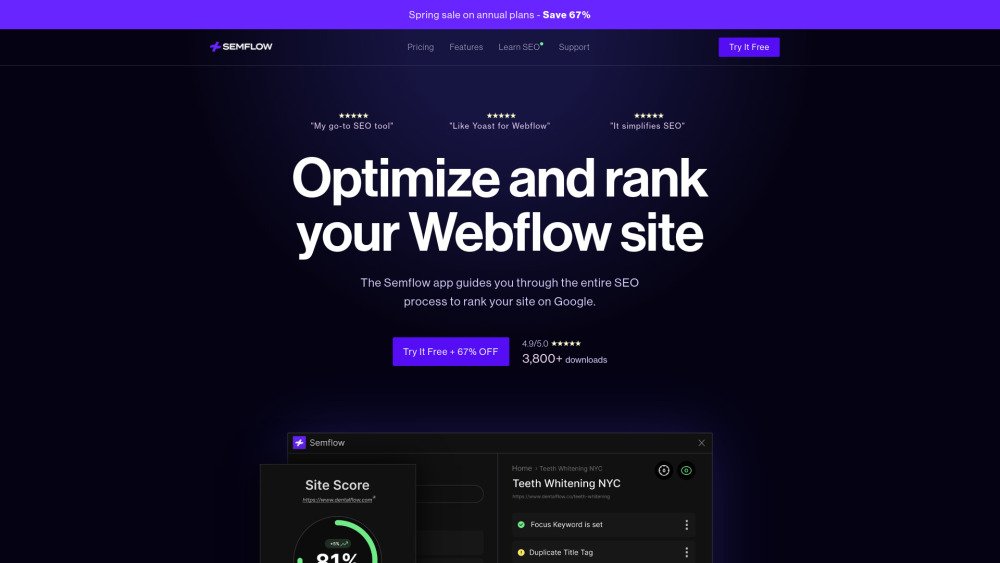
Semflow is an SEO app designed for Webflow and Framer users. It helps users audit, score, and optimize their websites directly within their site designer. Semflow provides personalized SEO guidance, helps fix critical errors, offers AI-assisted SEO features, checks page performance, and facilitates keyword research. It also allows users to manage multiple sites from a single dashboard and generate detailed PDF reports.
Semflow guides users through the entire SEO process with step-by-step instructions to optimize their sites. Users can resolve critical errors, generate high-converting page titles and meta descriptions with AI assistance, evaluate page speed and accessibility, conduct keyword research, manage multiple projects, and track SEO progress through PDF reports.
This depends on your subscription plan. The Personal Plan supports up to 3 sites simultaneously, while the Agency Plan allows for unlimited sites. If you reach your limit on a Personal Plan, you can delete a site to make room for a new one, though this will remove all associated progress and saved keyword data.
Unlike many other SEO tools, we do not limit your crawls or audits. You may re-audit your site as often as needed to achieve your target SEO score. Semflow also supports re-crawling individual pages to streamline the process.
A single Semflow subscription covers both Framer and Webflow, so you do not need to purchase separate memberships.
You may cancel your subscription at any time. Once canceled, your plan remains active until the end of your current billing cycle. Cancellations can be managed directly through your Semflow dashboard or by contacting our support team at support@semflow.com.
Free plan available.
Use these comparison pages to understand the trade-offs between the models most relevant to Semflow.
Compare Amazon Nova Pro and Amazon Nova Lite across pricing, context window, capabilities, benchmarks, and API access to choose the better fit for tool-augmented workflows versus tool-augmented workflows.
Compare Amazon Nova Lite and Amazon Nova Micro across pricing, context window, capabilities, benchmarks, and API access to choose the better fit for tool-augmented workflows versus tool-augmented workflows.
Compare Amazon Nova Lite and Mistral Medium 3 across pricing, context window, capabilities, benchmarks, and API access to choose the better fit for tool-augmented workflows versus tool-augmented workflows.
Compare Amazon Nova Lite and Mistral Small 3.1 (25.03) across pricing, context window, capabilities, benchmarks, and API access to choose the better fit for tool-augmented workflows versus cost-efficient scale.

Similar AI tool in the AI Image Generator category.
Similar AI tool in the AI Assistant category.
Similar AI tool in the AI Assistant category.
Similar AI tool in the AI Productivity Tools category.
Similar AI tool in the No-Code&Low-Code category.
Similar AI tool in the AI Assistant category.
Similar AI tool in the AI Assistant category.
Similar AI tool in the AI Chatbot category.
Similar AI tool in the AI Assistant category.
Similar AI tool in the AI Assistant category.
Similar AI tool in the AI Chatbot category.
Similar AI tool in the AI Writing Assistants category.