Sheldon AI

3
5 0 Reviews 3 Saved
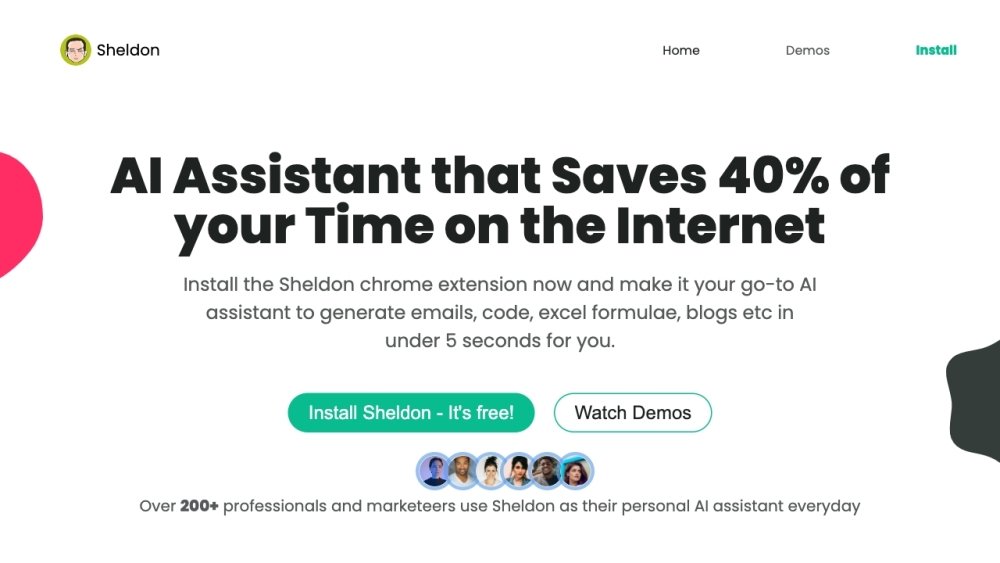
Introduction: Sheldon AI is an AI-powered virtual assistant built as a Chrome extension to boost productivity across online tasks. It provides tools for email composition, code generation, debugging, and Excel formula assistance. Designed for professionals and creatives, Sheldon helps save time by delivering efficient solutions for everyday digital workflows.

Sheldon AI Product Information

What is Sheldon AI?

Sheldon is an AI-powered virtual assistant designed to enhance productivity across various online tasks. It functions as a Chrome extension, offering features such as email writing, code generation, debugging, and Excel formula assistance. Sheldon aims to save users time by providing quick and efficient solutions for common tasks, making it a valuable tool for professionals and creatives.

How to use Sheldon AI?

Install the Sheldon Chrome extension. Once installed, it integrates into your browser, allowing you to access its features on platforms like Gmail, Google Sheets, and LinkedIn. Simply enter a prompt or describe your task, and Sheldon will generate the requested output, such as email replies, code snippets, or Excel formulas.

Sheldon AI's Core Features

  • Email writing assistance
  • Code generation and debugging
  • Excel formula generation
  • Content generation for marketing campaigns

Sheldon AI Use Cases

#1 Generating professional email replies quickly
#2 Creating complex Excel formulas
#3 Generating content for LinkedIn posts and Twitter threads
#4 Solving coding problems and generating code snippets

FAQ from Sheldon AI

Do you update or modify the extension? +

Yes. As the generative AI landscape evolves, we are committed to making Sheldon the best AI assistant available, serving as an ideal solution for those seeking a ChatGPT-style Chrome extension.

Can I suggest new features for the extension? +

We welcome your feedback. Please reach out to Daksh with the subject line “Chrome extension.” We carefully consider user suggestions to ensure we add features that improve your workflow, save you time, and provide a competitive edge.

Which browsers support this extension? +

Currently, the extension is available exclusively for Google Chrome, though we plan to support other browsers in the future.

Are all features free to use? +

You can access all features in our Chrome extension for free without daily data limits. Please note that we will throttle usage if we detect automation. Optional upgrades are available if you require additional capabilities.

Related Model Comparison Pages

Use these comparison pages to understand the trade-offs between the models most relevant to Sheldon AI.

Compare GPT 5.4 and GPT 5.4 Pro across pricing, context window, capabilities, benchmarks, and API access to choose the better fit for long-context workloads versus long-context workloads.

Compare GPT 5.5 and GPT 5.4 across pricing, context window, capabilities, benchmarks, and API access to choose the better fit for long-context workloads versus long-context workloads.

Compare GPT 5.5 and Claude 4.6 Opus across pricing, context window, capabilities, benchmarks, and API access to choose the better fit for long-context workloads versus long-context workloads.

Compare GPT 5.5 and Claude 4.6 Sonnet across pricing, context window, capabilities, benchmarks, and API access to choose the better fit for long-context workloads versus long-context workloads.