
Free
$0Free plan available.
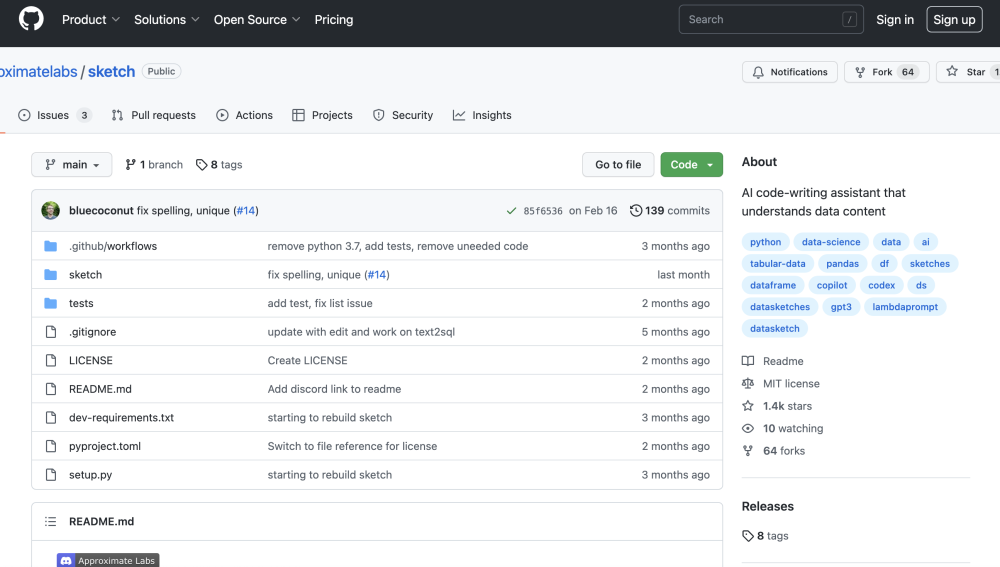
Sketch is an AI code-writing assistant for pandas users that understands the context of their data, greatly improving the relevance of suggestions. It is usable in seconds and doesn't require adding a plugin to an IDE. Sketch uses efficient approximation algorithms (data sketches) to quickly summarize data and feed that information into language models. It summarizes columns and writes these summary statistics as additional context for the code-writing prompt.
Import the sketch library and access it using the .sketch extension on any pandas dataframe. Use .sketch.ask for question-answering, .sketch.howto for code-writing prompts, and .sketch.apply for data generation tasks.
Import the library, then access the .sketch extension on any pandas dataframe. You can utilize .sketch.ask, .sketch.howto, and .sketch.apply to access different features.
Yes, an OpenAI API key is required to use the .sketch.apply function for data generation.
Yes, you can run Sketch locally by configuring the necessary environment variables and downloading the required model weights from Hugging Face.
Free plan available.
Use these comparison pages to understand the trade-offs between the models most relevant to Sketch.
Compare GPT 5.4 and GPT 5.4 Pro across pricing, context window, capabilities, benchmarks, and API access to choose the better fit for long-context workloads versus long-context workloads.
Compare GPT 5.5 and GPT 5.4 across pricing, context window, capabilities, benchmarks, and API access to choose the better fit for long-context workloads versus long-context workloads.
Compare GPT 5.5 and Claude 4.6 Opus across pricing, context window, capabilities, benchmarks, and API access to choose the better fit for long-context workloads versus long-context workloads.
Compare GPT 5.5 and Claude 4.6 Sonnet across pricing, context window, capabilities, benchmarks, and API access to choose the better fit for long-context workloads versus long-context workloads.

Similar AI tool in the AI Copilot category.
Similar AI tool in the AI Assistant category.
Similar AI tool in the AI Assistant category.
Similar AI tool in the AI Assistant category.
Similar AI tool in the AI Assistant category.
Similar AI tool in the AI Assistant category.
Similar AI tool in the AI Chatbot category.
Similar AI tool in the AI Chatbot category.
Similar AI tool in the AI Chatbot category.
Similar AI tool in the AI Productivity Tools category.
Similar AI tool in the AI Assistant category.
Similar AI tool in the AI Assistant category.