
Free
$0Free plan available.
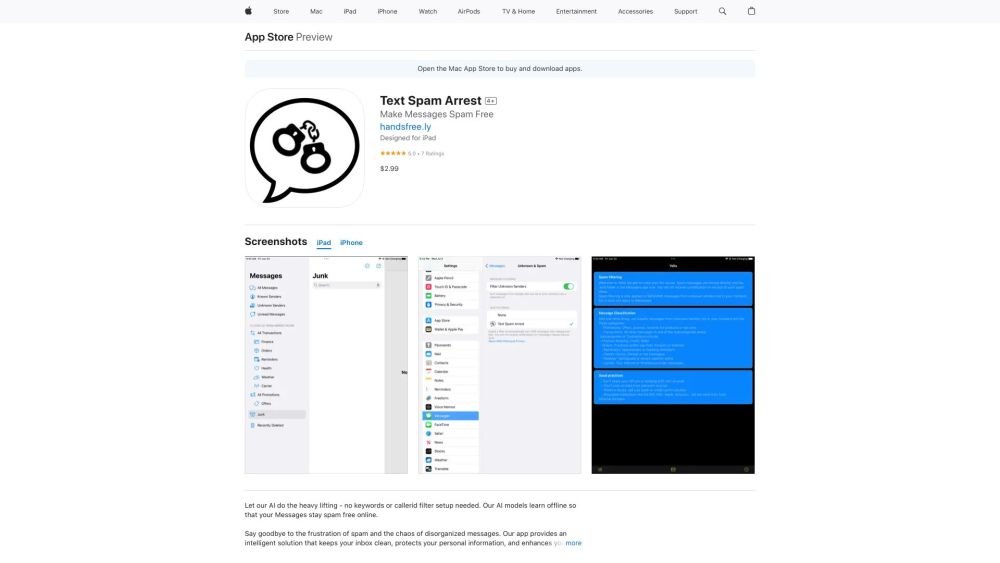
Text Spam Arrest is an app designed to filter unwanted text messages and organize non-spam messages into sub-folders, reducing inbox clutter. It uses an AI engine trained on the entire English vocabulary and various types of scams to detect and filter spam automatically, without requiring manual keyword entry. The app aims to protect users from text message scams, which caused significant financial losses in 2022, by identifying and categorizing messages from unknown senders.
After installing the app, navigate to Settings > Messages > Unknown & Spam. Tap the "Filter Unknown Senders" option and select "Spam Arrest Filter." Finally, open your Apple Messages app to view your organized folders.
Text Spam Arrest utilizes an AI engine trained on the English language and various scam patterns to automatically detect and filter spam messages.
No, Text Spam Arrest does not require manual keyword entry. It automatically detects spam using its integrated AI engine.
Text Spam Arrest classifies messages from unknown senders into categories such as Promotions, Transactions, Finance, Orders, Reminders, Health, Weather, and Carrier.
No, Text Spam Arrest only filters SMS and MMS messages from unknown senders who are not in your contacts list. It does not filter iMessages.
Free plan available.
Use these comparison pages to understand the trade-offs between the models most relevant to Text Spam Arrest.
Compare Gemini 1.0 Pro Deprecated and Gemini 2.0 Flash across pricing, context window, capabilities, benchmarks, and API access to choose the better fit for long-context workloads versus long-context workloads.
Compare Gemini 1.0 Pro Deprecated and Gemini 2.5 Flash across pricing, context window, capabilities, benchmarks, and API access to choose the better fit for long-context workloads versus long-context workloads.
Compare Gemini 2.0 Flash Lite and Gemini 2.0 Flash across pricing, context window, capabilities, benchmarks, and API access to choose the better fit for long-context workloads versus long-context workloads.
Compare Gemini 2.5 Flash and Gemini 2.0 Flash across pricing, context window, capabilities, benchmarks, and API access to choose the better fit for long-context workloads versus long-context workloads.

Similar AI tool in the AI Assistant category.
Similar AI tool in the AI Assistant category.
Similar AI tool in the AI Productivity Tools category.
Similar AI tool in the AI Assistant category.
Similar AI tool in the AI Assistant category.
Similar AI tool in the AI Assistant category.
Similar AI tool in the AI Chatbot category.
Similar AI tool in the AI Chatbot category.
Similar AI tool in the AI Productivity Tools category.
Similar AI tool in the AI Assistant category.
Similar AI tool in the AI Assistant category.
Similar AI tool in the AI Assistant category.