
Free
$0Free plan available.
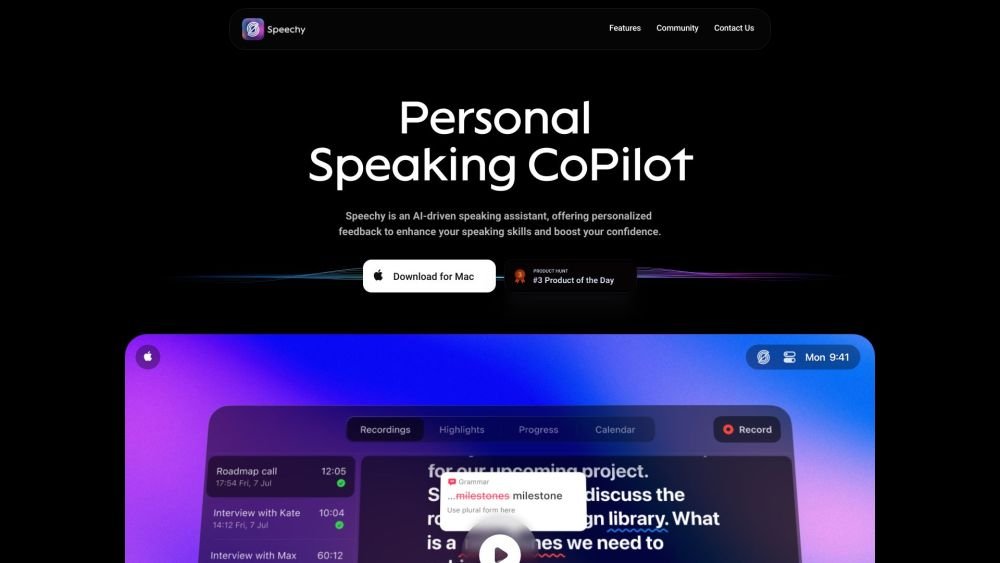
Spellar AI is a bot-free, native macOS and iOS meeting assistant that supports over 100 languages and allows for seamless export to Notion, Google Docs, Linear, Jira, and Confluence. It provides features such as meeting summaries, English-speaking feedback, and real-time recommendations to help users improve their speaking skills and boost confidence.
Download the Spellar AI app for Mac or iOS. Integrate it into your daily workflow for meetings or speaking practice. Receive real-time recommendations and English-speaking feedback during your sessions. Automatically generate summaries of your meetings.
If you subscribed or started a free trial via the App Store, cancel by disabling auto-renewal in your Apple ID account settings at least 24 hours before the current period ends. For website subscriptions, contact support at hi@spellar.ai or select 'Cancel Subscription' within your account settings on our website.
Refunds for App Store purchases are managed directly by Apple. For website purchases, we provide a 14-day money-back guarantee, provided the request is made within 14 days of the initial purchase and the account remains in compliance with our Terms of Service. Please email hi@spellar.ai to initiate a refund request.
When you upgrade, you are charged the prorated difference for the remainder of your current billing cycle. When you downgrade, the changes take effect at the start of the next billing period, and no refunds are issued for any unused time on your current plan.
Free plan available.
Use these comparison pages to understand the trade-offs between the models most relevant to Spellar AI.
Compare Gemini 1.0 Pro Deprecated and Gemini 2.0 Flash across pricing, context window, capabilities, benchmarks, and API access to choose the better fit for long-context workloads versus long-context workloads.
Compare Gemini 1.0 Pro Deprecated and Gemini 2.5 Flash across pricing, context window, capabilities, benchmarks, and API access to choose the better fit for long-context workloads versus long-context workloads.
Compare Gemini 2.0 Flash Lite and Gemini 2.0 Flash across pricing, context window, capabilities, benchmarks, and API access to choose the better fit for long-context workloads versus long-context workloads.
Compare Gemini 2.5 Flash and Gemini 2.0 Flash across pricing, context window, capabilities, benchmarks, and API access to choose the better fit for long-context workloads versus long-context workloads.

Similar AI tool in the AI Copilot category.
Similar AI tool in the AI Assistant category.
Similar AI tool in the AI Assistant category.
Similar AI tool in the AI Productivity Tools category.
Similar AI tool in the AI Assistant category.
Similar AI tool in the AI Assistant category.
Similar AI tool in the AI Assistant category.
Similar AI tool in the AI Assistant category.
Similar AI tool in the AI Chatbot category.
Similar AI tool in the AI Productivity Tools category.
Similar AI tool in the AI Assistant category.
Similar AI tool in the AI Assistant category.