
Free
$0Free plan available.
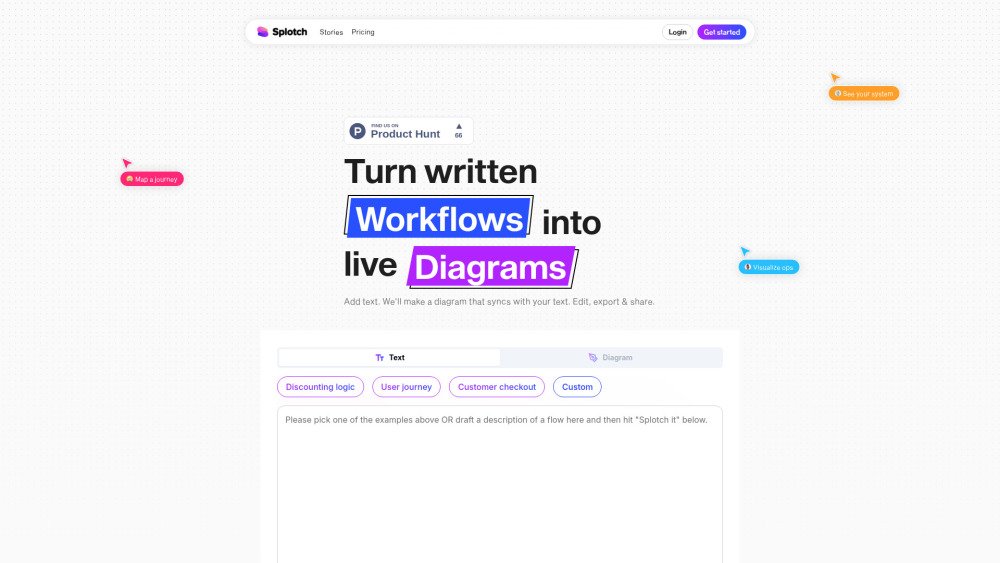
Splotch converts written processes into live, synchronized diagrams. Edit your diagram to update the text, or modify the text to update the diagram. This AI-powered flowchart generator helps you visualize, share, and refine processes quickly without requiring design expertise.
Enter text describing your workflow or process, and Splotch will automatically generate a flowchart. You can then edit either the diagram or the text, and the changes will sync between both formats. Finally, export and share your diagram.
You can convert almost any sequence of actions into a flow. It is most effective for mapping out branching processes that include decision points, dependencies, return paths, and other complex sequences you wish to visualize.
No. Splotch understands descriptions written in natural English. You can also request that it expand on a prompt, such as “Create a typical e-commerce checkout flow,” and it will generate the details for you to edit. While you can use bullets and headers, they are not required.
Within the app, click any node to access a menu for adding, removing, or changing the node type. Click and drag from one node to another to create connectors, or grab the start of a connector to reassign it to a different node.
In the app, select multiple nodes to access the AI editing option. Describe your desired changes, and the AI will update the selected nodes while keeping the rest of the diagram unchanged. You can also edit individual nodes using the AI option in the dropdown menu.
Once you have modified the diagram, click the “update text” button to merge those changes back into your original input text, ensuring your diagram and text remain synchronized.
Free plan available.
Use these comparison pages to understand the trade-offs between the models most relevant to Splotch.
Compare Gemini 1.0 Pro Deprecated and Gemini 1.5 Flash Vision Deprecated across pricing, context window, capabilities, benchmarks, and API access to choose the better fit for long-context workloads versus general-purpose AI workloads.
Compare Gemini 1.5 Pro Vision Deprecated and Gemini 1.0 Pro Deprecated across pricing, context window, capabilities, benchmarks, and API access to choose the better fit for general-purpose AI workloads versus long-context workloads.
Compare Gemini 1.0 Pro Vision Deprecated and Gemini 1.5 Flash Vision Deprecated across pricing, context window, capabilities, benchmarks, and API access to choose the better fit for general-purpose AI workloads versus general-purpose AI workloads.
Compare Gemini 1.5 Pro Vision Deprecated and Gemini 1.0 Pro Vision Deprecated across pricing, context window, capabilities, benchmarks, and API access to choose the better fit for general-purpose AI workloads versus general-purpose AI workloads.