
Free
$0Free plan available.
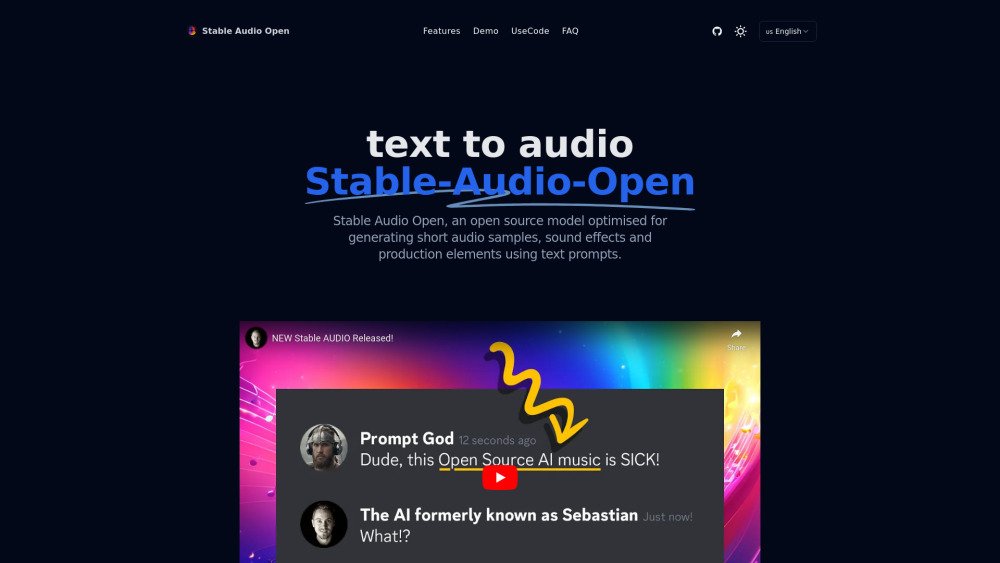
Stable Audio Open is an open-source model optimized for generating short audio samples, sound effects, and production elements using text prompts. It allows users to generate up to 47 seconds of high-quality audio from a simple text input. Its specialized training makes it ideal for creating drum beats, instrument riffs, ambient sounds, foley recordings, and other audio samples for music production and sound design.
To use Stable Audio Open, download the model from Hugging Face, install the required dependencies (torch, torchaudio, stable_audio_tools, and einops), import the necessary libraries, load the model, generate audio using text prompts, and save the output as a WAV file.
Stable Audio Open is an open-source text-to-audio model for generating audio samples and sound effects. It allows users to create up to 47 seconds of high-quality audio from simple text prompts.
Stable Audio Open is focused on generating short audio clips and sound effects, whereas the commercial version is capable of creating full tracks and complex compositions up to three minutes long.
Yes, you can fine-tune Stable Audio Open using your own audio data to generate personalized sound effects and samples.
You can create drum beats, instrument riffs, ambient sounds, foley recordings, and production elements.
Yes, it is completely free and open-source.
Yes, as an open-source model, it is available for both personal and commercial use.
Free plan available.
Use these comparison pages to understand the trade-offs between the models most relevant to Stable Audio Open.
Compare Gemini 1.0 Pro Deprecated and Gemini 2.0 Flash across pricing, context window, capabilities, benchmarks, and API access to choose the better fit for long-context workloads versus long-context workloads.
Compare Gemini 1.0 Pro Deprecated and Gemini 2.5 Flash across pricing, context window, capabilities, benchmarks, and API access to choose the better fit for long-context workloads versus long-context workloads.
Compare Gemini 2.0 Flash Lite and Gemini 2.0 Flash across pricing, context window, capabilities, benchmarks, and API access to choose the better fit for long-context workloads versus long-context workloads.
Compare Gemini 2.5 Flash and Gemini 2.0 Flash across pricing, context window, capabilities, benchmarks, and API access to choose the better fit for long-context workloads versus long-context workloads.

Similar AI tool in the AI Copilot category.
Similar AI tool in the AI Assistant category.
Similar AI tool in the AI Assistant category.
Similar AI tool in the AI Assistant category.
Similar AI tool in the AI Writing Assistants category.
Similar AI tool in the AI Assistant category.
Similar AI tool in the AI Writing Assistants category.
Similar AI tool in the AI Writing Assistants category.
Similar AI tool in the AI Assistant category.
Similar AI tool in the AI Chatbot category.
Similar AI tool in the AI Chatbot category.
Similar AI tool in the AI Productivity Tools category.