
Free
$0Free plan available.
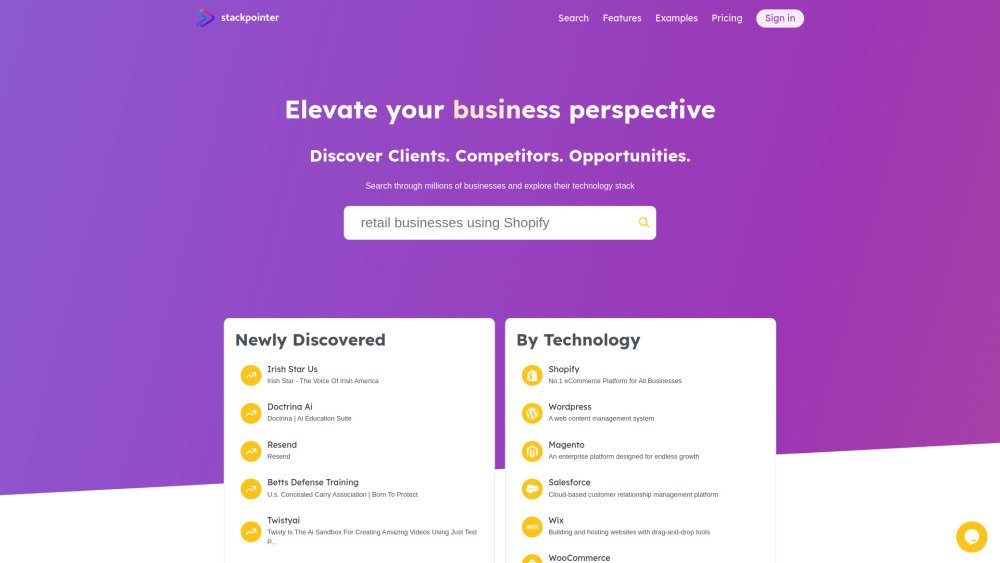
Stackpointer is an AI-powered business search engine that provides detailed company information and their tech stack. It helps users find clients, competitors, and new opportunities from millions of analyzed businesses and download the results as targeted lead lists. Stackpointer analyzes millions of online businesses to show new ventures where to start, help existing ones grow, and point out the competition.
Users can search for businesses using keywords or specific criteria such as company name, domain, or technology stack via the AI-powered search tool. Simply describe your requirements in plain language to generate results.
Stackpointer is a comprehensive business search engine that provides detailed insights into companies by analyzing their technology stacks. Users can search for businesses using keywords or criteria such as name, domain, or specific technologies.
Stackpointer is a valuable resource for entrepreneurs looking to enter the market with a data-driven strategy. By providing insights into existing businesses, technology trends, and market saturation, the platform helps you identify underserved niches or overly competitive sectors.
Visit our website and sign up for a free account to begin exploring basic business information. Free users have access to limited search results. To view more results and download lead generation data, you can subscribe to one of our monthly plans.
Basic searches on Stackpointer are free and include limited results (up to 10 businesses per query). Our Launchpad plan provides access to up to 100 businesses per search for $5/month. Our Expansion plan includes up to 5,000 businesses per search and the ability to download results in CSV format for $25/month.
Subscribing to Stackpointer's plans unlocks advanced features, including increased search result limits. Subscribers can use filters such as company size, industry, and country to refine their searches. A key benefit is the ability to download search results in CSV format, which facilitates integration with existing sales processes for outreach and business development.
Marketers and sales professionals use Stackpointer to identify target markets, generate high-quality leads, and understand competitors' tech strategies. With detailed tech insights and company information, creating personalized pitches and strategies is more efficient.
Use our AI-powered search feature by describing your requirements in plain language. For example, you can enter queries like "list medium-sized healthcare companies in New York City." Our AI processes these queries based on criteria including industry, company size, and location to provide a list of matching businesses.
Yes, simply click on a business within your search results to view its complete technology stack.
All users can access information including the business name, website link, popularity rank, business description, company details (industry, employee count, founding year, location), social media links, and the technology stack. Free users can view up to 10 results per query, while Launchpad subscribers access up to 100 results. The Expansion plan includes up to 5,000 results per query with download capabilities.
Free plan available.

Discute is a tool that enables users to interact with various data formats, ranging from standard documents to complex databases. By functioning as a virtual assistant that accesses your knowledge base, it helps you retrieve information and resolve issues more efficiently. The platform currently supports PDF, DOCX, TXT, and CSV files, with future updates planned for database and website integration.

Utopic.ai is a Web3 platform that leverages AI to facilitate discussions, connect users with peers, and reward contributions. Designed as a social community for technology enthusiasts, it allows members to share knowledge, experiences, and perspectives while earning cryptocurrency for asking questions, providing answers, reading, and creating content.

Chisquares is an AI-driven research platform providing end-to-end support for study design, data collection, analysis, and reporting. The platform includes tools for generating representative samples, calculating sample sizes, building custom surveys, and managing data collection. Additionally, it offers features for scientific writing, code-free data analysis, and integrated journal selection and submission.

Careerheadshot.co is an AI-powered headshot generator that produces professional-quality portraits in minutes. By uploading your selfies, the platform generates a variety of headshots suitable for professional portfolios, resumes, and social media profiles. It provides tailored plans designed to help you update your LinkedIn presence, improve job application outcomes, and refresh company website imagery.

Alrite is a developer of user-friendly AI applications, including Rizzpad and PetCoco. Rizzpad assists users in crafting high-quality responses for dating platforms, while PetCoco serves as a pet-focused Q&A app that provides quick, authentic answers to animal-related inquiries. Alrite focuses on integrating AI into daily life to make routine tasks simpler and more enjoyable.

WriteTurbo is an AI-powered platform designed to help users generate high-quality content for diverse marketing and creative needs. It provides tools for crafting Facebook, Instagram, and Google ads, social media posts, SEO-optimized articles, and blog content. WriteTurbo focuses on delivering affordable and efficient AI-driven content generation.

GPTBot Checker is a tool for website owners and developers to verify if their site is accessible to AI crawlers. As AI technologies like GPTBot evolve, this tool helps you confirm whether your content is available for ChatGPT training.
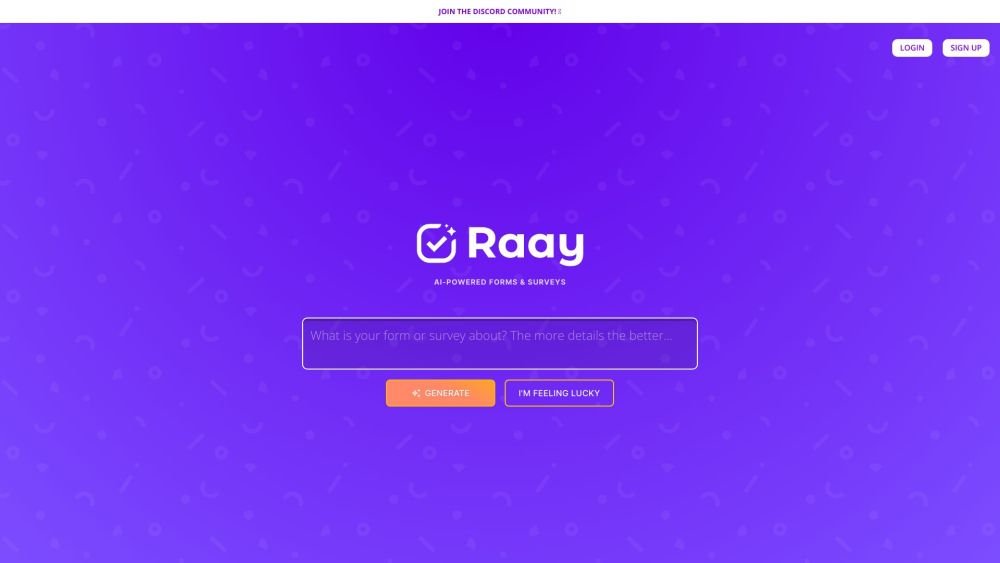
Raay is an AI-powered platform designed to streamline the creation of forms and surveys. By entering a simple prompt, users can generate forms in seconds. The platform also provides interactive summaries of responses and offers seamless integrations to support data-driven decision-making, allowing users to create, share, and analyze data efficiently.

Pano aggregates essential customer data from your existing platforms into a concise, personalized snapshot. By integrating with your current applications, Pano provides a comprehensive view of the customer journey in seconds. It filters for relevant information and highlights key action items, allowing you to leverage your existing tech stack without manual data retrieval. Additionally, Pano tracks customer interactions, enabling your team to collaborate effectively for an improved customer experience.

Yetvos is an AI-driven branding platform designed to elevate your brand identity. It enables users to enhance logos, generate artistic QR codes, and manage print-on-demand services efficiently, helping you leverage AI technology for your branding needs.
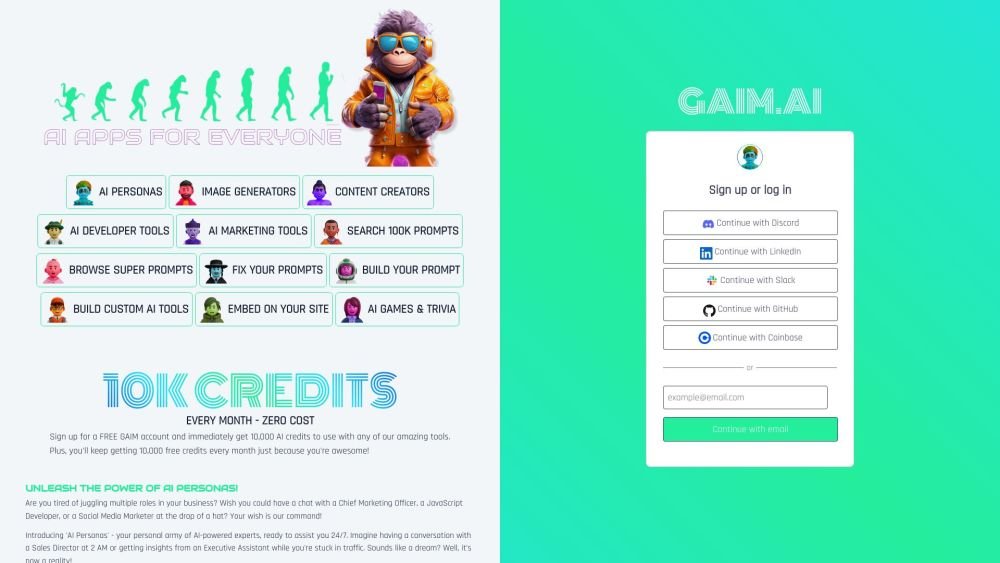
GAIM.AI is an all-in-one AI platform built for developers, marketers, and gamers. It provides access to AI personas, coding tools, and image generators. Users can browse over 100,000 prompts, create their own, and receive 10,000 free credits monthly.

PaperClip is a free tool for AI researchers in machine learning, computer vision, and natural language processing to save and retrieve research findings. By utilizing on-device AI, it eliminates the need for API calls or server costs, helping users track daily paper reviews, memorize key details, and locate information from research papers, ML blog posts, and news.