
Free
$0Free plan available.
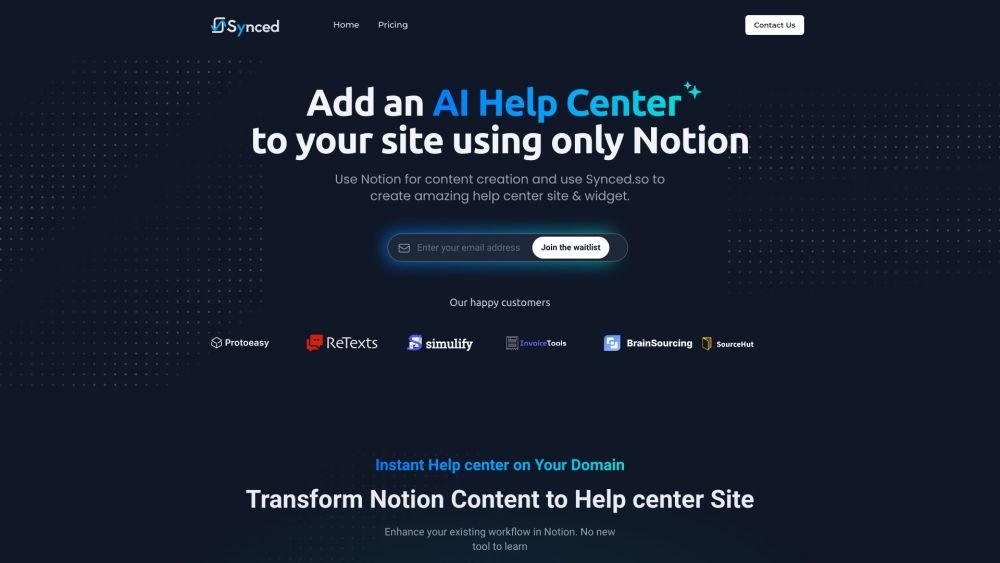
Synced.so is a platform that allows users to transform Notion documents into customer-friendly Help Centers and embeddable widgets. It enhances existing workflows in Notion without requiring users to learn new tools. Synced.so offers features such as instant Help Center creation on a custom domain, password protection, customizable branding, SEO optimization, and in-app user guidance.
Create and manage your help documentation within Notion, then use Synced.so to automatically generate a Help Center site and an in-app widget. Finally, embed the Help Center directly into your application or website.
There is no free plan, but a 14-day trial period is available.
You can create as many Help Centers as you need. Each Help Center can be connected to your own custom domain.
There are no limits on the number of articles you can create.
Copy the provided embed code from your dashboard and add it to your website pages.
Many startups already use Notion for content management. We make it easy for teams to create and maintain Help Centers without needing to learn a new tool.
Yes, you can track how many times each article is viewed, as our billing is based on view counts.
Since your content is managed in Notion where your team collaborates, you can share your Synced.so login credentials with your team members to manage the Help Center layer.
We offer a 14-day trial that does not require a credit card. Once the trial ends, you can select a subscription plan.
We use Supabase, which utilizes AWS, Cloudflare, Next.js, and GCP for data storage and management.
Free plan available.

Similar AI tool in the AI Assistant category.
Similar AI tool in the AI Assistant category.
Similar AI tool in the AI Productivity Tools category.
Similar AI tool in the AI Assistant category.
Similar AI tool in the AI Assistant category.
Similar AI tool in the AI Chatbot category.
Similar AI tool in the AI Assistant category.
Similar AI tool in the AI Productivity Tools category.
Similar AI tool in the AI Assistant category.
Similar AI tool in the AI Assistant category.
Similar AI tool in the AI Assistant category.
Similar AI tool in the AI Assistant category.