
Free
$0Free plan available.
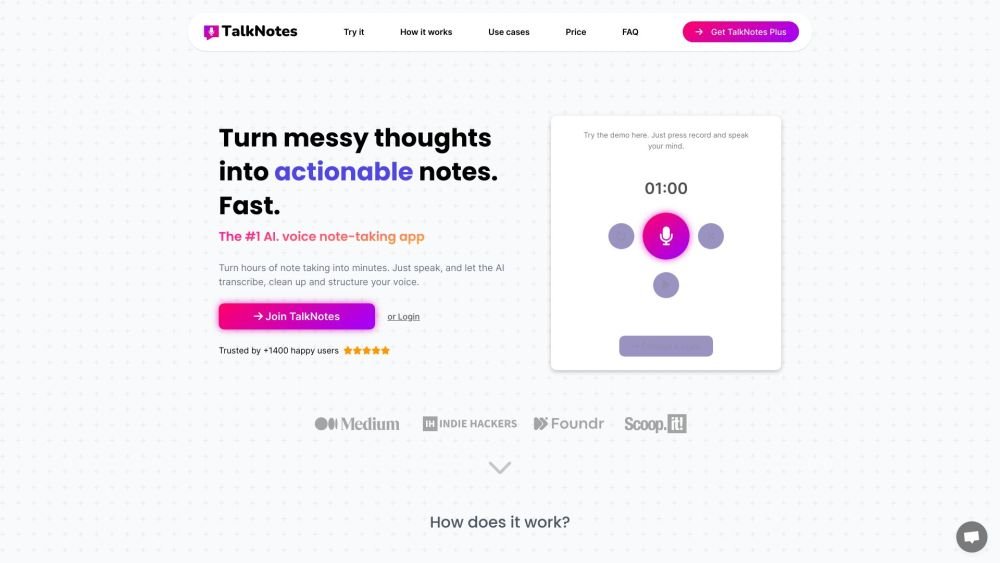
Talknotes is an AI voice note app that transcribes, cleans up, and structures voice recordings into actionable text. It allows users to create clean transcripts, summaries, emails, video scripts, task lists, blog posts, and more in over 50 languages. Talknotes aims to turn hours of note-taking into seconds by leveraging AI to organize and structure voice notes.
Record your voice notes using the app, select your desired output style (such as a note, transcript, list, or email), and allow the AI to transcribe and structure your recording into actionable text. You can then edit, share, and export your notes as needed.
Yes, Talknotes is available for both iOS and Android. You can download it from the App Store or Google Play Store.
Our AI technology provides high accuracy, though results may vary based on speech clarity and background noise. You can manually edit the text at any time.
Yes, TalkNotes supports over 50 languages, including Afrikaans, Arabic, Chinese, English, French, German, Japanese, Spanish, and many others.
Yes, TalkNotes+ allows you to upload audio files up to 20 minutes in length, or up to 2 hours with a Pro subscription. This is ideal for transcribing phone or Zoom calls.
Yes, TalkNotes allows you to edit and organize both the generated content and the original transcript to suit your needs.
Yes, an active internet connection is required to access the full range of features within the app.
Your privacy is a priority. All audio files are deleted immediately after transcription, and we do not use your notes to train our AI models. Your data remains yours.
We are here to help. You can reach out via live chat or email us at support@talknotes.io.
You can cancel your subscription at any time via the 'Manage my subscription' link in the settings tab. After canceling, you will retain access to paid features for the remainder of your current billing period and will not be charged again.
Discount validity is specified at the time of offer. We currently provide an introductory discount for the first month of the monthly plan.
Free plan available.
Use these comparison pages to understand the trade-offs between the models most relevant to Talknotes.
Compare Gemini 1.0 Pro Deprecated and Gemini 2.0 Flash across pricing, context window, capabilities, benchmarks, and API access to choose the better fit for long-context workloads versus long-context workloads.
Compare Gemini 1.0 Pro Deprecated and Gemini 2.5 Flash across pricing, context window, capabilities, benchmarks, and API access to choose the better fit for long-context workloads versus long-context workloads.
Compare Gemini 2.0 Flash Lite and Gemini 2.0 Flash across pricing, context window, capabilities, benchmarks, and API access to choose the better fit for long-context workloads versus long-context workloads.
Compare Gemini 2.5 Flash and Gemini 2.0 Flash across pricing, context window, capabilities, benchmarks, and API access to choose the better fit for long-context workloads versus long-context workloads.

Similar AI tool in the AI Copilot category.
Similar AI tool in the AI Assistant category.
Similar AI tool in the AI Assistant category.
Similar AI tool in the AI Assistant category.
Similar AI tool in the AI Assistant category.
Similar AI tool in the AI Assistant category.
Similar AI tool in the AI Assistant category.
Similar AI tool in the AI Chatbot category.
Similar AI tool in the AI Models category.
Similar AI tool in the AI Chatbot category.
Similar AI tool in the AI Productivity Tools category.
Similar AI tool in the AI Assistant category.