
Free
$0Free plan available.
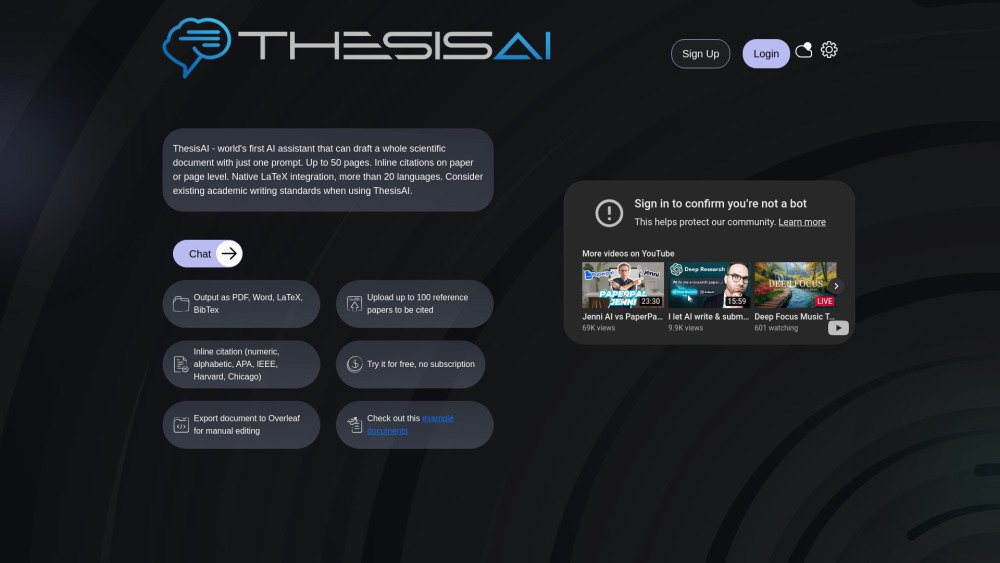
ThesisAI is an AI assistant designed to draft scientific documents, up to 50 pages, from a single prompt. It offers native LaTeX integration, supports over 20 languages, and provides inline citations. Users can upload or import up to 100 papers for citation and export documents to Overleaf for manual editing.
Users provide a single prompt to ThesisAI, which then drafts a scientific document, incorporating inline citations from uploaded or imported papers. The document can be exported in various formats, including PDF, Word, LaTeX, and BibTeX.
Because LLMs are non-deterministic, controlling the exact page count is not possible. You can influence the total length by providing specific prompts regarding document structure and section requirements. Additionally, you can manually edit the document using Overleaf or another LaTeX editor.
You may wish to test your generated document for AI detectability yourself. A method to bypass AI detection is to manually translate text into another language; for example, if you need an English document, you can instruct ThesisAI to write in a different language and then translate it yourself. This is not a recommendation to circumvent academic writing standards.
You can select from the following languages; please contact us if you believe a language is missing. Available languages: Arabic, Bulgarian, Chinese, Czech, Danish, Dutch, English, Finnish, French, German, Hungarian, Indonesian, Italian, Norwegian, Polish, Portuguese, Persian, Romanian, Spanish, Swedish, Turkish, and Ukrainian.
You can provide source files in any language. Please ensure your prompt is in the same language you selected for the output.
If the initial chat session is still active, you can retry the process. Your payment is only processed after the successful creation of the initial document. If the issue persists after two attempts, please contact us with details.
In some cases, syntax issues in the LaTeX or BibTeX file may result in a broken PDF. If this occurs, export the document to Overleaf, which can often compile documents with minor syntax errors. If Overleaf is also unable to compile the document, please reach out to us for support.
Paper-level citation cites the source generally, regardless of the specific page, which is the standard scientific approach. Page-level citation cites the specific page of a paper, resulting in more citations and a separate BibTeX entry for each cited page. Page-level citation is particularly useful for literature reviews.
You can select from Alphabetic, Numeric, APA, IEEE, Harvard, Oxford, Chicago Notes, and Chicago Author-Date styles. For other styles, you can manually edit the LaTeX in Overleaf to meet your requirements.
If the bibliography is missing and citations appear as placeholders like [379661], it is likely due to a syntax error in the BibTeX file. You can fix this by exporting the document to Overleaf, which will identify the specific BibTeX error for manual correction. If you are unable to resolve the issue, please contact us for assistance.
If you have a subscription, you will see a "Manage Subscription" button on your account page where you can cancel. Cancellation stops all recurring payments immediately. If you are using pay-as-you-go credits, no cancellation is necessary.
Free plan available.
Use these comparison pages to understand the trade-offs between the models most relevant to ThesisAI.
Compare GPT 5.4 and GPT 5.4 Pro across pricing, context window, capabilities, benchmarks, and API access to choose the better fit for long-context workloads versus long-context workloads.
Compare GPT 5.5 and GPT 5.4 across pricing, context window, capabilities, benchmarks, and API access to choose the better fit for long-context workloads versus long-context workloads.
Compare GPT 5.5 and Claude 4.6 Opus across pricing, context window, capabilities, benchmarks, and API access to choose the better fit for long-context workloads versus long-context workloads.
Compare GPT 5.5 and Claude 4.6 Sonnet across pricing, context window, capabilities, benchmarks, and API access to choose the better fit for long-context workloads versus long-context workloads.
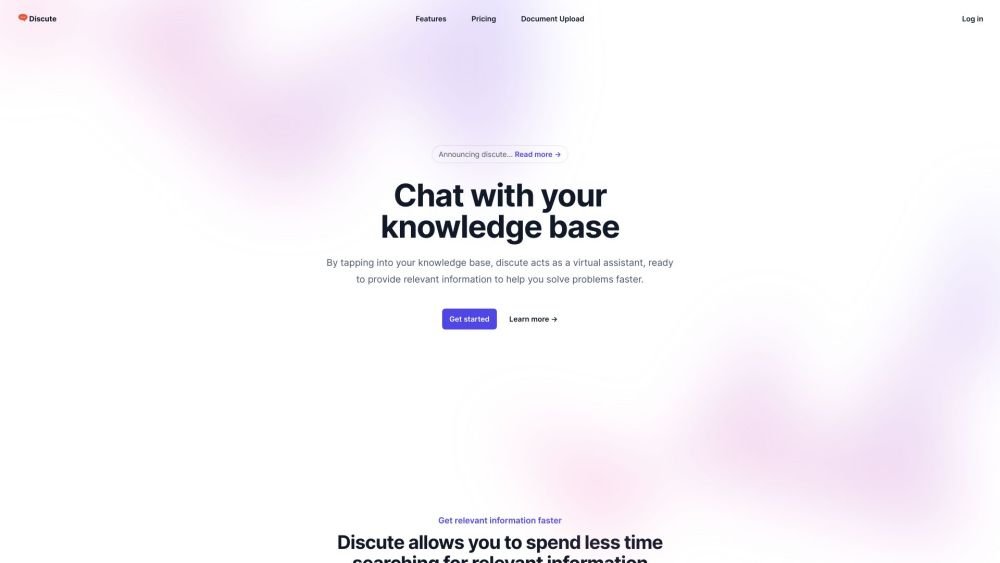
Discute is a tool that enables users to interact with various data formats, ranging from standard documents to complex databases. By functioning as a virtual assistant that accesses your knowledge base, it helps you retrieve information and resolve issues more efficiently. The platform currently supports PDF, DOCX, TXT, and CSV files, with future updates planned for database and website integration.

JOI AI Girlfriend is an artificial intelligence companion inspired by the character JOI. It provides emotional support and companionship for those experiencing loneliness. This virtual AI girlfriend offers private, respectful interactions, meaningful conversations, and a flirty dating simulator experience. Users can engage in friendly chats, participate in roleplay, and work on developing their relationship skills.
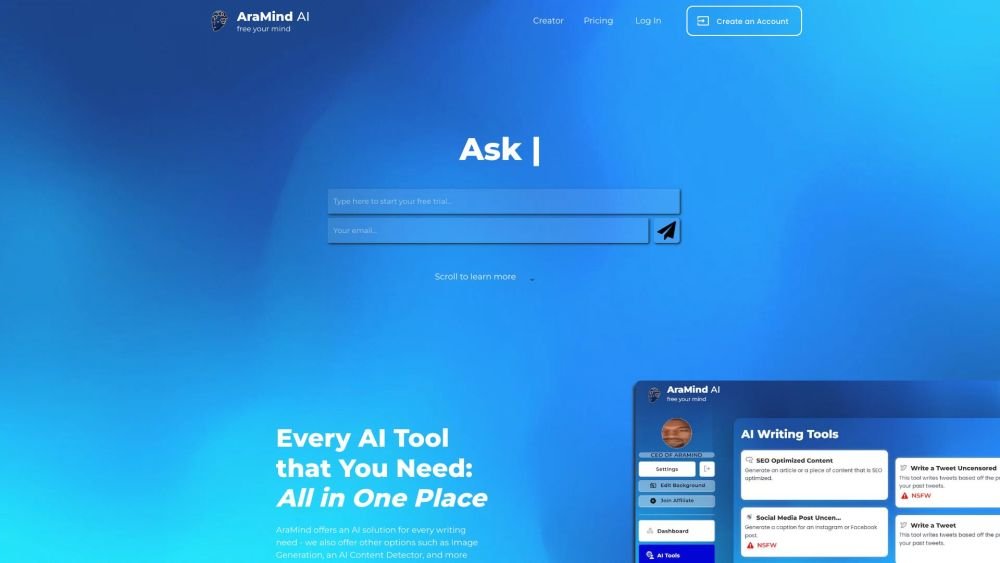
AraMind AI is an all-in-one platform designed to support various writing tasks. It provides a suite of AI-powered tools, including image generation and an AI content detector, to help users produce creative, human-like content. By automating the creation process and assisting with AI detection, AraMind AI helps users save time and minimize the need for extensive manual editing.
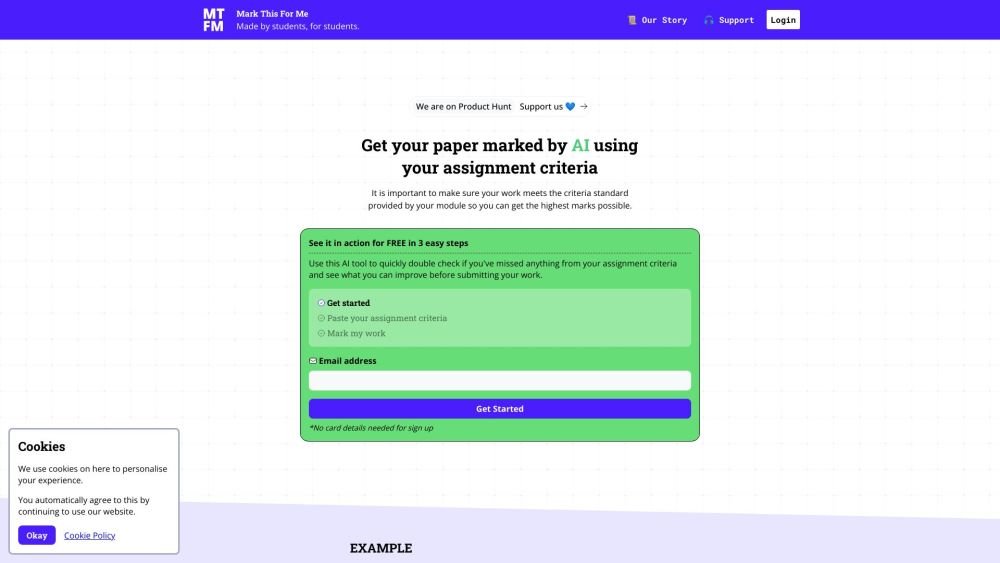
Mark This For Me is an AI-powered platform that provides students with instant, personalized feedback on their assignments. By leveraging OpenAI's GPT models, the tool evaluates work against specific criteria to offer insights that boost motivation and support academic success. The platform provides constructive guidance to help students refine their critical thinking and identify areas for improvement.
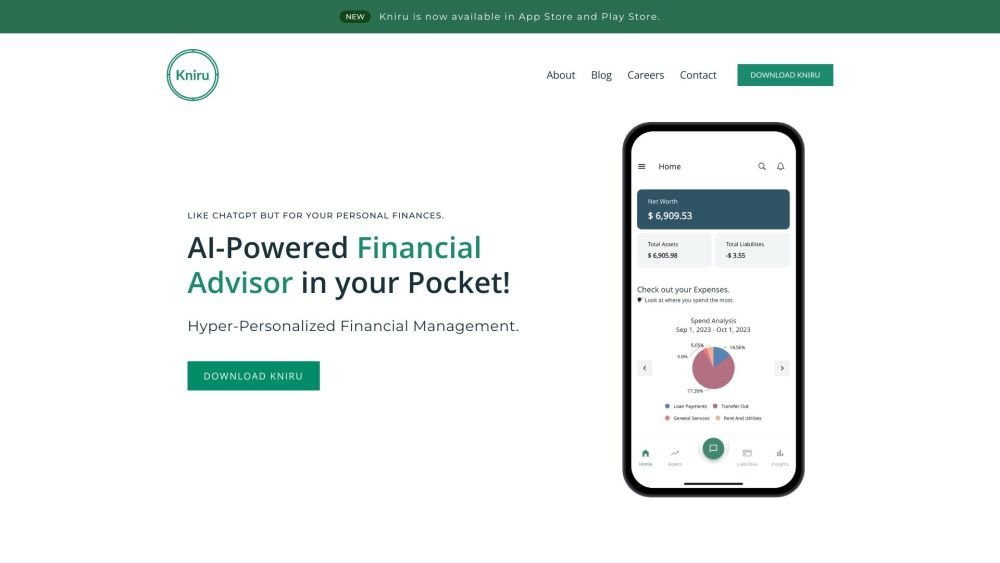
Kniru is a mobile application designed to help you manage your personal finances using AI. Through a chat-based interface, it provides precise, personalized, and actionable insights while answering your questions regarding investments, taxes, retirement, and spending. The platform allows users to track, manage, and optimize transactions, investments, and loans to support smarter financial decision-making in a secure environment.
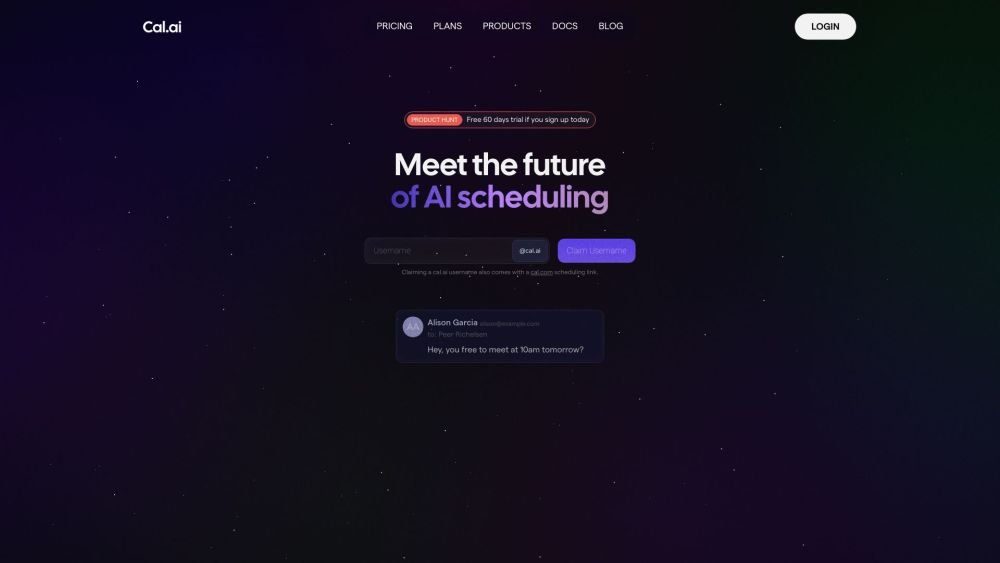
Cal.com is an open-source scheduling infrastructure offering fully customizable software for individuals, businesses, and developers building scheduling platforms. It provides flexible deployment options, including self-hosted and SaaS solutions, alongside features like routing, a unified calendar API, a desktop application, and an enterprise API. Additionally, Cal.com integrates AI-powered scheduling assistance via Cal.ai, which includes AI Phone Agents.

Utopic.ai is a Web3 platform that leverages AI to facilitate discussions, connect users with peers, and reward contributions. Designed as a social community for technology enthusiasts, it allows members to share knowledge, experiences, and perspectives while earning cryptocurrency for asking questions, providing answers, reading, and creating content.
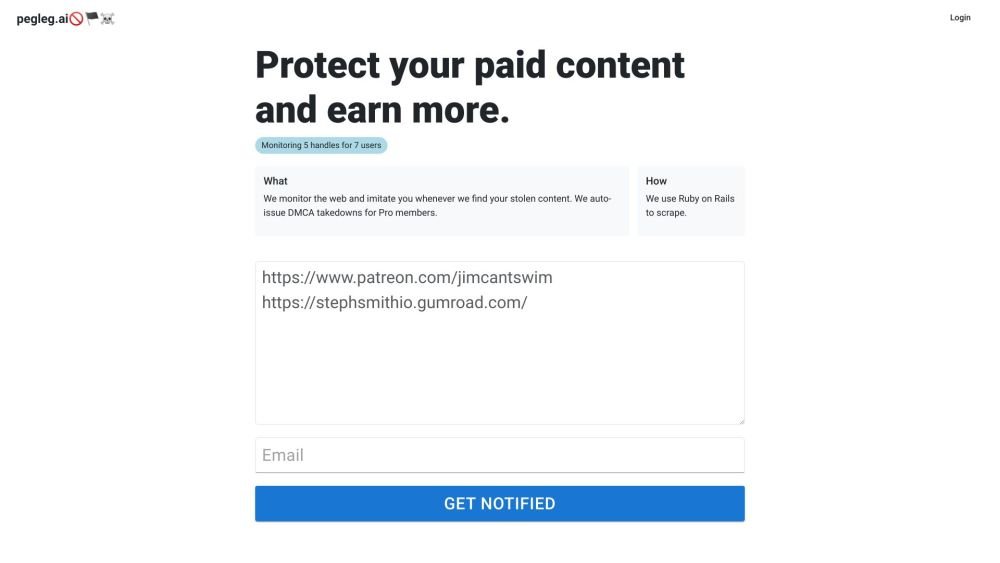
Pegleg.ai monitors the web for unauthorized copies of your content by scanning Patreon and Gumroad links. It helps protect your paid work and revenue by identifying stolen material and, for Pro members, automatically issuing DMCA takedown notices.
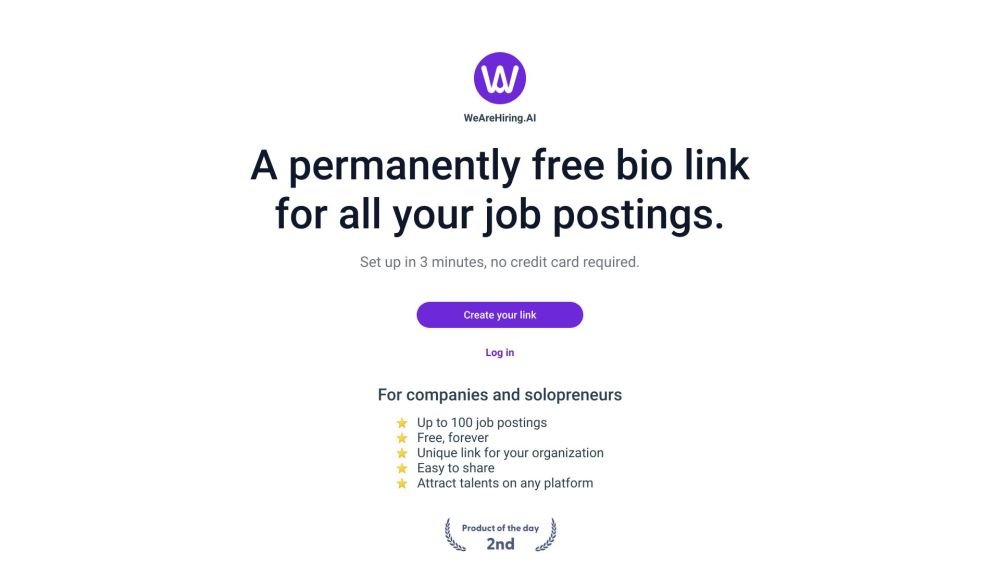
WeAreHiring.AI provides a free, shareable bio link that allows you to showcase up to 100 job postings. You can create your permanent bio link in just 3 minutes with no credit card required.
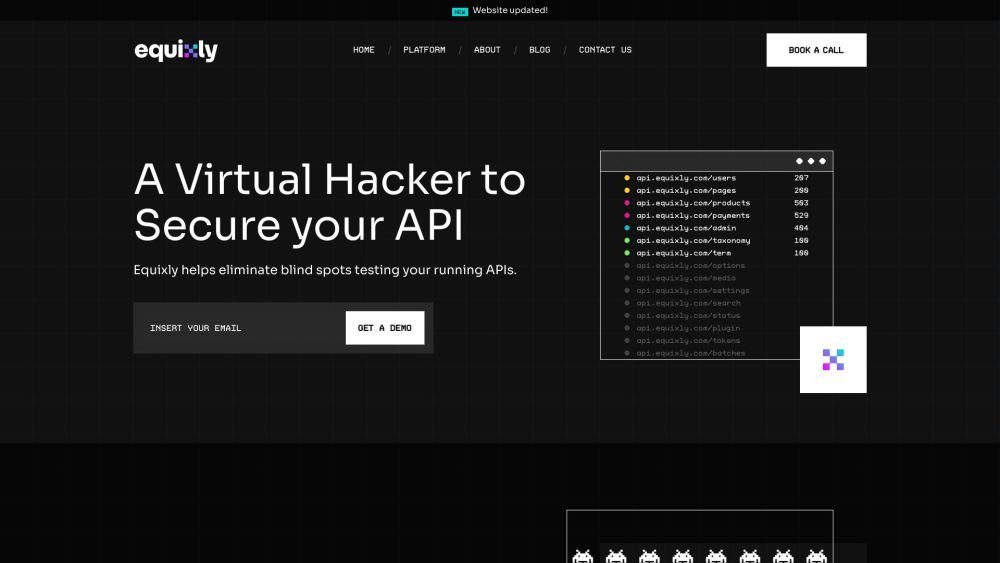
Equixly is a SaaS platform that integrates API security testing into the software development lifecycle (SDLC). It detects vulnerabilities, lowers bug-fixing costs, and scales penetration testing for every new feature release. By using AI-powered bots to scan APIs early, the platform enables faster, more efficient remediation and secure code deployment. Equixly also maps your attack surface by inventorying your API landscape, classifying operations, dependencies, and data flow. Additionally, it simplifies compliance by generating clear reports on security risks and sensitive data exposure to help meet regulatory requirements.

Chisquares is an AI-driven research platform providing end-to-end support for study design, data collection, analysis, and reporting. The platform includes tools for generating representative samples, calculating sample sizes, building custom surveys, and managing data collection. Additionally, it offers features for scientific writing, code-free data analysis, and integrated journal selection and submission.
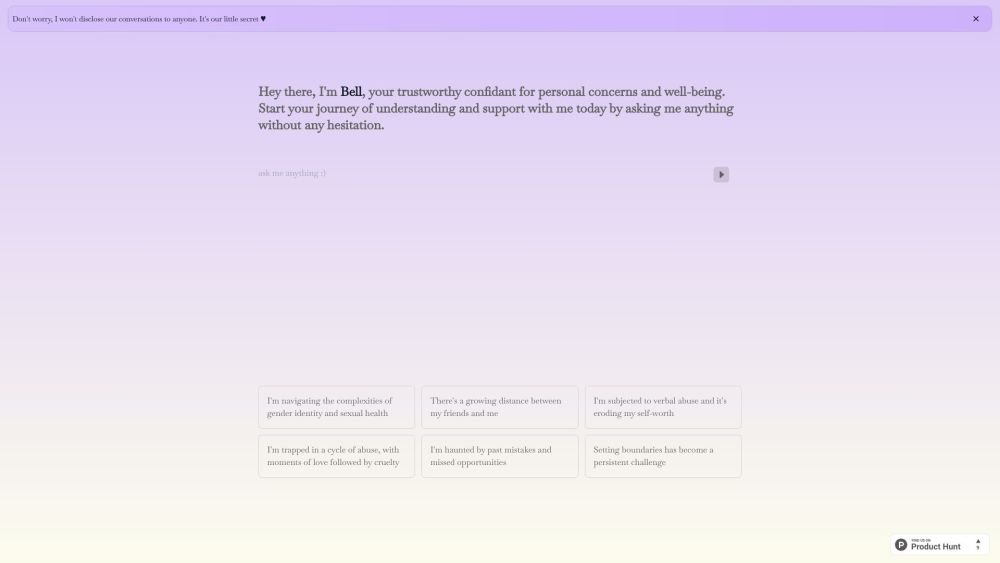
Bell serves as a personal confidant for navigating life's challenges, providing a judgment-free environment to discuss your concerns and questions. It is designed to help users gain self-awareness and support their well-being through private, confidential conversations.