

Free
$0Free plan available.
Today's Task is a Chrome extension designed to help users manage their daily tasks efficiently. It offers a clean interface, smart features, and seamless browser integration, making it suitable for students, professionals, and multitaskers. It allows users to add, organize, and edit tasks easily, set customizable reminders, prioritize tasks, and access their to-do list directly from their browser.
To use Today's Task, install the extension from the Chrome Web Store, pin it to your browser toolbar, click the icon, enter your task, and click “Add.” You can organize your list by dragging tasks to rearrange them or editing them as needed. Check off tasks to mark them as complete.
Yes, Today's Task is 100% free to install and use.
Yes, you can view, edit, and complete tasks even when you are offline.
Currently, the extension functions only within your Chrome browser, but cross-device syncing is a feature currently in development.
Yes, your data remains private and is never shared with third parties.
Popular tools include the Today's Task Chrome extension, Todoist, Microsoft To Do, Google Tasks, Trello, and Asana.
To-do lists boost productivity by providing a clear overview of your tasks, helping you prioritize important activities, and reducing the risk of forgetting deadlines.
Break tasks into smaller, actionable steps. Prioritize tasks based on importance and deadlines. Use categories or labels to organize similar items. Update your list regularly and check off completed tasks.
It depends on your preference. Digital lists, such as Chrome extensions or mobile apps, are portable, customizable, and often include reminders. Paper lists are simple and tangible but lack advanced digital functionality.
Adding too many tasks, which can be overwhelming; failing to prioritize, which leads to missed deadlines; not updating or reviewing the list regularly; and overloading the list with vague or overly broad tasks.
Use techniques like the Eisenhower Matrix (urgent vs. important). Mark high-priority tasks with symbols or colors, or complete the most important or difficult tasks first using the 'Eat That Frog' method.
Yes, a well-organized to-do list can reduce stress by clarifying your requirements and providing a sense of control over your workload.
Recurring tasks are repetitive activities, such as daily meetings or weekly reports, that can be scheduled automatically in digital to-do list tools to save time and ensure consistency.
A to-do list focuses on organizing tasks without specific time constraints, while a calendar schedules tasks or events for specific dates and times. Both can be used together for effective planning.
Yes, methods include the Pomodoro Technique for focused intervals, Time Blocking for assigning specific slots to tasks, and GTD (Getting Things Done) for organizing tasks into actionable steps.
Ideally, update your list daily or whenever tasks are completed, added, or reprioritized. A quick review at the start and end of the day is recommended.
Many digital to-do list tools allow for task sharing and collaboration, making it easier for teams or families to stay aligned.
Yes, it is normal to roll over tasks to the next day. The key is to focus on completing high-priority items and adjusting your list as needed.
Free plan available.
Use these comparison pages to understand the trade-offs between the models most relevant to Today's Task - Chrome Extension.
Compare Gemini 1.0 Pro Deprecated and Gemini 1.5 Flash Vision Deprecated across pricing, context window, capabilities, benchmarks, and API access to choose the better fit for long-context workloads versus general-purpose AI workloads.
Compare Gemini 1.5 Pro Vision Deprecated and Gemini 1.0 Pro Deprecated across pricing, context window, capabilities, benchmarks, and API access to choose the better fit for general-purpose AI workloads versus long-context workloads.
Compare Gemini 1.0 Pro Vision Deprecated and Gemini 1.5 Flash Vision Deprecated across pricing, context window, capabilities, benchmarks, and API access to choose the better fit for general-purpose AI workloads versus general-purpose AI workloads.
Compare Gemini 1.5 Pro Vision Deprecated and Gemini 1.0 Pro Vision Deprecated across pricing, context window, capabilities, benchmarks, and API access to choose the better fit for general-purpose AI workloads versus general-purpose AI workloads.

Modifyla is an AI-powered platform designed to help users generate professional product advertising photos in seconds. It streamlines the creation of high-quality imagery to enhance your product marketing efforts.
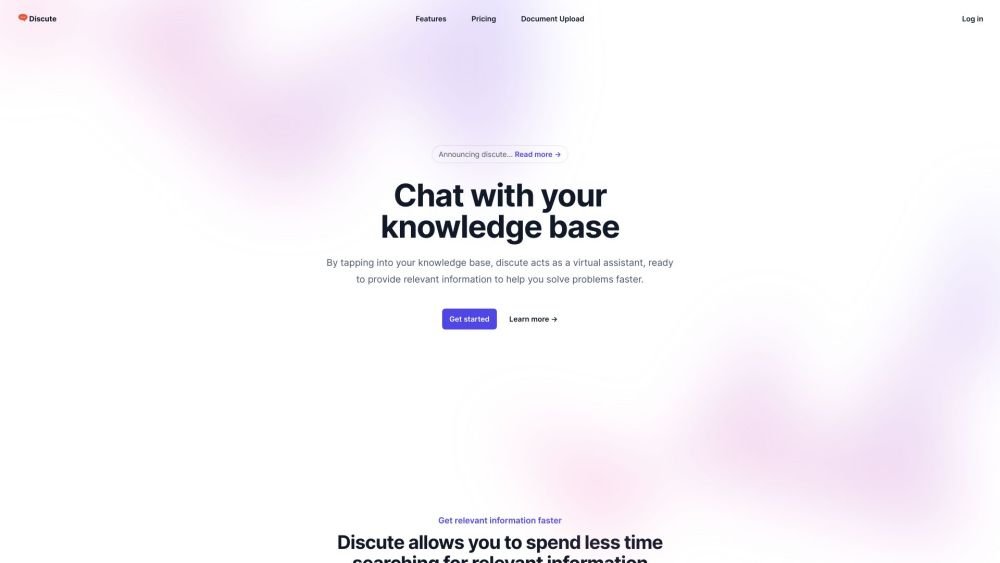
Discute is a tool that enables users to interact with various data formats, ranging from standard documents to complex databases. By functioning as a virtual assistant that accesses your knowledge base, it helps you retrieve information and resolve issues more efficiently. The platform currently supports PDF, DOCX, TXT, and CSV files, with future updates planned for database and website integration.
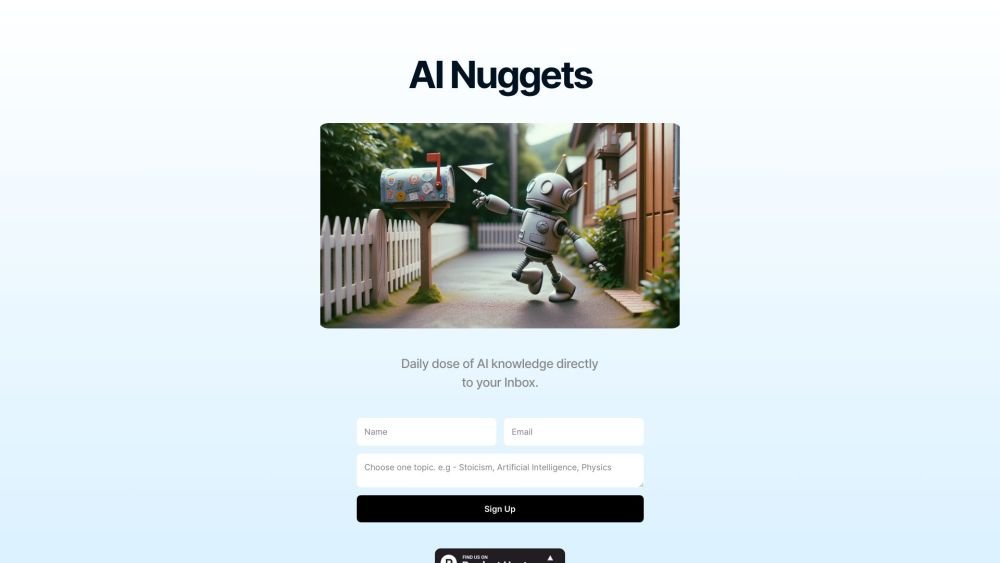
AI Nuggets is an AI-driven daily newsletter that provides concise insights on your selected topics, accompanied by prompts for further exploration. It offers a personalized learning experience designed to foster creativity and broaden your knowledge across subjects ranging from historical facts to modern technology.
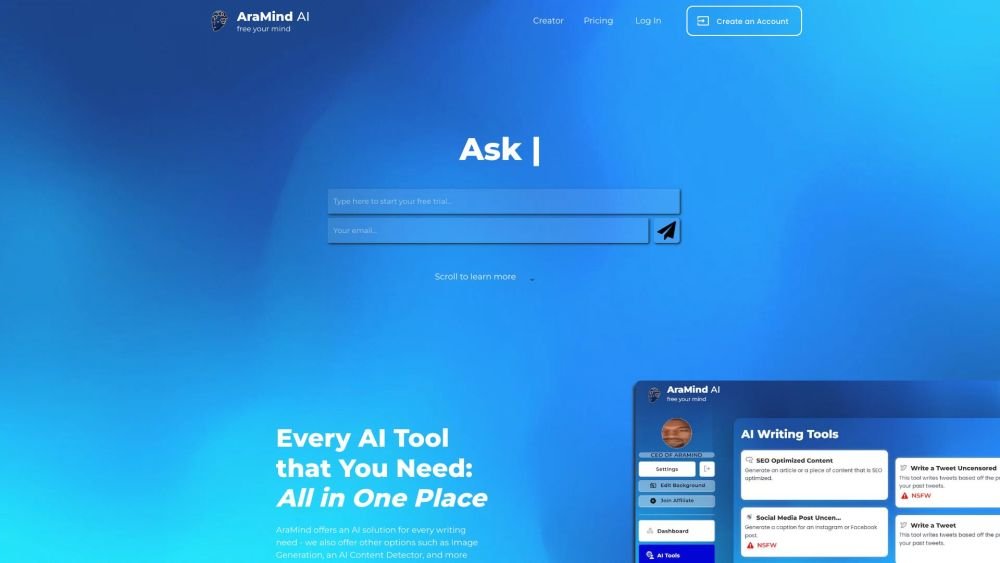
AraMind AI is an all-in-one platform designed to support various writing tasks. It provides a suite of AI-powered tools, including image generation and an AI content detector, to help users produce creative, human-like content. By automating the creation process and assisting with AI detection, AraMind AI helps users save time and minimize the need for extensive manual editing.
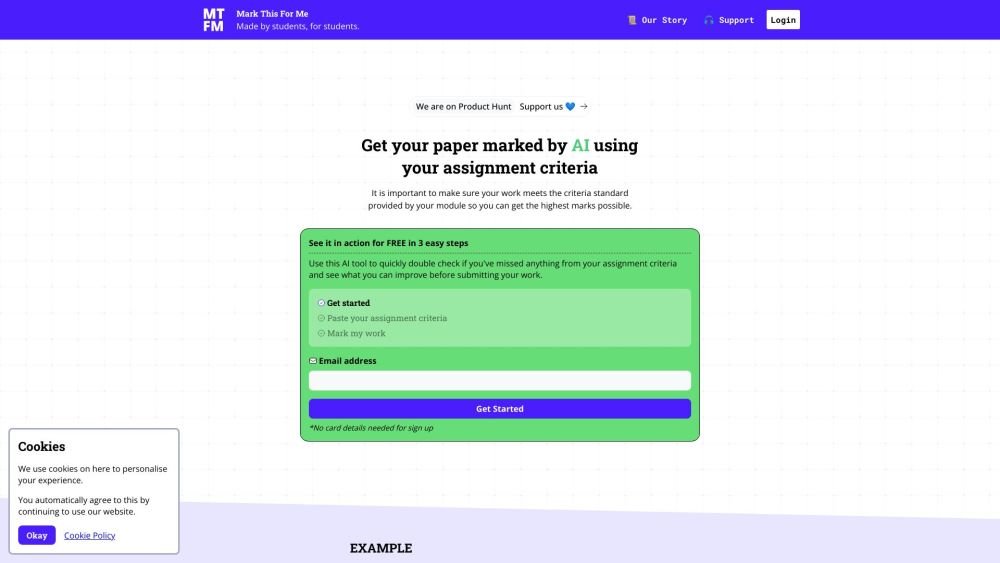
Mark This For Me is an AI-powered platform that provides students with instant, personalized feedback on their assignments. By leveraging OpenAI's GPT models, the tool evaluates work against specific criteria to offer insights that boost motivation and support academic success. The platform provides constructive guidance to help students refine their critical thinking and identify areas for improvement.
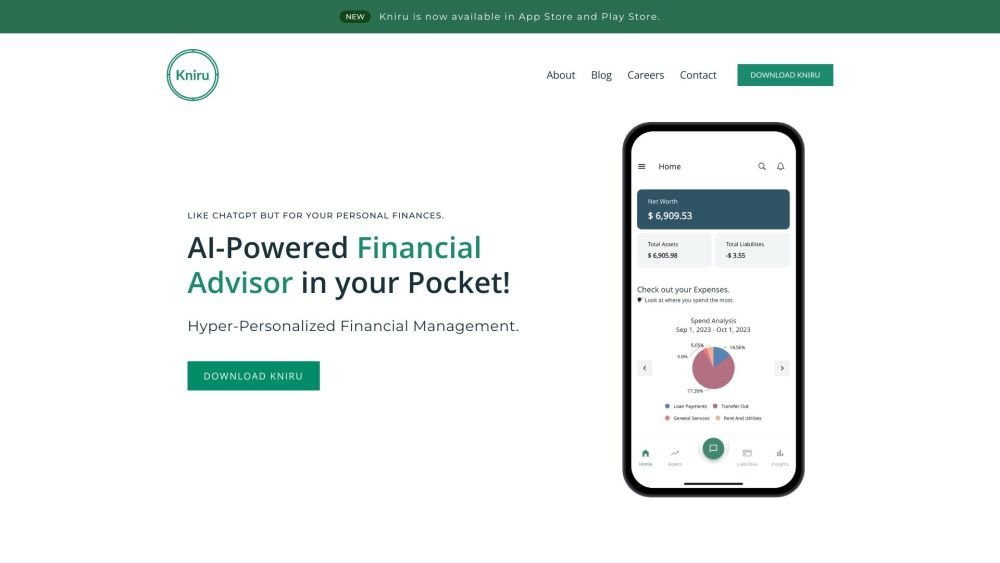
Kniru is a mobile application designed to help you manage your personal finances using AI. Through a chat-based interface, it provides precise, personalized, and actionable insights while answering your questions regarding investments, taxes, retirement, and spending. The platform allows users to track, manage, and optimize transactions, investments, and loans to support smarter financial decision-making in a secure environment.
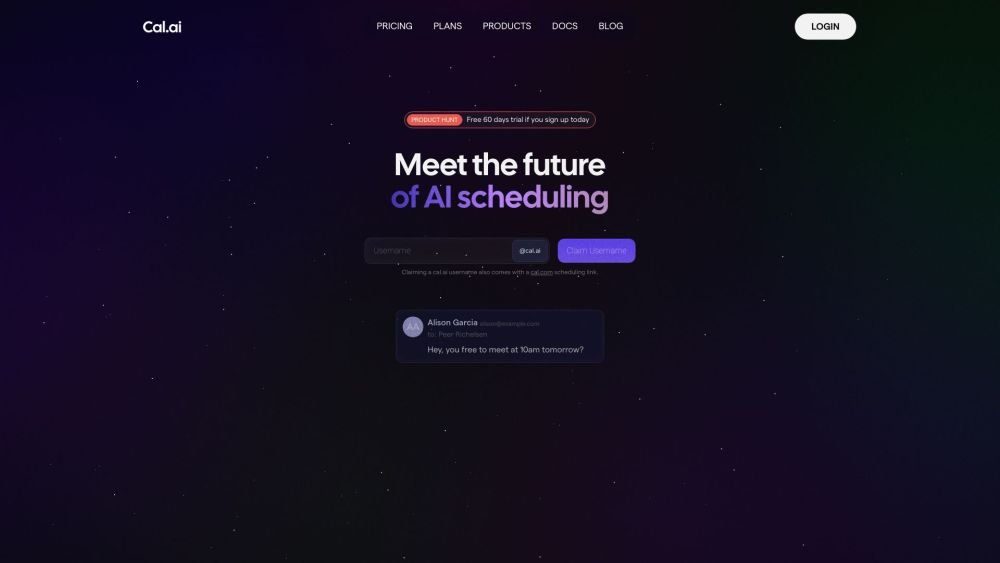
Cal.com is an open-source scheduling infrastructure offering fully customizable software for individuals, businesses, and developers building scheduling platforms. It provides flexible deployment options, including self-hosted and SaaS solutions, alongside features like routing, a unified calendar API, a desktop application, and an enterprise API. Additionally, Cal.com integrates AI-powered scheduling assistance via Cal.ai, which includes AI Phone Agents.
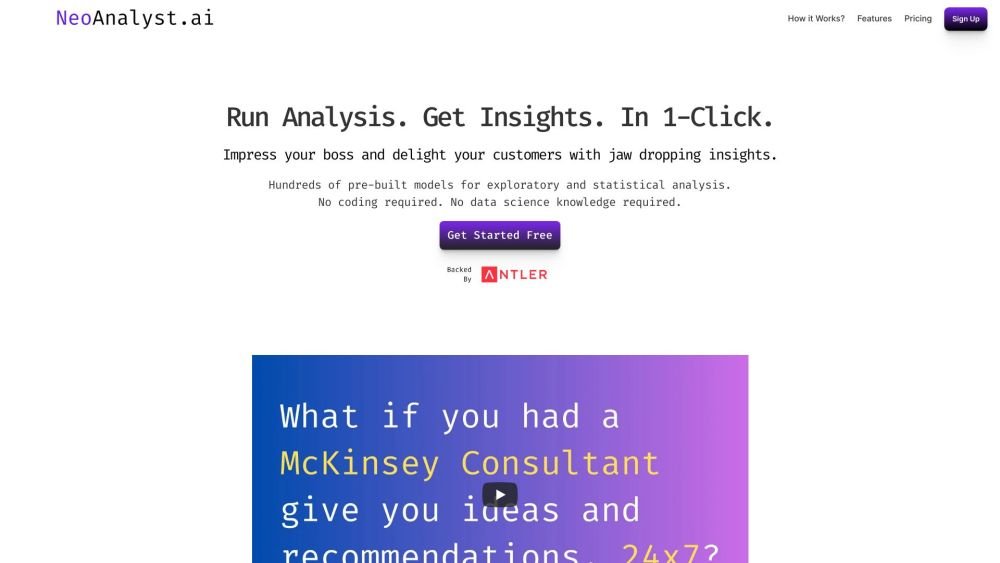
NeoAnalyst.ai simplifies data analysis by making complex insights accessible to everyone. Users can upload datasets and select from 25 suggested questions to generate clear visualizations and actionable findings. Designed for business leaders, this platform requires no coding or data science expertise.

Utopic.ai is a Web3 platform that leverages AI to facilitate discussions, connect users with peers, and reward contributions. Designed as a social community for technology enthusiasts, it allows members to share knowledge, experiences, and perspectives while earning cryptocurrency for asking questions, providing answers, reading, and creating content.
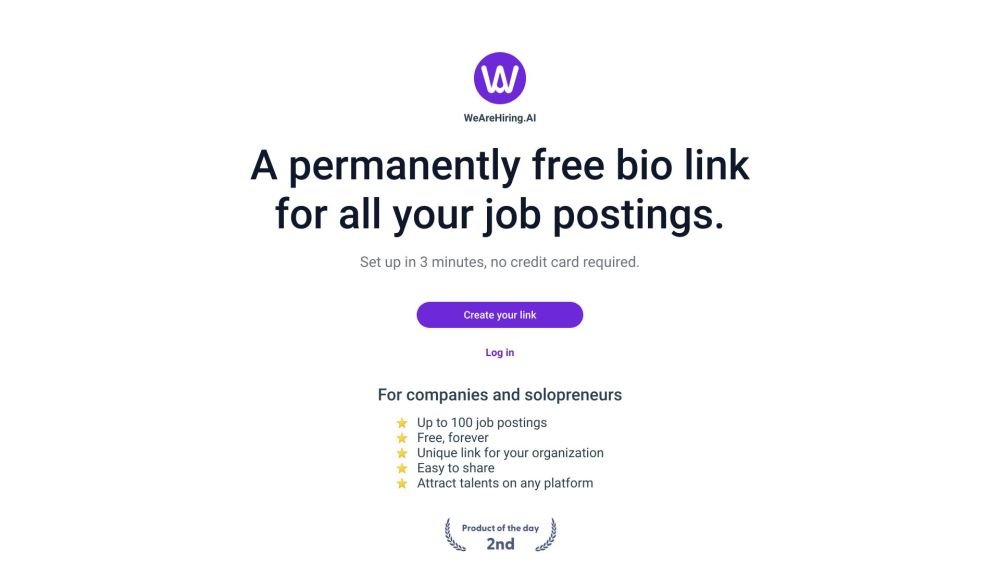
WeAreHiring.AI provides a free, shareable bio link that allows you to showcase up to 100 job postings. You can create your permanent bio link in just 3 minutes with no credit card required.
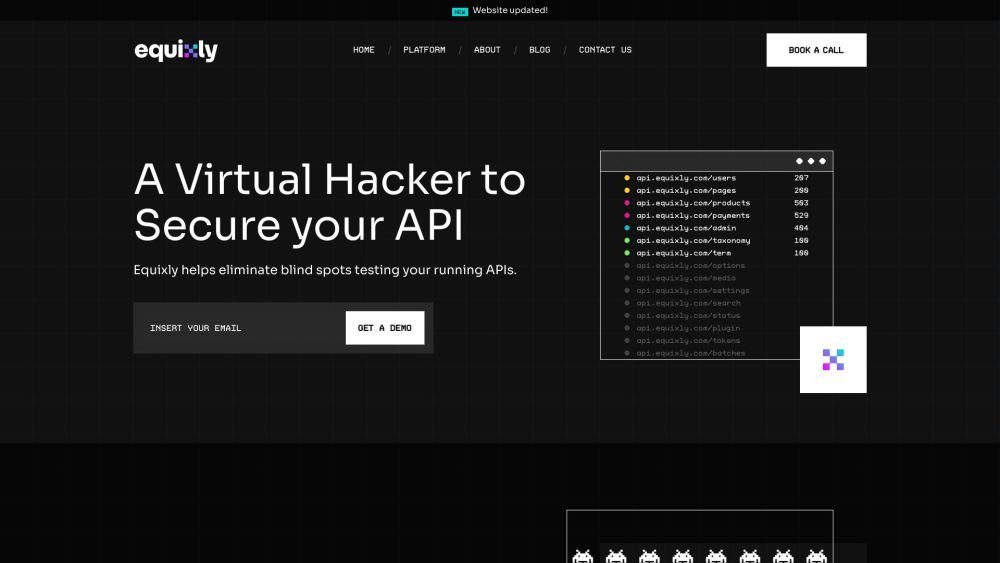
Equixly is a SaaS platform that integrates API security testing into the software development lifecycle (SDLC). It detects vulnerabilities, lowers bug-fixing costs, and scales penetration testing for every new feature release. By using AI-powered bots to scan APIs early, the platform enables faster, more efficient remediation and secure code deployment. Equixly also maps your attack surface by inventorying your API landscape, classifying operations, dependencies, and data flow. Additionally, it simplifies compliance by generating clear reports on security risks and sensitive data exposure to help meet regulatory requirements.

Chisquares is an AI-driven research platform providing end-to-end support for study design, data collection, analysis, and reporting. The platform includes tools for generating representative samples, calculating sample sizes, building custom surveys, and managing data collection. Additionally, it offers features for scientific writing, code-free data analysis, and integrated journal selection and submission.