
Free
$0Free plan available.
VideoToWords AI is an AI-powered transcription service that converts audio and video files into accurate written text. It supports over 98 languages and various file formats, offering features like automatic transcription, editing, and exporting to formats like TXT, DOCX, and SRT. It caters to a wide range of users, including journalists, students, researchers, and content creators, providing a fast and efficient way to transcribe audio and video content.
To use VideoToWords AI, upload your video or audio file, select the language, and the platform will automatically transcribe the content. Once finished, you can edit the text and export the transcript in your preferred format.
Videotowords.ai is an AI-powered transcription service that converts audio and video files into accurate written text. The platform uses machine learning algorithms to transcribe files quickly and efficiently.
Videotowords.ai uses advanced AI technology to ensure high accuracy. Transcriptions typically achieve an accuracy rate of 95% or higher, making them reliable for various professional needs.
Videotowords.ai supports a wide range of audio and video file formats, including MP3, WAV, MP4, AVI, and others. You can upload these files directly to the platform for transcription.
No, there is no time limit on the files you can transcribe. The platform can handle files of any length, making it suitable for long lectures, interviews, or podcasts.
Turnaround time depends on the length of your file. However, the service processes files significantly faster than manual transcription, typically delivering results in minutes to hours.
Yes, the platform includes a built-in editor that allows you to review and modify your transcript. You can correct errors or adjust punctuation as needed.
Yes. Videotowords.ai prioritizes data security and privacy. All uploaded files are encrypted and stored securely, and data is not shared with third parties without your explicit consent.
Yes, Videotowords.ai supports transcription in many languages, including Spanish, French, German, Italian, and more. Simply select the language of your file during the upload process.
Free plan available.
Use these comparison pages to understand the trade-offs between the models most relevant to VideoToWords AI.
Compare Gemini 1.0 Pro Deprecated and Gemini 2.0 Flash across pricing, context window, capabilities, benchmarks, and API access to choose the better fit for long-context workloads versus long-context workloads.
Compare Gemini 1.0 Pro Deprecated and Gemini 2.5 Flash across pricing, context window, capabilities, benchmarks, and API access to choose the better fit for long-context workloads versus long-context workloads.
Compare Gemini 2.0 Flash Lite and Gemini 2.0 Flash across pricing, context window, capabilities, benchmarks, and API access to choose the better fit for long-context workloads versus long-context workloads.
Compare Gemini 2.5 Flash and Gemini 2.0 Flash across pricing, context window, capabilities, benchmarks, and API access to choose the better fit for long-context workloads versus long-context workloads.
PaperClip is a free tool for AI researchers in machine learning, computer vision, and natural language processing to save and retrieve research findings. By utilizing on-device AI, it eliminates the need for API calls or server costs, helping users track daily paper reviews, memorize key details, and locate information from research papers, ML blog posts, and news.
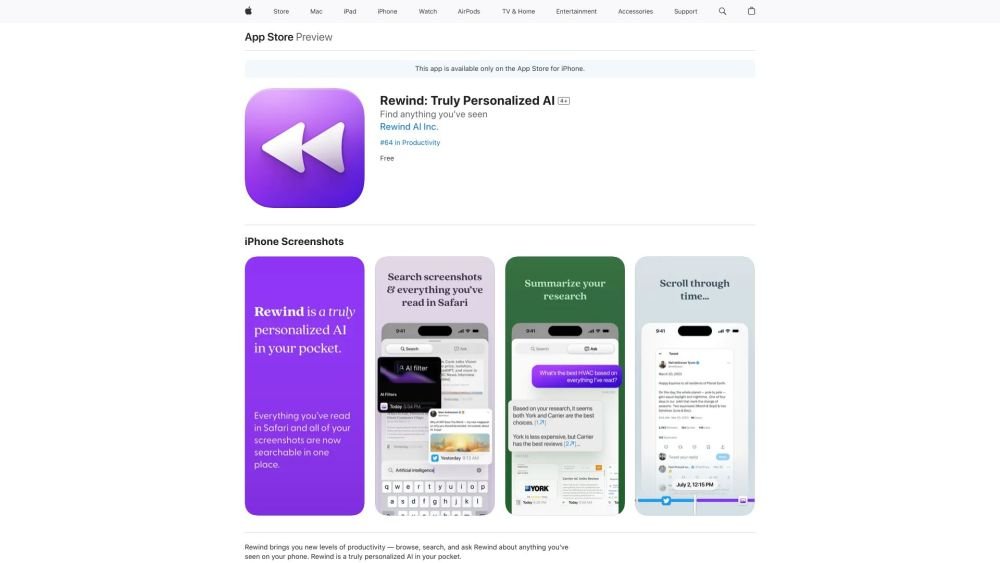
Rewind is a personalized AI application for iPhone that captures your Safari browsing activity and imports your screenshots. It enables you to search, browse, and query information you have previously viewed on your device, offering AI-generated summaries and immediate access to your past activity.
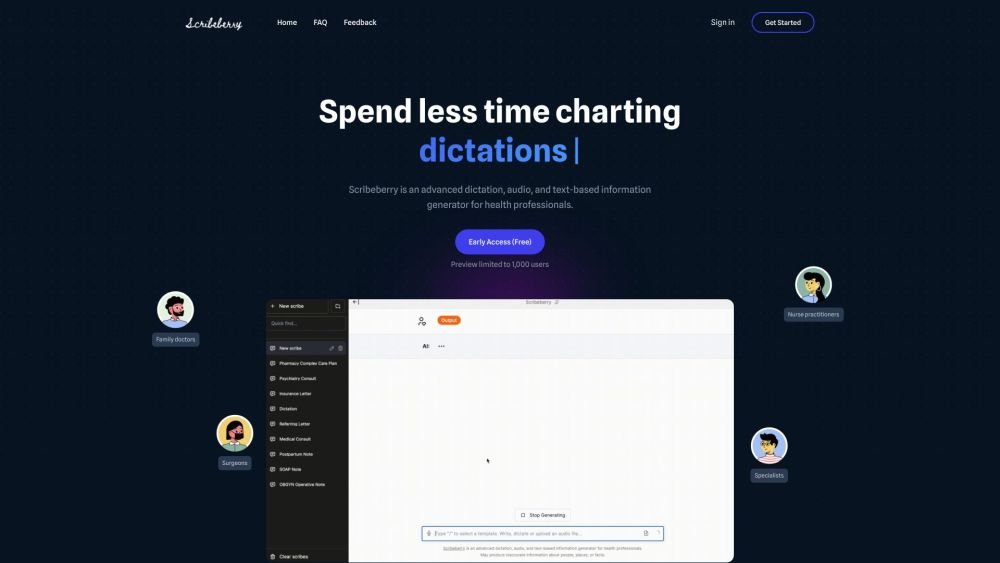
Scribeberry is an AI-powered medical scribing, charting, and documentation platform built for healthcare professionals. By converting audio or text inputs into medical notes, letters, transcripts, and forms, it helps reduce documentation time and improve clinical accuracy. Key features include ambient AI scribing, automated form completion, customizable templates, and integration with global EMR systems.
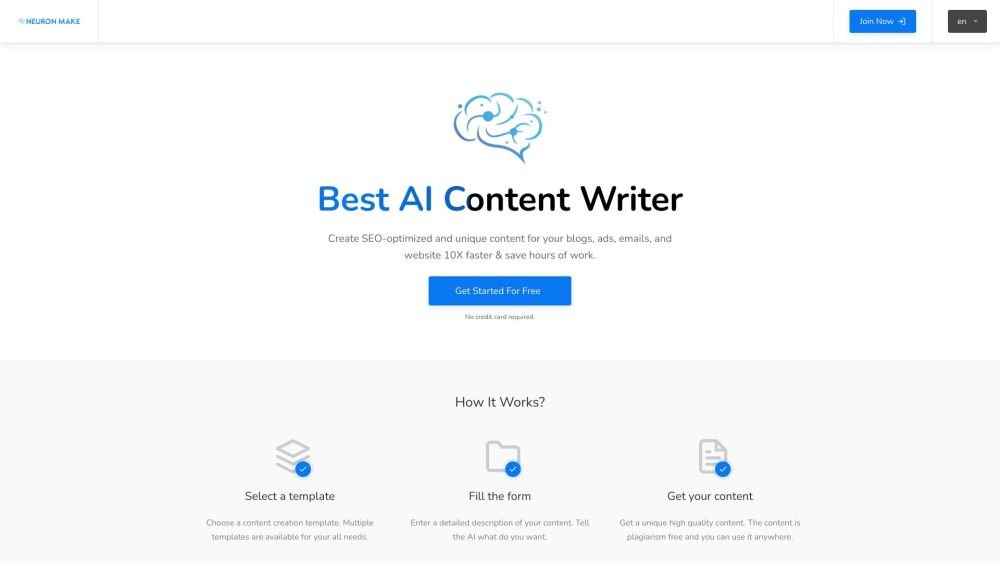
Neuron Make is an all-in-one AI platform for businesses, providing accessible and cost-effective machine learning tools. It serves as a comprehensive solution for generating AI-powered text, images, and code using pre-built templates. The platform assists in producing unique, SEO-optimized content for blogs, advertisements, emails, and websites to improve efficiency.
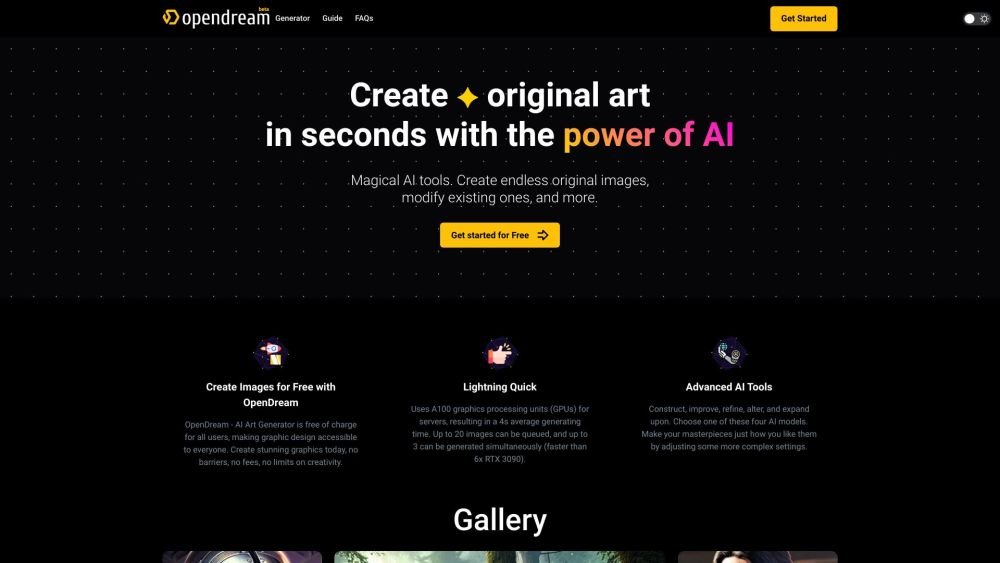
OpenDream is a free AI art generator that enables users to create digital artwork. It allows you to generate AI images from text prompts, upscale existing images, create variations, and share your work. The platform provides customizable templates, various artistic styles, and multiple models to produce unique images, with options available for commercial use.
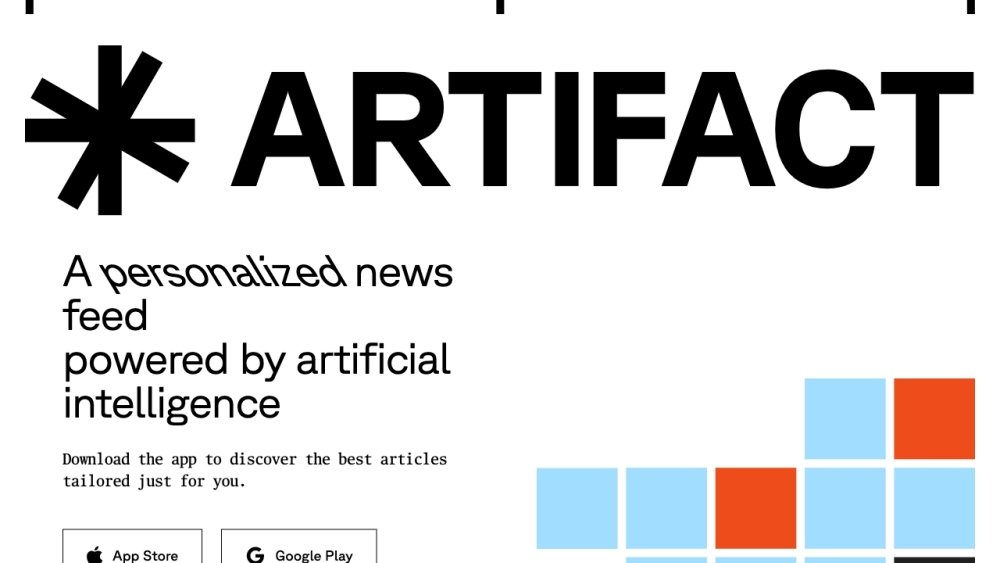
Artifact is an AI-powered personalized news feed. Currently in private beta, the platform requires users to register with their phone number to receive an invitation link. Artifact delivers curated, informative articles tailored to individual preferences, filters out clickbait, and provides instant AI-generated summaries.
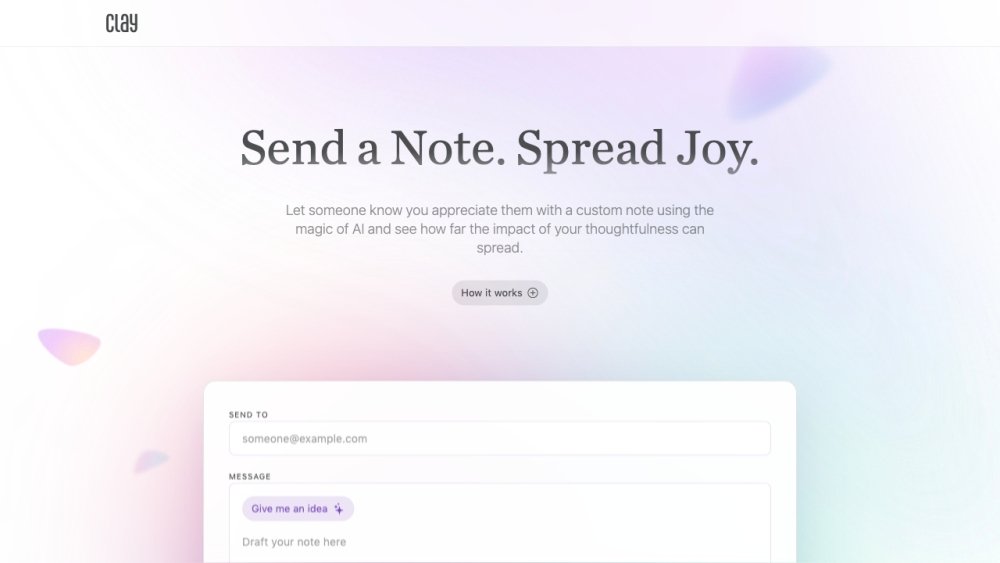
Clay is an AI-powered platform designed to help you send personalized notes to people you appreciate, fostering a culture of positivity and thoughtfulness.
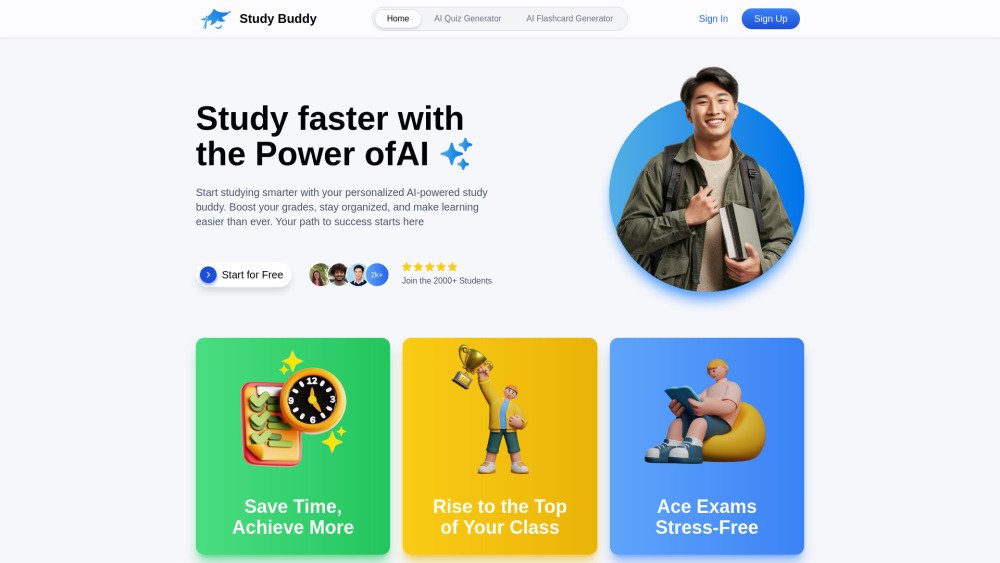
Lurnex AI is an AI-driven study assistant designed to help students learn more efficiently. By uploading notes, textbooks, or PDFs, users can instantly generate flashcards and quizzes. It is tailored for high school and college students looking to improve retention, prepare for exams, and study more effectively through AI-generated feedback.
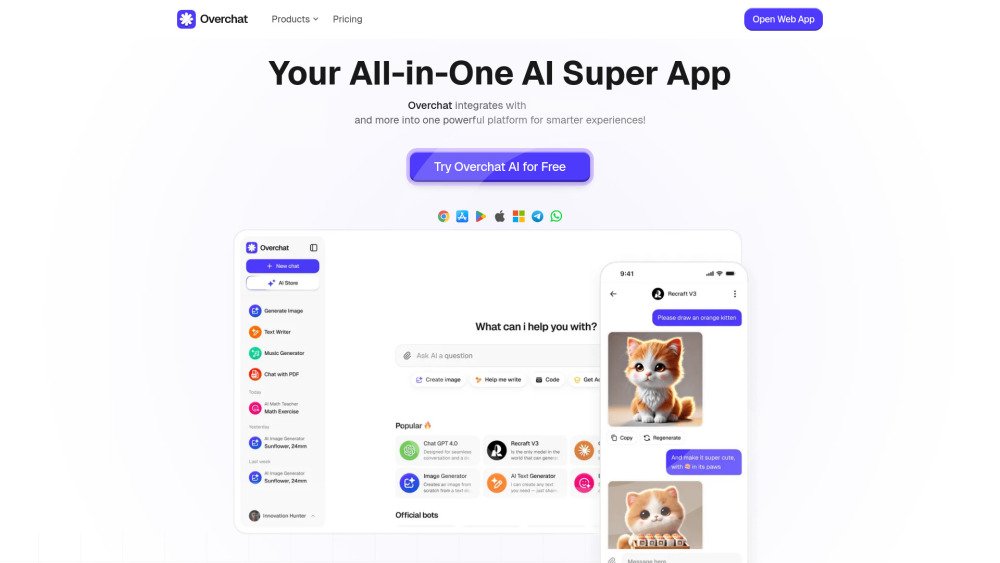
Overchat AI is an all-in-one platform that integrates leading AI models, including ChatGPT, Claude, and Gemini, into a single application. It provides tools for writing, chatting, and image generation to streamline productivity across web, desktop, and mobile devices.
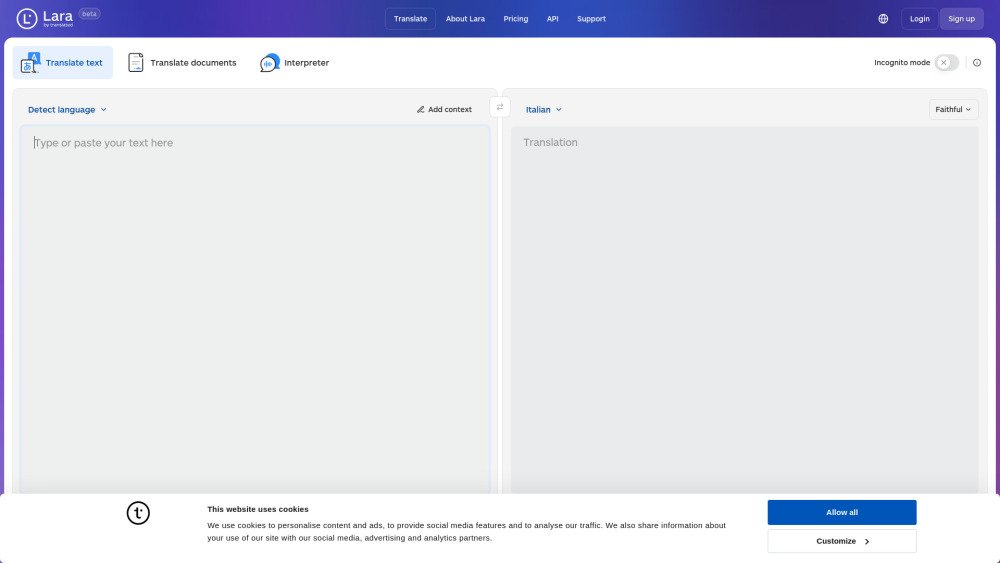
Lara Translate is a translation service providing fast, reliable, and free translation for text, conversations, and documents. It features multiple translation styles—Faithful, Fluid, and Creative—alongside interpreter and incognito modes. An API is also available for developers and agents.
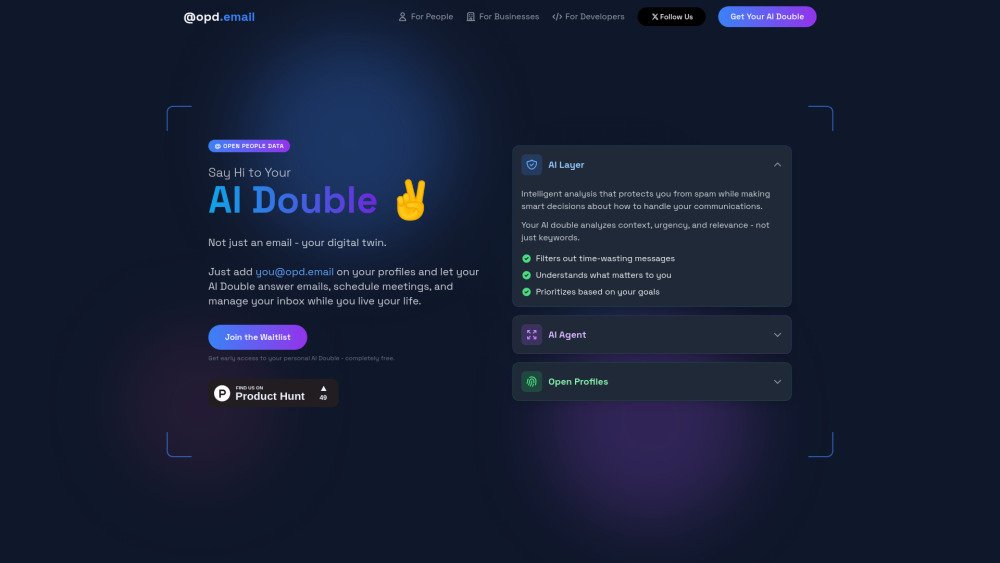
Open People Data (OPD) reimagines professional identity by providing AI Doubles via @opd.email addresses. These AI Doubles serve as an intelligent intermediary between you and your digital interactions, handling email management, meeting scheduling, and general communication to foster a more controlled and open professional networking experience.
Scaloom provides AI-driven website analysis to help you create highly personalized outreach that improves conversion rates. By evaluating prospects' websites for SEO, security, and performance, Scaloom enables you to craft tailored cold emails that drive better engagement.