
Free
$0Free plan available.
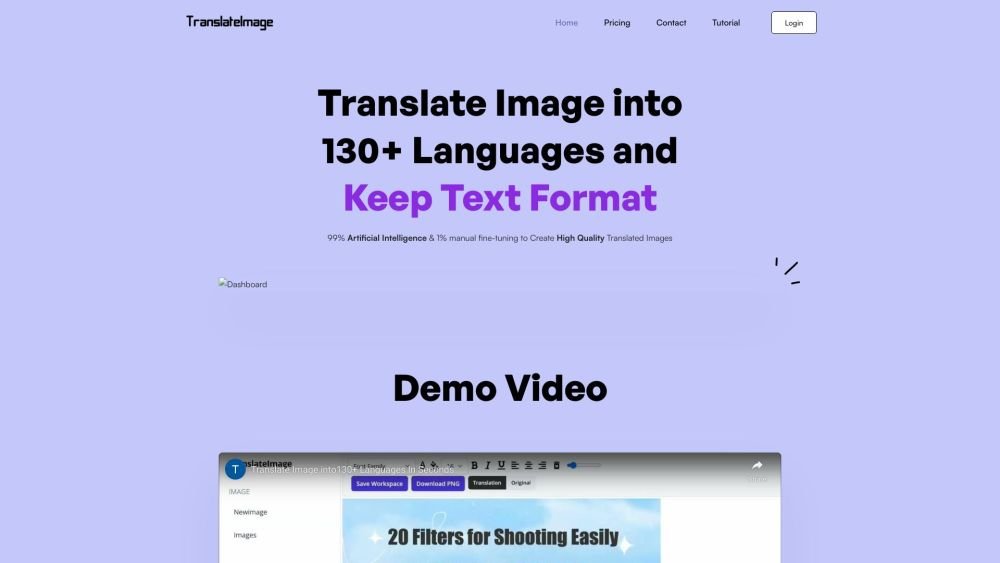
AI Image Translator is an image translation system with a powerful editor. It recognizes texts in images, cleans the background, and fills it back with translated texts while preserving text formats like fonts, color, and positions from the original images. It supports translation into 130+ languages and provides an editor for fine-tuning.
Upload an image, select your target language, allow the AI to automatically detect and translate the text, and then use the built-in editor to refine the formatting before saving your translated image.
We do not offer a free trial due to the high server resources required for image processing. You may purchase the minimum one-time payment option to test our service.
There are no restrictions on the categories of images you can translate. Our service is most effective for scenarios requiring high-quality results where manual fine-tuning is beneficial, such as product listings, promotional graphics, scanned documents, and technical diagrams.
Unlike many free translation systems, our platform is designed to produce high-quality images suitable for professional use. We use advanced AI to infer original text attributes—including font, size, color, and background—to maintain visual consistency. Additionally, we convert image text into an editable format, providing an online editor for easy adjustments to content and layout.
Yes. Image translation relies on complex processes like OCR, inpainting, text format estimation, and language translation, all of which have inherent limitations. Our system may struggle with images containing many small, densely packed text elements that are not in paragraph form. It performs best when text is larger and clearly separated or organized into distinct paragraphs.
You can cancel your subscription via the console by navigating to Account > Manage Subscription. Alternatively, you may click the 'Contact Support' button to submit your request, and we will process it within 1-3 business days.
Free plan available.
Use these comparison pages to understand the trade-offs between the models most relevant to AI Image Translator.
Compare Gemini 1.0 Pro Deprecated and Gemini 2.0 Flash across pricing, context window, capabilities, benchmarks, and API access to choose the better fit for long-context workloads versus long-context workloads.
Compare Gemini 1.0 Pro Deprecated and Gemini 2.5 Flash across pricing, context window, capabilities, benchmarks, and API access to choose the better fit for long-context workloads versus long-context workloads.
Compare Gemini 2.0 Flash Lite and Gemini 2.0 Flash across pricing, context window, capabilities, benchmarks, and API access to choose the better fit for long-context workloads versus long-context workloads.
Compare Gemini 2.5 Flash and Gemini 2.0 Flash across pricing, context window, capabilities, benchmarks, and API access to choose the better fit for long-context workloads versus long-context workloads.

Similar AI tool in the AI Assistant category.
Similar AI tool in the AI Assistant category.
Similar AI tool in the AI Productivity Tools category.
Similar AI tool in the AI Writing Assistants category.
Similar AI tool in the AI Assistant category.
Similar AI tool in the AI Writing Assistants category.
Similar AI tool in the AI Writing Assistants category.
Similar AI tool in the AI Chatbot category.
Similar AI tool in the AI Assistant category.
Similar AI tool in the AI Assistant category.
Similar AI tool in the AI Chatbot category.
Similar AI tool in the AI Assistant category.