
Free
$0Free plan available.
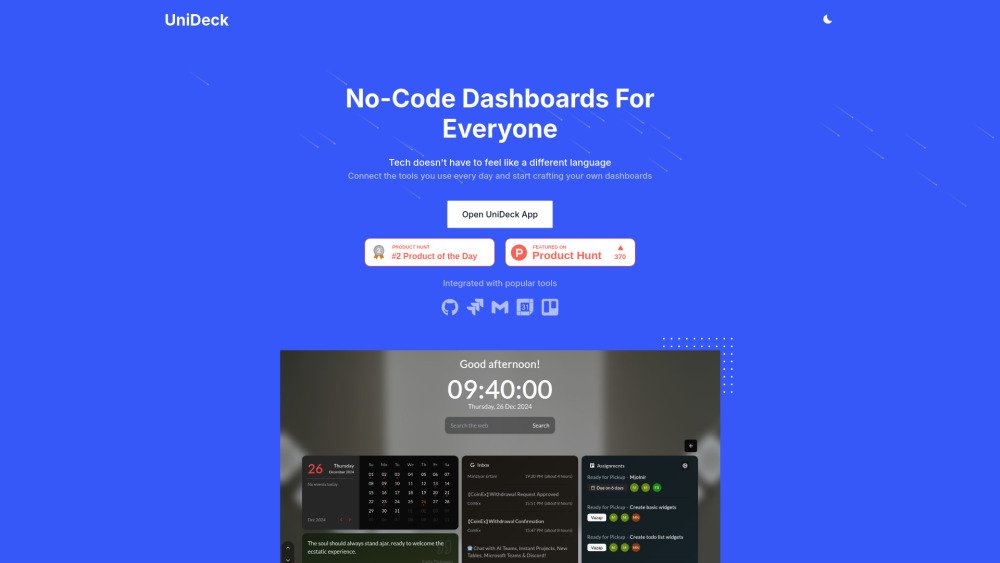
UniDeck is a no-code platform that allows individuals and enterprises to create personalized dashboards and portals. It integrates with popular tools like Jira, Google, Microsoft Teams, Trello, and GitHub. AI-powered features help users design and automate workflows effortlessly. UniDeck offers features like real-time collaboration, data integration, custom widgets, and scalability.
Connect your preferred tools, use the drag-and-drop interface to customize your layout, and utilize AI insights to locate information efficiently. Share your dashboards with your team and manage access permissions as needed.
UniDeck is a no-code platform for building personalized dashboards and portals that integrates with tools such as Jira, Google, Microsoft Teams, Trello, and GitHub.
No, UniDeck is designed to be user-friendly and does not require any coding knowledge.
UniDeck integrates with Jira, GitHub/GitLab, Trello, ChatGPT, Google, Microsoft Teams, HR tools, CRMs, and more. It also supports integration with your own APIs.
UniDeck's AI engine provides insights and suggestions to help you find and organize the right information quickly.
UniDeck offers Free, Plus, Teams, and Enterprise plans, each with different features and pricing.
The Free plan provides access to basic features. Please contact UniDeck directly for details regarding the Enterprise plan.
UniDeck enables you to share dashboards with team members and clients, collaborate in real-time, and manage specific access permissions.
Yes, the Enterprise plan includes custom widgets, in-house AI models, enterprise-grade security, and a dedicated account manager.
UniDeck maintains an Early Adopters program; please visit the website for more information.
UniDeck B.V. is headquartered in Leeuwarden, The Netherlands.
Free plan available.
Use these comparison pages to understand the trade-offs between the models most relevant to UniDeck.
Compare Gemini 1.0 Pro Deprecated and Gemini 2.0 Flash across pricing, context window, capabilities, benchmarks, and API access to choose the better fit for long-context workloads versus long-context workloads.
Compare Gemini 1.0 Pro Deprecated and Gemini 2.5 Flash across pricing, context window, capabilities, benchmarks, and API access to choose the better fit for long-context workloads versus long-context workloads.
Compare Gemini 2.0 Flash Lite and Gemini 2.0 Flash across pricing, context window, capabilities, benchmarks, and API access to choose the better fit for long-context workloads versus long-context workloads.
Compare Gemini 2.5 Flash and Gemini 2.0 Flash across pricing, context window, capabilities, benchmarks, and API access to choose the better fit for long-context workloads versus long-context workloads.
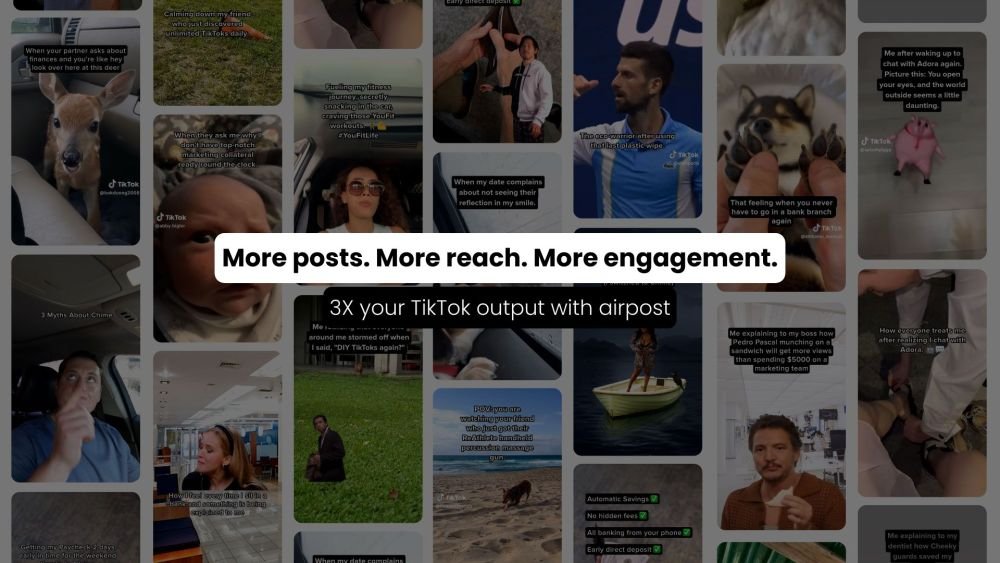
Airpost is an automated UGC video ad platform built for growth marketers. It enables users to generate high-converting short and long-form video ads by creating an instant gallery of options. By using AI to manage scripts, shot selection, pacing, and music, Airpost transforms authentic UGC footage into ads that mimic organic content, offering a scalable and cost-effective alternative to traditional agencies or complex DIY tools.
Modifyla is an AI-powered platform designed to help users generate professional product advertising photos in seconds. It streamlines the creation of high-quality imagery to enhance your product marketing efforts.
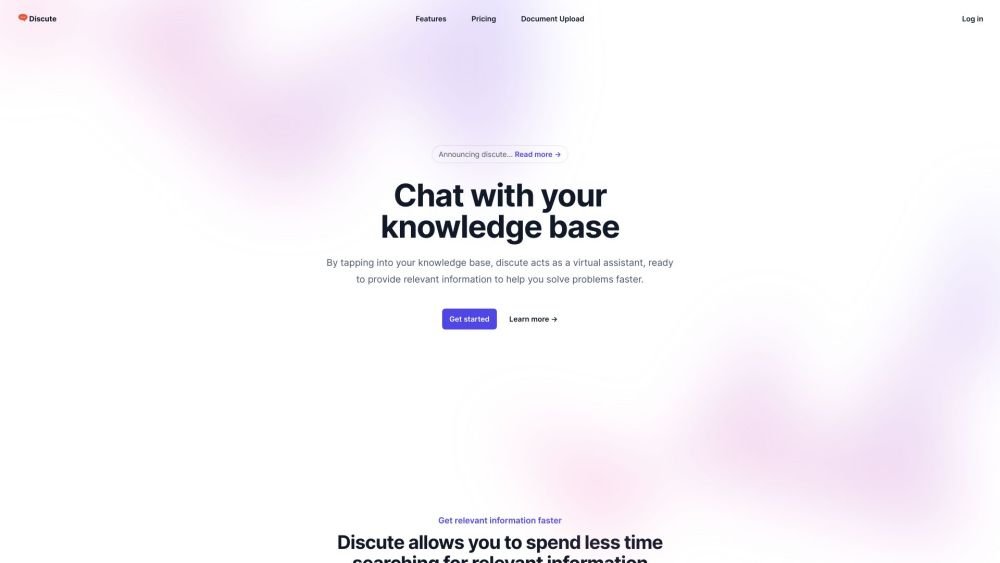
Discute is a tool that enables users to interact with various data formats, ranging from standard documents to complex databases. By functioning as a virtual assistant that accesses your knowledge base, it helps you retrieve information and resolve issues more efficiently. The platform currently supports PDF, DOCX, TXT, and CSV files, with future updates planned for database and website integration.
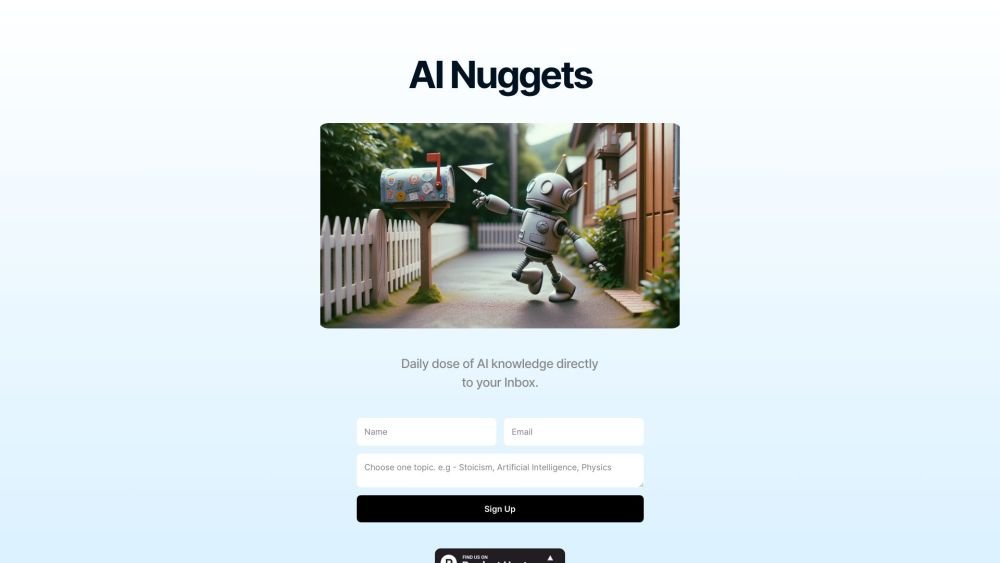
AI Nuggets is an AI-driven daily newsletter that provides concise insights on your selected topics, accompanied by prompts for further exploration. It offers a personalized learning experience designed to foster creativity and broaden your knowledge across subjects ranging from historical facts to modern technology.
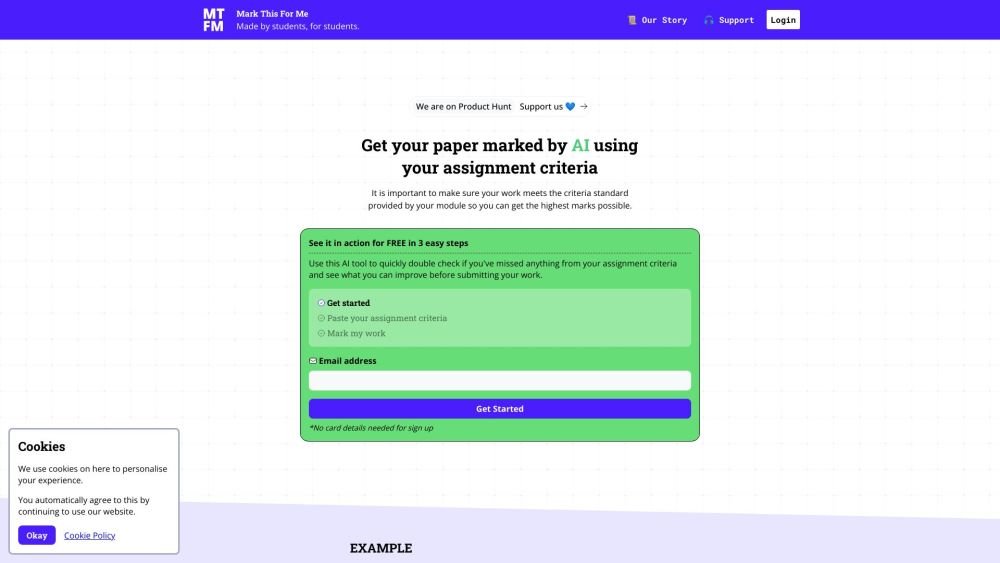
Mark This For Me is an AI-powered platform that provides students with instant, personalized feedback on their assignments. By leveraging OpenAI's GPT models, the tool evaluates work against specific criteria to offer insights that boost motivation and support academic success. The platform provides constructive guidance to help students refine their critical thinking and identify areas for improvement.
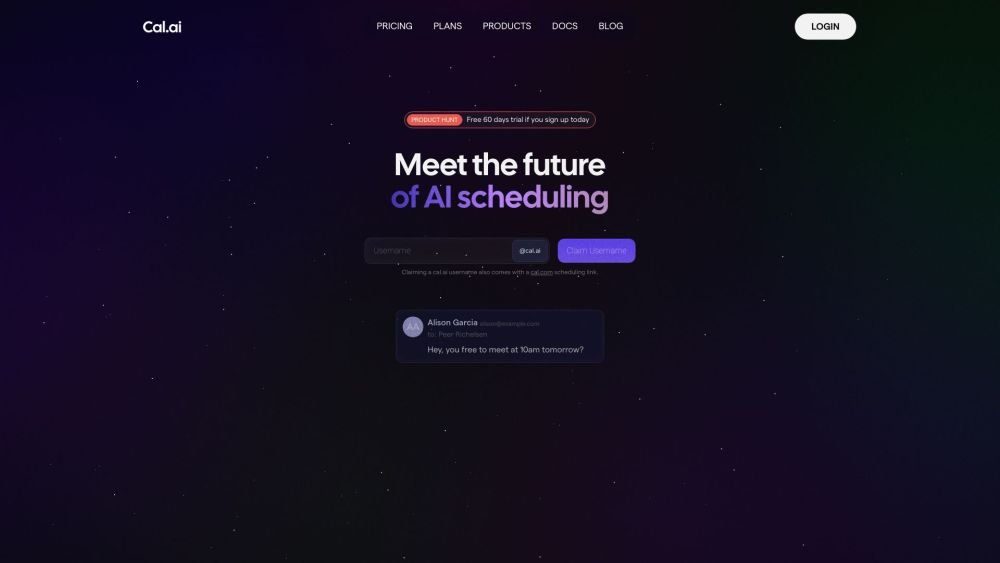
Cal.com is an open-source scheduling infrastructure offering fully customizable software for individuals, businesses, and developers building scheduling platforms. It provides flexible deployment options, including self-hosted and SaaS solutions, alongside features like routing, a unified calendar API, a desktop application, and an enterprise API. Additionally, Cal.com integrates AI-powered scheduling assistance via Cal.ai, which includes AI Phone Agents.
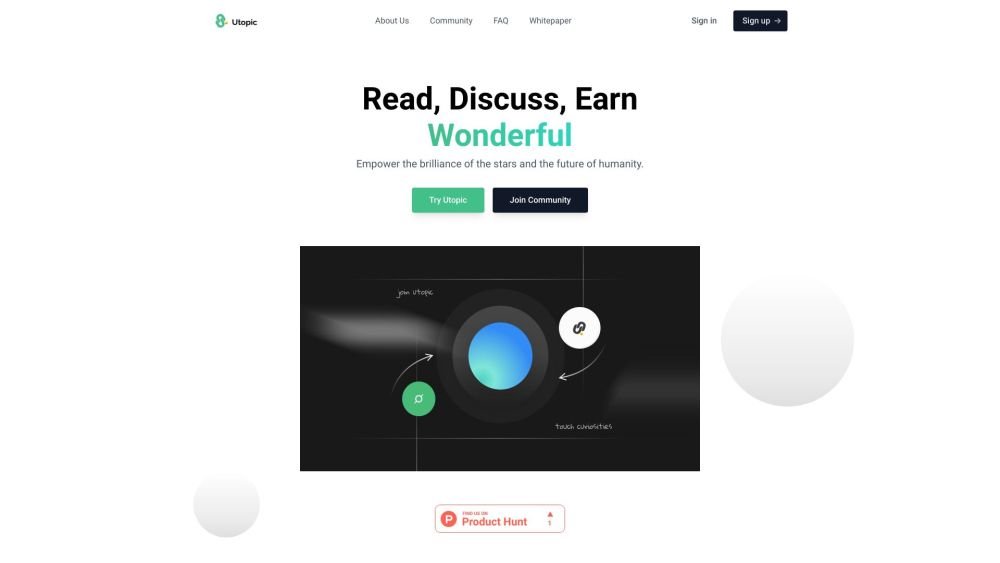
Utopic.ai is a Web3 platform that leverages AI to facilitate discussions, connect users with peers, and reward contributions. Designed as a social community for technology enthusiasts, it allows members to share knowledge, experiences, and perspectives while earning cryptocurrency for asking questions, providing answers, reading, and creating content.
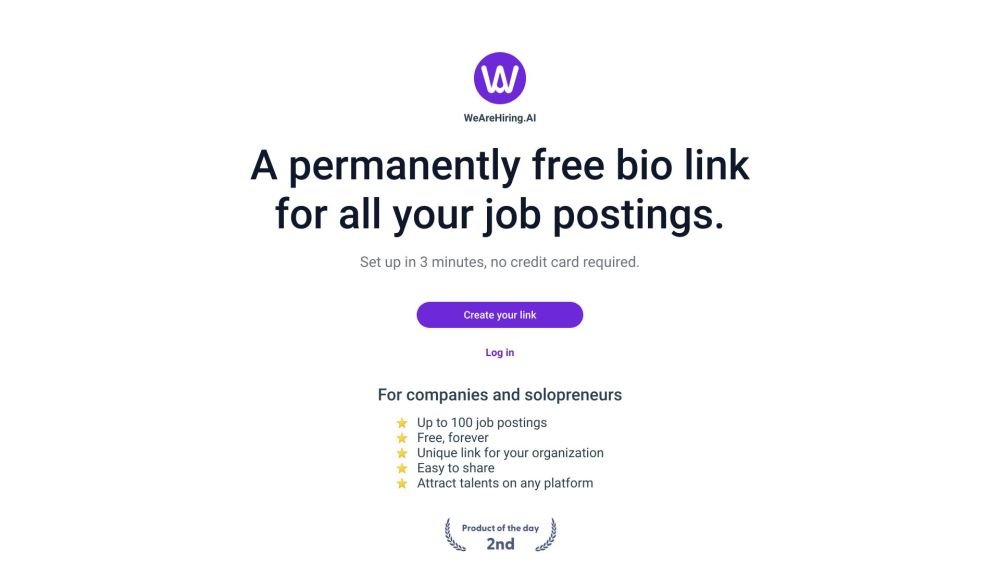
WeAreHiring.AI provides a free, shareable bio link that allows you to showcase up to 100 job postings. You can create your permanent bio link in just 3 minutes with no credit card required.
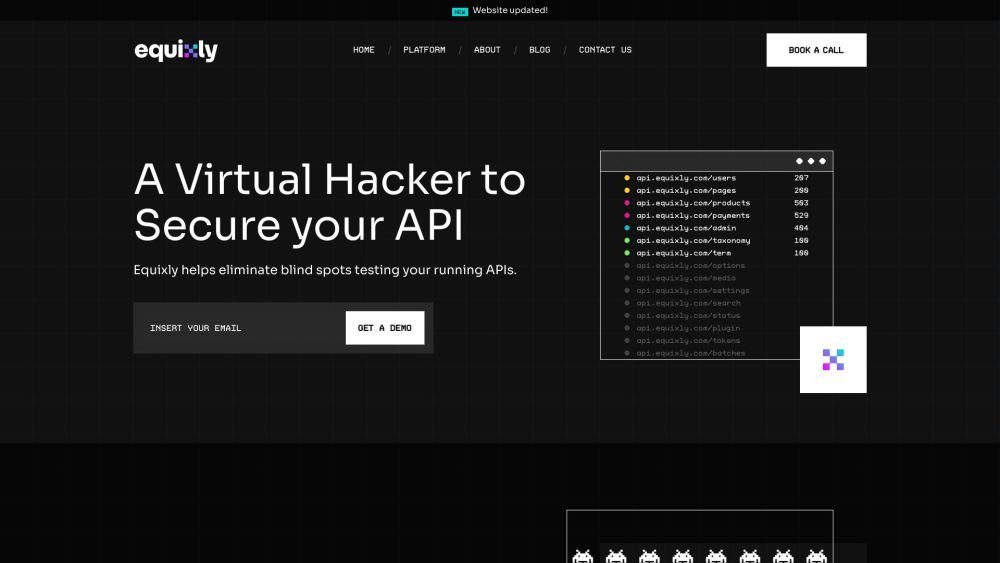
Equixly is a SaaS platform that integrates API security testing into the software development lifecycle (SDLC). It detects vulnerabilities, lowers bug-fixing costs, and scales penetration testing for every new feature release. By using AI-powered bots to scan APIs early, the platform enables faster, more efficient remediation and secure code deployment. Equixly also maps your attack surface by inventorying your API landscape, classifying operations, dependencies, and data flow. Additionally, it simplifies compliance by generating clear reports on security risks and sensitive data exposure to help meet regulatory requirements.
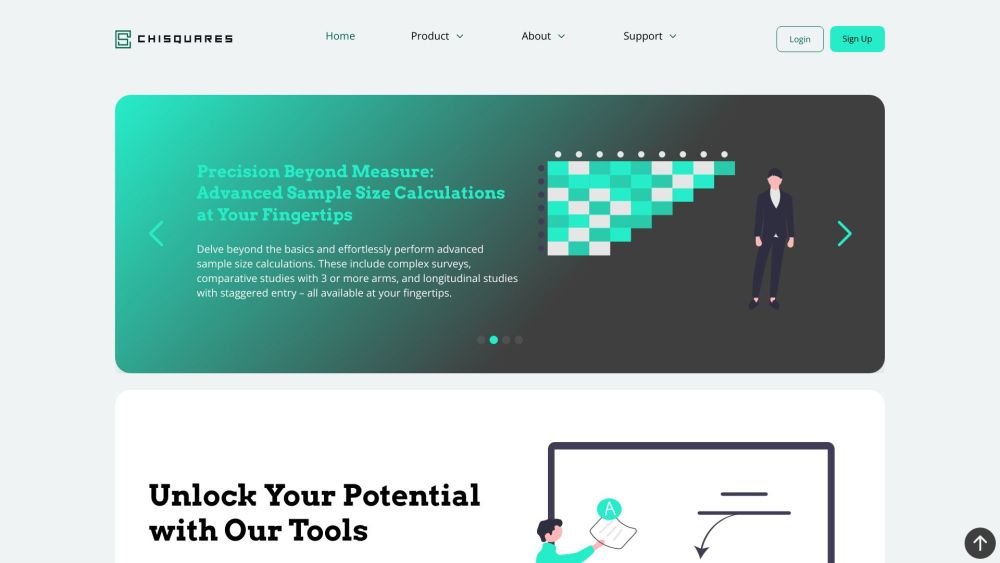
Chisquares is an AI-driven research platform providing end-to-end support for study design, data collection, analysis, and reporting. The platform includes tools for generating representative samples, calculating sample sizes, building custom surveys, and managing data collection. Additionally, it offers features for scientific writing, code-free data analysis, and integrated journal selection and submission.
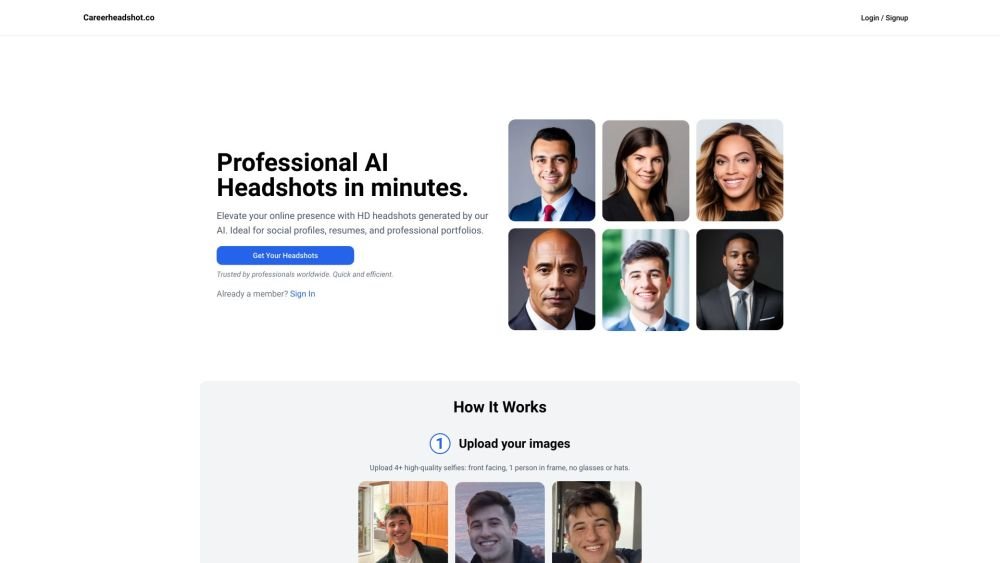
Careerheadshot.co is an AI-powered headshot generator that produces professional-quality portraits in minutes. By uploading your selfies, the platform generates a variety of headshots suitable for professional portfolios, resumes, and social media profiles. It provides tailored plans designed to help you update your LinkedIn presence, improve job application outcomes, and refresh company website imagery.
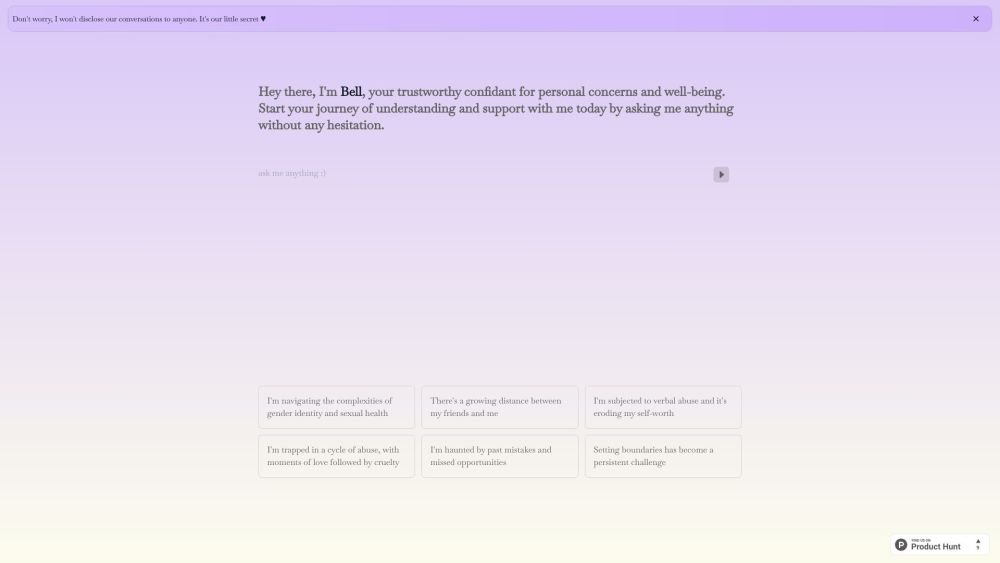
Bell serves as a personal confidant for navigating life's challenges, providing a judgment-free environment to discuss your concerns and questions. It is designed to help users gain self-awareness and support their well-being through private, confidential conversations.