
Free
$0Free plan available.
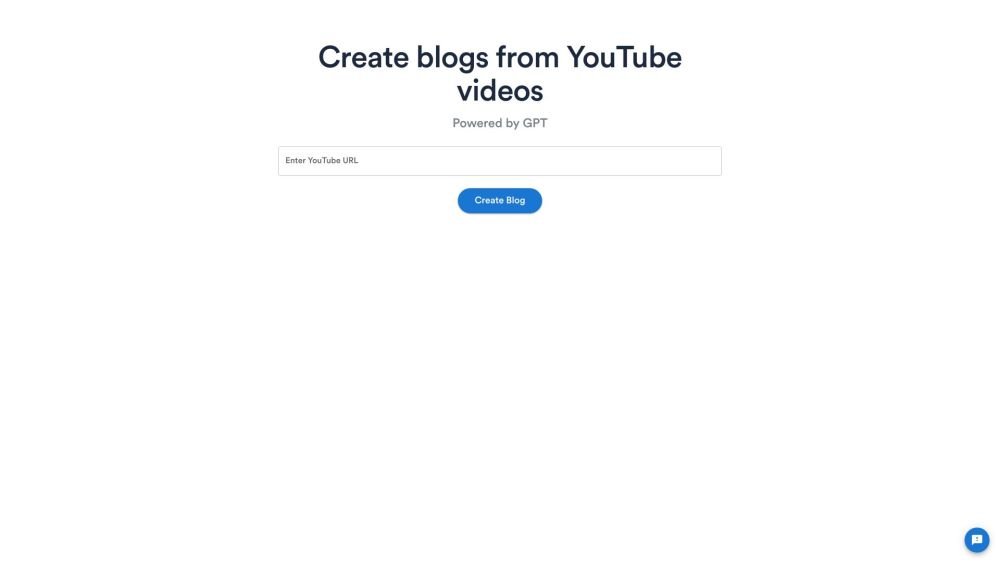
Video To Blog is an AI-powered tool that instantly converts videos into high-quality, SEO-optimized blog posts. It automatically adds screenshots, AI-generated images, internal/external links, and CTAs to create professional-quality content at a fraction of the cost of hiring a freelancer.
Paste a link to a video (YouTube or direct upload) or upload an audio file, click the generate button, and the AI will produce a blog post. You can then edit the generated content as needed.
You can use any video that contains spoken audio; videos without sound or containing only music are not supported.
Yes, you can upload both video and audio files.
The platform currently supports videos up to 3 hours in length.
Yes, once the blog post is generated, you have full editing capabilities similar to standard document editors.
The tool processes the video's transcript through an AI model to generate a blog post.
Yes, the AI can process videos in almost any language and can generate blog posts in a different language if requested.
Yes, creating summaries of YouTube videos is a primary use case for the platform.
Yes, you can upload your own video or audio files.
You can select your preferred blog post length, with options for short (~600 words), medium (~1500 words), and long (~2500 words).
Free plan available.
Use these comparison pages to understand the trade-offs between the models most relevant to Video To Blog.
Compare Gemini 1.0 Pro Deprecated and Gemini 2.0 Flash across pricing, context window, capabilities, benchmarks, and API access to choose the better fit for long-context workloads versus long-context workloads.
Compare Gemini 1.0 Pro Deprecated and Gemini 2.5 Flash across pricing, context window, capabilities, benchmarks, and API access to choose the better fit for long-context workloads versus long-context workloads.
Compare Gemini 2.0 Flash Lite and Gemini 2.0 Flash across pricing, context window, capabilities, benchmarks, and API access to choose the better fit for long-context workloads versus long-context workloads.
Compare Gemini 2.5 Flash and Gemini 2.0 Flash across pricing, context window, capabilities, benchmarks, and API access to choose the better fit for long-context workloads versus long-context workloads.

Similar AI tool in the AI Image Generator category.
Similar AI tool in the AI Assistant category.
Similar AI tool in the AI Writing Assistants category.
Similar AI tool in the AI Image Generator category.
Similar AI tool in the No-Code&Low-Code category.
Similar AI tool in the AI Assistant category.
Similar AI tool in the AI Chatbot category.
Similar AI tool in the AI Writing Assistants category.
Similar AI tool in the AI Writing Assistants category.
Similar AI tool in the AI Assistant category.
Similar AI tool in the AI Chatbot category.
Similar AI tool in the AI Chatbot category.