
Free
$0Free plan available.
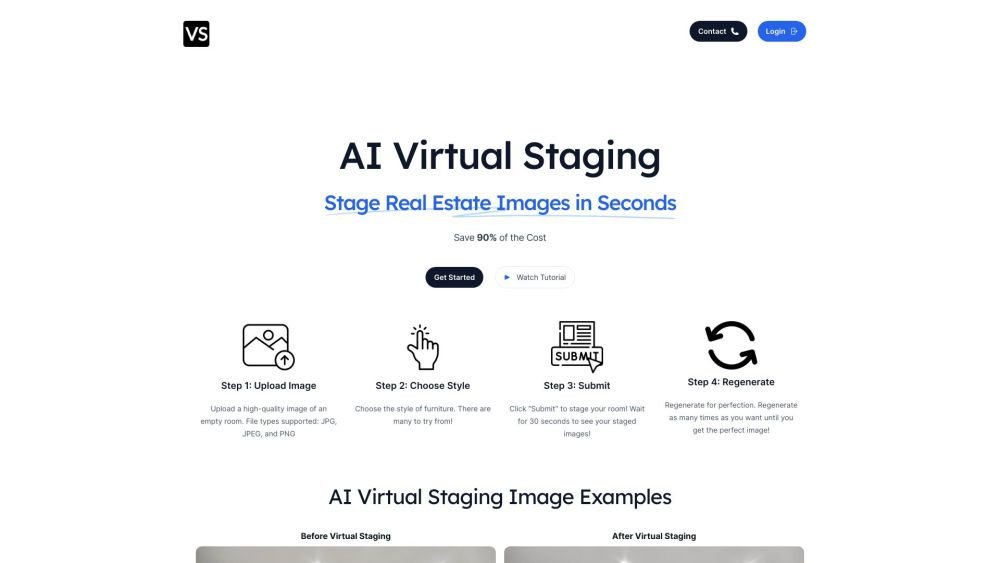
Virtual Staging Art is an AI-powered platform that allows users to virtually stage real estate images in seconds, saving up to 90% of the cost compared to traditional staging methods. It offers features like AI furniture removal, style selection, and image regeneration to help real estate professionals enhance their listings.
To use Virtual Staging Art, upload a photo of an empty room, select a furniture style, submit the image, and wait for the AI to generate the staged result. You may regenerate the image as often as necessary to achieve your desired outcome.
Our customers primarily stage living rooms, bedrooms, and dining rooms, but we also support kitchens, home offices, and bathrooms.
Yes. Using advanced AI technology, we can erase unwanted furniture and small items to create empty room photos. This feature also works on outdoor images to remove objects like cars and signs.
Users are limited to one active subscription. Subscription upgrades take effect immediately, with new credits added and the billing cycle updated to the current date. Subscription downgrades take effect at the end of the current billing period, at which point new credits are applied and the original schedule is maintained.
Your credit balance is visible in the top right corner of the dashboard after logging in. You can also view it on the Settings page.
Yes.
Free plan available.

Similar AI tool in the AI Transcription category.
Similar AI tool in the AI Marketing category.
Similar AI tool in the AI Assistant category.
Similar AI tool in the AI Assistant category.
Similar AI tool in the AI Assistant category.
Similar AI tool in the AI Copilot category.
Similar AI tool in the AI Summarizer category.
Similar AI tool in the AI Assistant category.
Similar AI tool in the AI Art Generator category.
Similar AI tool in the AI Assistant category.
Similar AI tool in the AI Assistant category.
Similar AI tool in the AI Assistant category.