
Free
$0Free plan available.
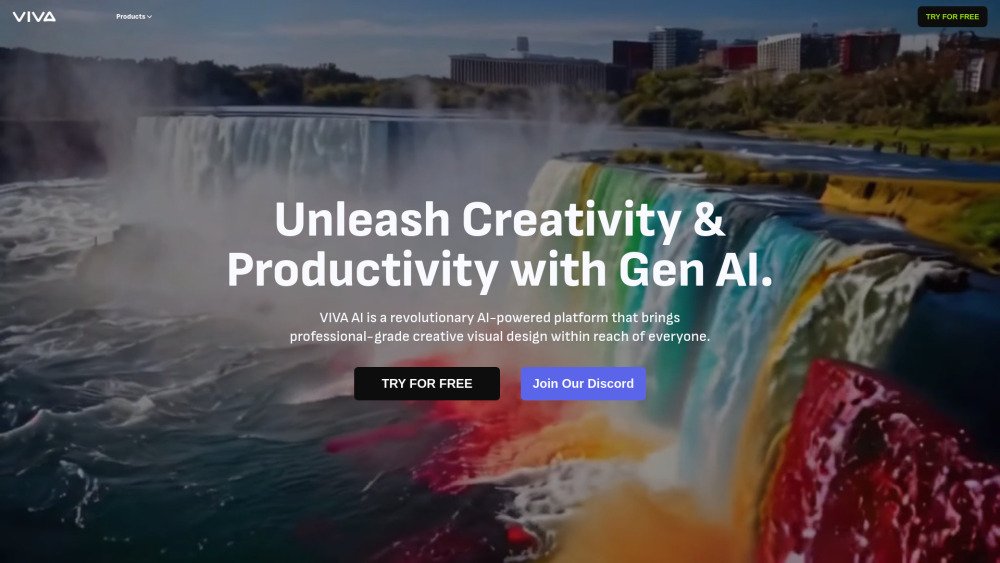
VIVAGO AI is an AI-powered platform that offers a suite of tools for AI video and image creation. It provides features like Text-to-Video, Image-to-Video, Video Enhance, Text-to-Image, Image Enhance, and more. The platform aims to make professional-grade creative visual design accessible to everyone, simplifying the creation process and enhancing efficiency. It also includes AI editing tools for image expansion, repainting, and resolution upgrades to 4K.
VIVAGO AI enables users to generate videos and images by entering text prompts or uploading source images. Users can then apply various AI tools to enhance, edit, and animate their projects. The platform also features a Magic Prompt tool designed to optimize text inputs for improved results.
Creating high-quality videos with VIVAGO AI is efficient and straightforward. The platform provides a range of tools for everything from basic edits to complex animations, including Text-to-Video and Image-to-Video features to help bring your concepts to life.
You can use the Magic Prompt feature to refine your text inputs, which helps improve the accuracy and creativity of your video outputs.
VIVAGO AI provides several advantages for video production, including advanced algorithms for seamless editing, customizable motion and dimensions, and support for vertical video formats suitable for social media. Additionally, the Magic Prompt feature helps streamline the creative process.
Yes, VIVAGO AI supports vertical video formats, allowing you to create content specifically optimized for platforms like TikTok and Instagram.
Yes, VIVAGO AI can enhance the resolution and clarity of your images for professional use. The platform allows you to upscale images to 4K quality for sharper, more detailed visuals.
Yes, you can use the Image-to-Video feature to add motion and depth to your static images, converting them into dynamic video content.
Free plan available.
Use these comparison pages to understand the trade-offs between the models most relevant to VIVAGO AI.
Compare Gemini 1.0 Pro Deprecated and Gemini 2.0 Flash across pricing, context window, capabilities, benchmarks, and API access to choose the better fit for long-context workloads versus long-context workloads.
Compare Gemini 1.0 Pro Deprecated and Gemini 2.5 Flash across pricing, context window, capabilities, benchmarks, and API access to choose the better fit for long-context workloads versus long-context workloads.
Compare Gemini 2.0 Flash Lite and Gemini 2.0 Flash across pricing, context window, capabilities, benchmarks, and API access to choose the better fit for long-context workloads versus long-context workloads.
Compare Gemini 2.5 Flash and Gemini 2.0 Flash across pricing, context window, capabilities, benchmarks, and API access to choose the better fit for long-context workloads versus long-context workloads.