
Free
$0Free plan available.
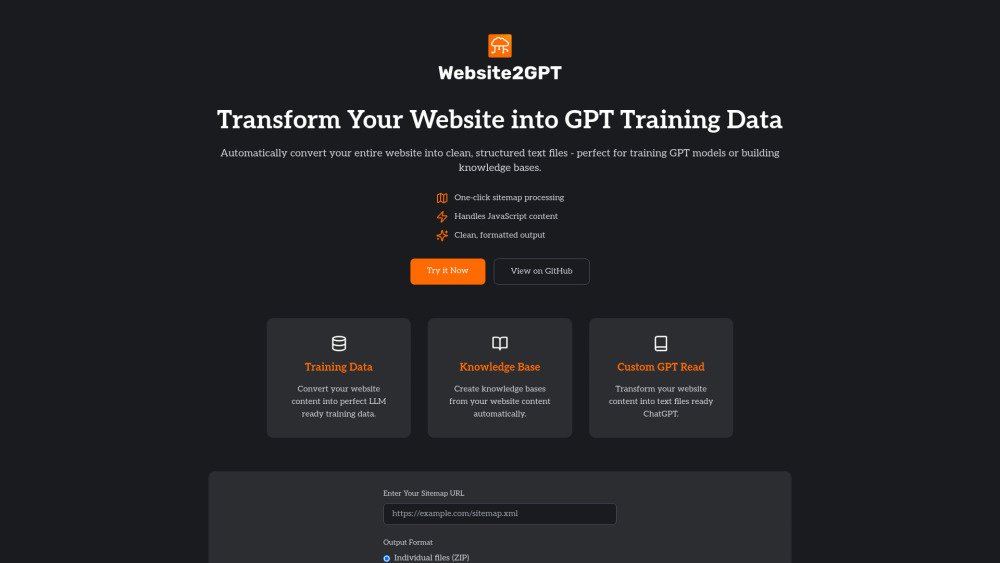
Website2GPT automatically transforms website content into GPT-ready training data. It extracts clean, structured text from a website's sitemap, making it ideal for training AI models or developing knowledge bases. The tool is designed for efficiency, handling JavaScript-based content and delivering clean, formatted output.
1. Enter your website's sitemap.xml URL. 2. Choose between 'Individual files (ZIP)' or 'Single merged file' and download your results. 3. Go to chatgpt.com/gpts/mine. 4. Select 'Create a GPT'. 5. Input the required details, such as the name, description, and instructions for your GPT. 6. Upload your downloaded .txt file(s). 7. Your Custom GPT is now ready, containing your website's data, copy, blog posts, products, and more.
Website2GPT converts website content into clean, structured text files that are ready for training GPT models or creating knowledge bases.
Once you have processed your sitemap and downloaded the text files, you can upload them directly into ChatGPT's custom GPT builder to create a model trained on your website's data.
Free plan available.
Use these comparison pages to understand the trade-offs between the models most relevant to Website2GPT.
Compare GPT 5.4 and GPT 5.4 Pro across pricing, context window, capabilities, benchmarks, and API access to choose the better fit for long-context workloads versus long-context workloads.
Compare GPT 5.5 and GPT 5.4 across pricing, context window, capabilities, benchmarks, and API access to choose the better fit for long-context workloads versus long-context workloads.
Compare GPT 5.5 and Claude 4.6 Opus across pricing, context window, capabilities, benchmarks, and API access to choose the better fit for long-context workloads versus long-context workloads.
Compare GPT 5.5 and Claude 4.6 Sonnet across pricing, context window, capabilities, benchmarks, and API access to choose the better fit for long-context workloads versus long-context workloads.
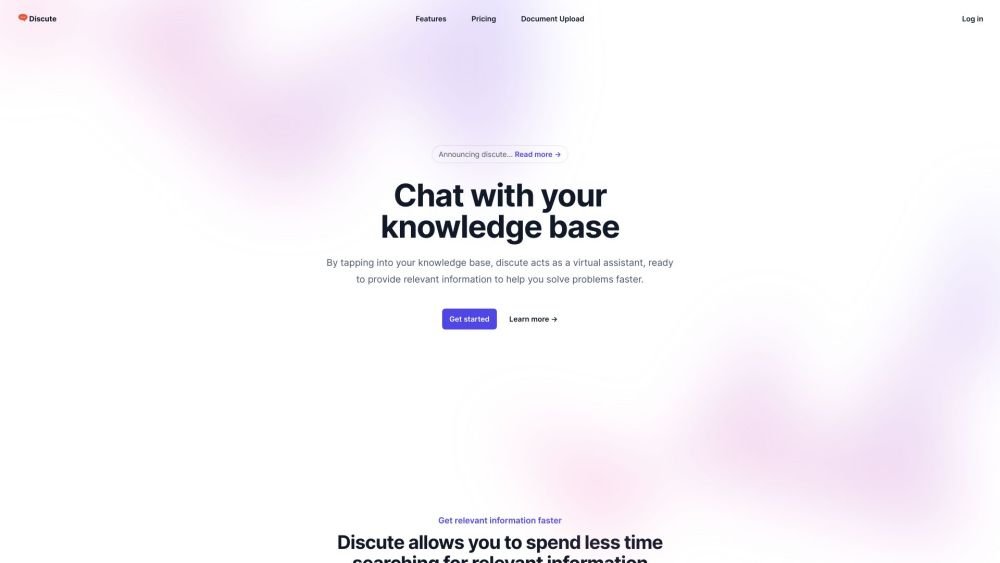
Discute is a tool that enables users to interact with various data formats, ranging from standard documents to complex databases. By functioning as a virtual assistant that accesses your knowledge base, it helps you retrieve information and resolve issues more efficiently. The platform currently supports PDF, DOCX, TXT, and CSV files, with future updates planned for database and website integration.
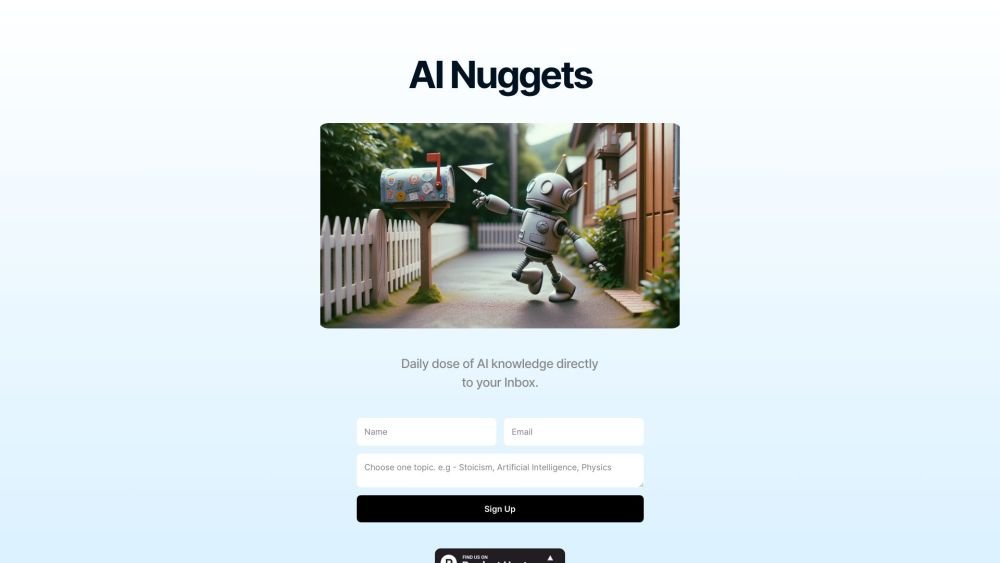
AI Nuggets is an AI-driven daily newsletter that provides concise insights on your selected topics, accompanied by prompts for further exploration. It offers a personalized learning experience designed to foster creativity and broaden your knowledge across subjects ranging from historical facts to modern technology.
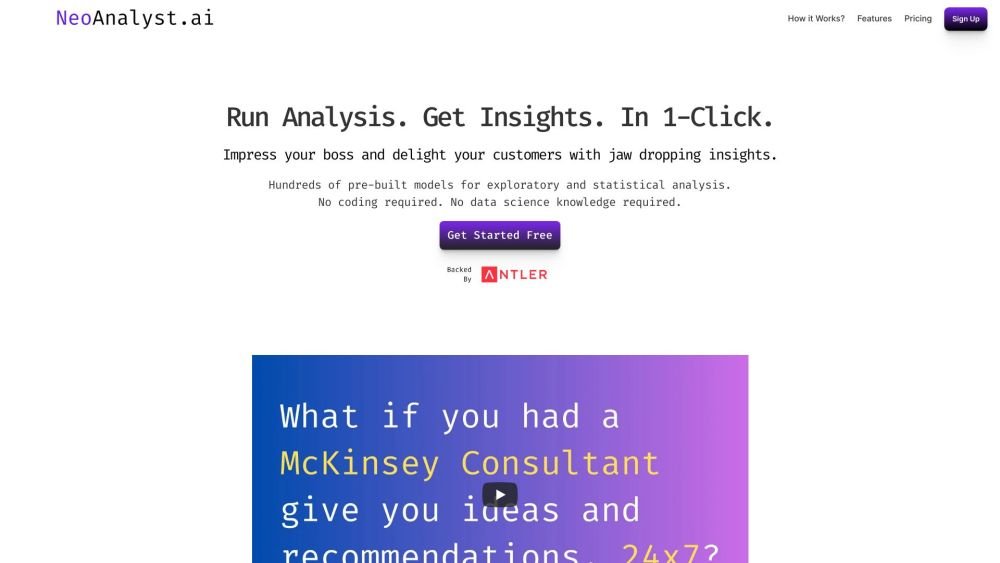
NeoAnalyst.ai simplifies data analysis by making complex insights accessible to everyone. Users can upload datasets and select from 25 suggested questions to generate clear visualizations and actionable findings. Designed for business leaders, this platform requires no coding or data science expertise.

Utopic.ai is a Web3 platform that leverages AI to facilitate discussions, connect users with peers, and reward contributions. Designed as a social community for technology enthusiasts, it allows members to share knowledge, experiences, and perspectives while earning cryptocurrency for asking questions, providing answers, reading, and creating content.

Pegleg.ai monitors the web for unauthorized copies of your content by scanning Patreon and Gumroad links. It helps protect your paid work and revenue by identifying stolen material and, for Pro members, automatically issuing DMCA takedown notices.
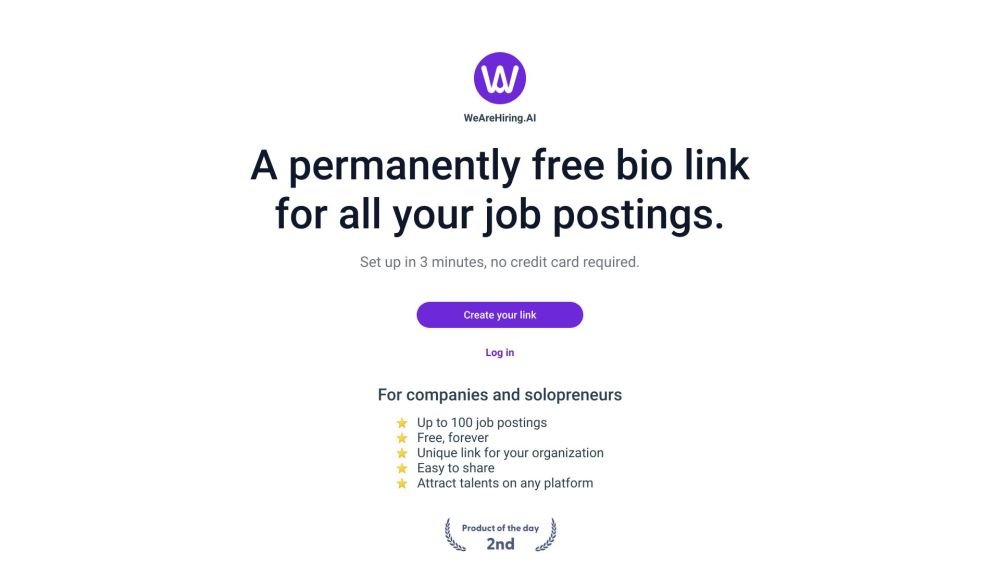
WeAreHiring.AI provides a free, shareable bio link that allows you to showcase up to 100 job postings. You can create your permanent bio link in just 3 minutes with no credit card required.
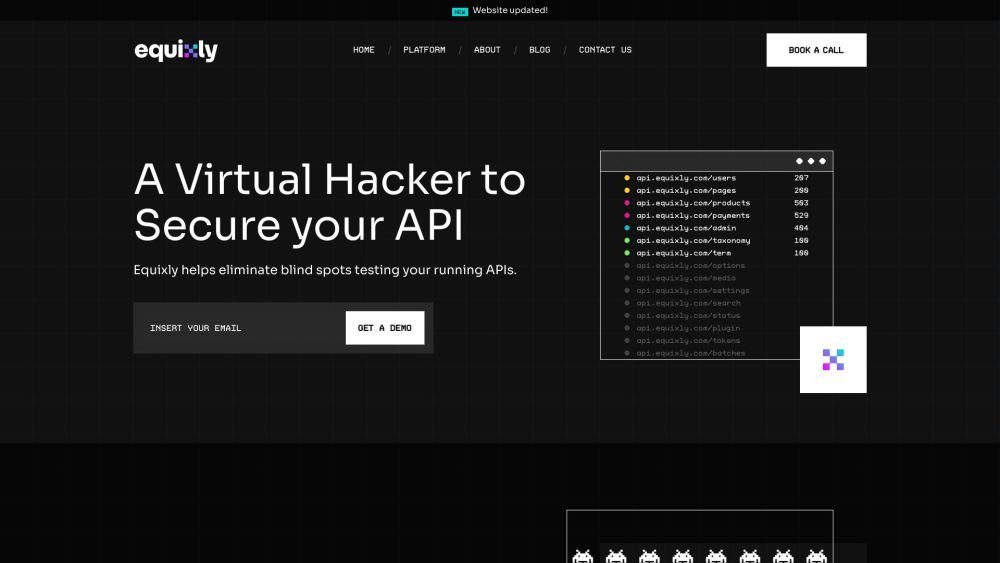
Equixly is a SaaS platform that integrates API security testing into the software development lifecycle (SDLC). It detects vulnerabilities, lowers bug-fixing costs, and scales penetration testing for every new feature release. By using AI-powered bots to scan APIs early, the platform enables faster, more efficient remediation and secure code deployment. Equixly also maps your attack surface by inventorying your API landscape, classifying operations, dependencies, and data flow. Additionally, it simplifies compliance by generating clear reports on security risks and sensitive data exposure to help meet regulatory requirements.

Chisquares is an AI-driven research platform providing end-to-end support for study design, data collection, analysis, and reporting. The platform includes tools for generating representative samples, calculating sample sizes, building custom surveys, and managing data collection. Additionally, it offers features for scientific writing, code-free data analysis, and integrated journal selection and submission.

GPTBot Checker is a tool for website owners and developers to verify if their site is accessible to AI crawlers. As AI technologies like GPTBot evolve, this tool helps you confirm whether your content is available for ChatGPT training.
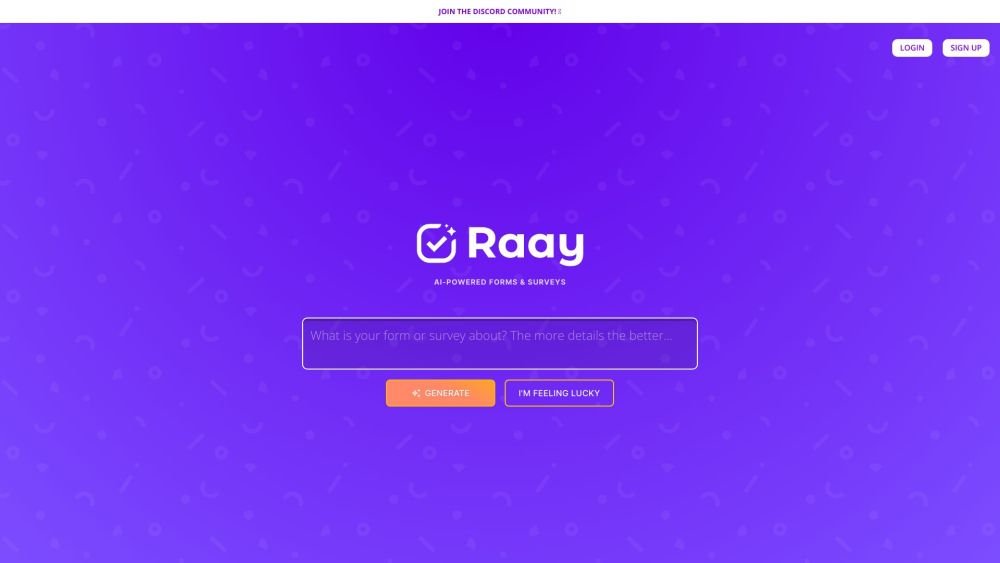
Raay is an AI-powered platform designed to streamline the creation of forms and surveys. By entering a simple prompt, users can generate forms in seconds. The platform also provides interactive summaries of responses and offers seamless integrations to support data-driven decision-making, allowing users to create, share, and analyze data efficiently.
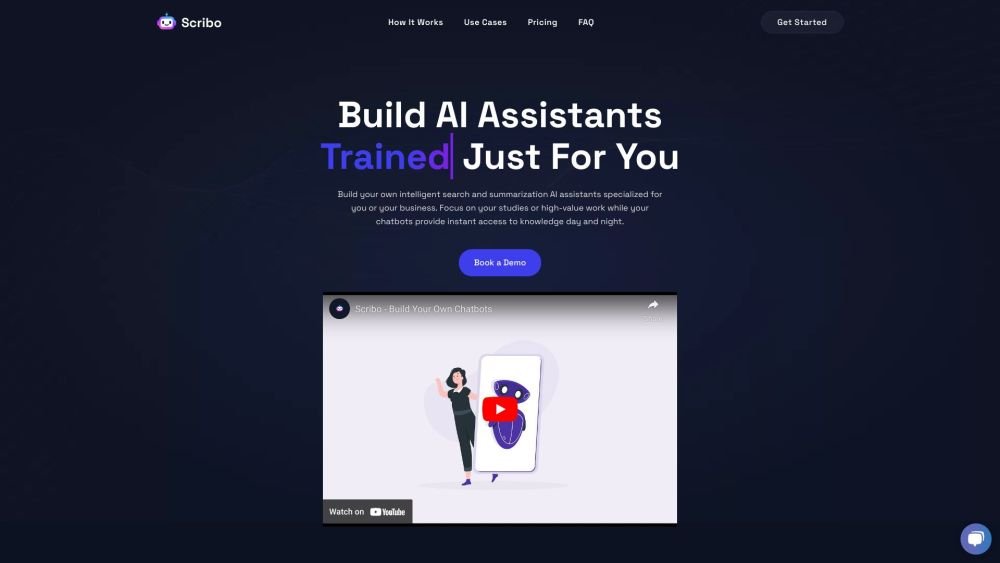
Scribo AI is a generative AI platform built for internal business knowledge sharing. It enables users to develop intelligent search and summarization assistants, helping teams access information quickly to prioritize high-value tasks. Additionally, Scribo AI supports the creation of generative chatbots that utilize company data to assist and engage customers.
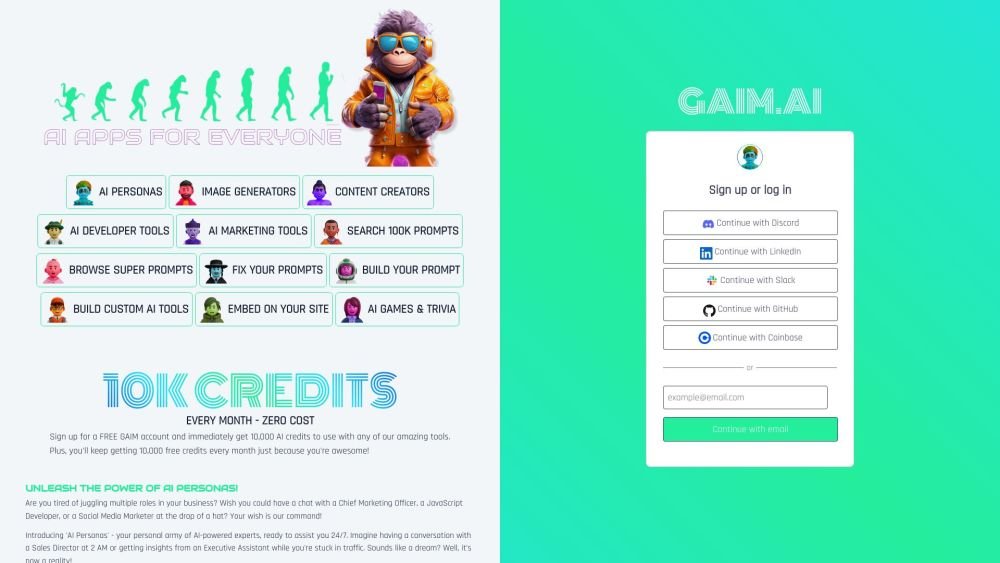
GAIM.AI is an all-in-one AI platform built for developers, marketers, and gamers. It provides access to AI personas, coding tools, and image generators. Users can browse over 100,000 prompts, create their own, and receive 10,000 free credits monthly.