
Free
$0Free plan available.
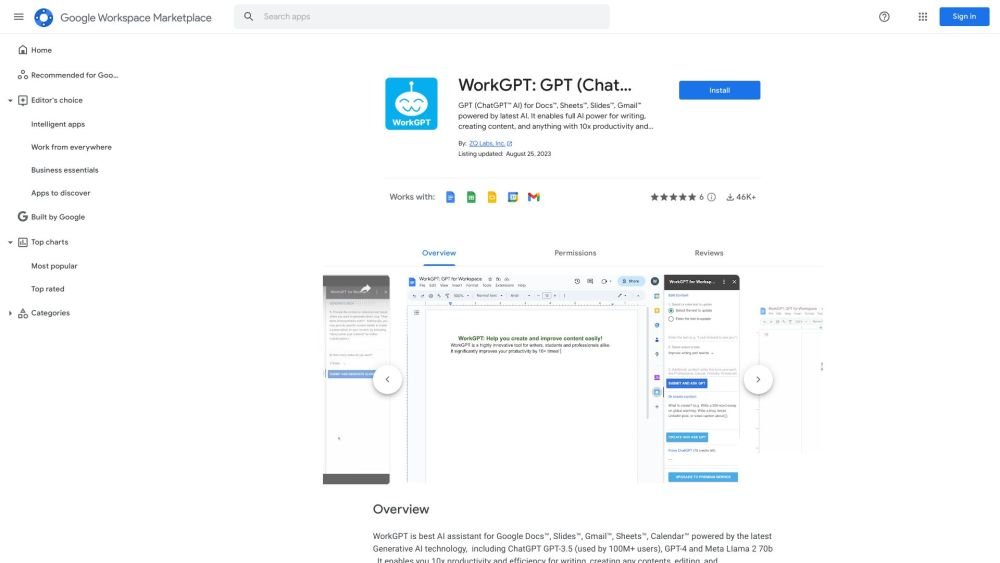
WorkGPT is an AI assistant add-on for Google Docs, Slides, Gmail, and Sheets, powered by GPT-3.5, GPT-4, and Llama 2. It assists users in editing and creating content, drafting emails, processing information, and reading to improve productivity and save time. Key features include grammar and spelling correction, content rewriting, summarization, translation, and custom functions for Google Sheets.
Install the add-on from the Google Workspace Marketplace. Once installed, it integrates directly into Docs, Slides, Gmail, and Sheets. Utilize the available features and custom functions to edit, create, and refine your content.
No, an API key is not required to use WorkGPT.
WorkGPT provides free credits upon installation. Certain features, such as image generation, are reserved for premium users.
WorkGPT supports Google Docs, Slides, Gmail, Sheets, and Calendar.
WorkGPT is powered by GPT-3.5, GPT-4, and Llama 2.
Free plan available.
Use these comparison pages to understand the trade-offs between the models most relevant to WorkGPT: GPT (ChatGPT™) for Workspace™.
Compare GPT 5.4 and GPT 5.4 Pro across pricing, context window, capabilities, benchmarks, and API access to choose the better fit for long-context workloads versus long-context workloads.
Compare GPT 5.5 and GPT 5.4 across pricing, context window, capabilities, benchmarks, and API access to choose the better fit for long-context workloads versus long-context workloads.
Compare GPT 5.5 and Claude 4.6 Opus across pricing, context window, capabilities, benchmarks, and API access to choose the better fit for long-context workloads versus long-context workloads.
Compare GPT 5.5 and Claude 4.6 Sonnet across pricing, context window, capabilities, benchmarks, and API access to choose the better fit for long-context workloads versus long-context workloads.

Similar AI tool in the AI Assistant category.
Similar AI tool in the AI Assistant category.
Similar AI tool in the AI Productivity Tools category.
Similar AI tool in the AI Writing Assistants category.
Similar AI tool in the AI Assistant category.
Similar AI tool in the AI Writing Assistants category.
Similar AI tool in the AI Writing Assistants category.
Similar AI tool in the AI Assistant category.
Similar AI tool in the AI Assistant category.
Similar AI tool in the AI Chatbot category.
Similar AI tool in the AI Productivity Tools category.
Similar AI tool in the AI Assistant category.