
Free
$0Free plan available.
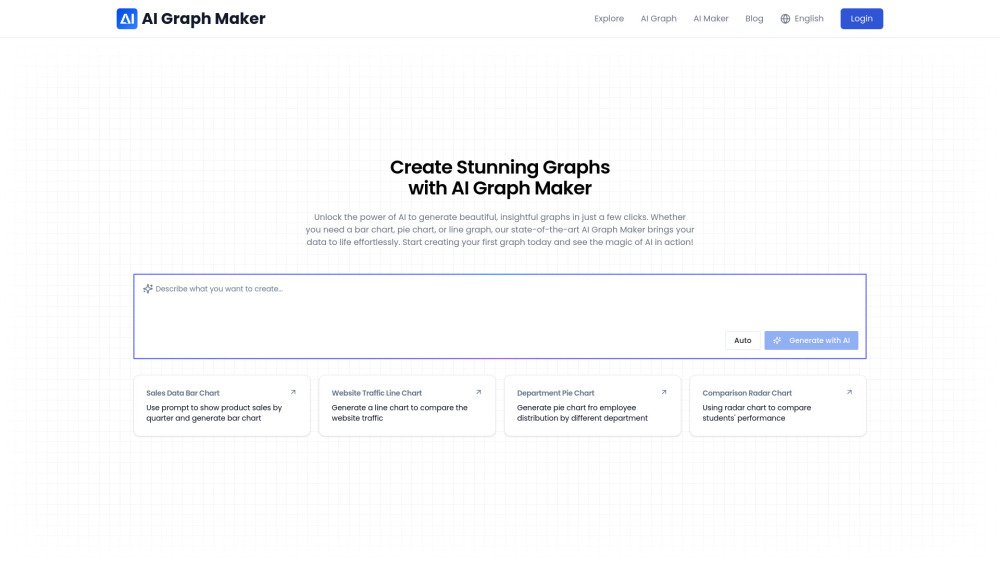
AI Graph Maker is an AI-powered tool that transforms data into professional visualizations. It enables users to generate charts, graphs, and diagrams in minutes, supporting various formats such as bar charts, line charts, flowcharts, pie charts, and scatter plots. Designed for both professionals and beginners, the platform provides a user-friendly interface with flexible options for editing and exporting your work.
To create a graph, input your data, select your preferred graph type, generate the visualization using AI, customize the colors and labels, and then download or share your result.
Navigate to the graph creation page, select your desired graph type, input your data, customize the content and style, and then export your graph for use.
Yes, you can fully customize your generated graphs by adjusting both the data content and the visual style.
Yes, you can easily export your generated graphs in various formats, including PNG, SVG, and Mermaid.
You can select from preset themes or manually adjust colors, modify fonts for titles, labels, and axes, and change the appearance of data points, bars, or lines.
You can reach our technical support team by emailing support@aigraphmaker.net.
Free plan available.
Use these comparison pages to understand the trade-offs between the models most relevant to AI Graph Maker.
Compare Amazon Nova Pro and Amazon Nova Lite across pricing, context window, capabilities, benchmarks, and API access to choose the better fit for tool-augmented workflows versus tool-augmented workflows.
Compare Amazon Nova Lite and Amazon Nova Micro across pricing, context window, capabilities, benchmarks, and API access to choose the better fit for tool-augmented workflows versus tool-augmented workflows.
Compare Amazon Nova Lite and Mistral Medium 3 across pricing, context window, capabilities, benchmarks, and API access to choose the better fit for tool-augmented workflows versus tool-augmented workflows.
Compare Amazon Nova Lite and Mistral Small 3.1 (25.03) across pricing, context window, capabilities, benchmarks, and API access to choose the better fit for tool-augmented workflows versus cost-efficient scale.

Discute is a tool that enables users to interact with various data formats, ranging from standard documents to complex databases. By functioning as a virtual assistant that accesses your knowledge base, it helps you retrieve information and resolve issues more efficiently. The platform currently supports PDF, DOCX, TXT, and CSV files, with future updates planned for database and website integration.

JOI AI Girlfriend is an artificial intelligence companion inspired by the character JOI. It provides emotional support and companionship for those experiencing loneliness. This virtual AI girlfriend offers private, respectful interactions, meaningful conversations, and a flirty dating simulator experience. Users can engage in friendly chats, participate in roleplay, and work on developing their relationship skills.
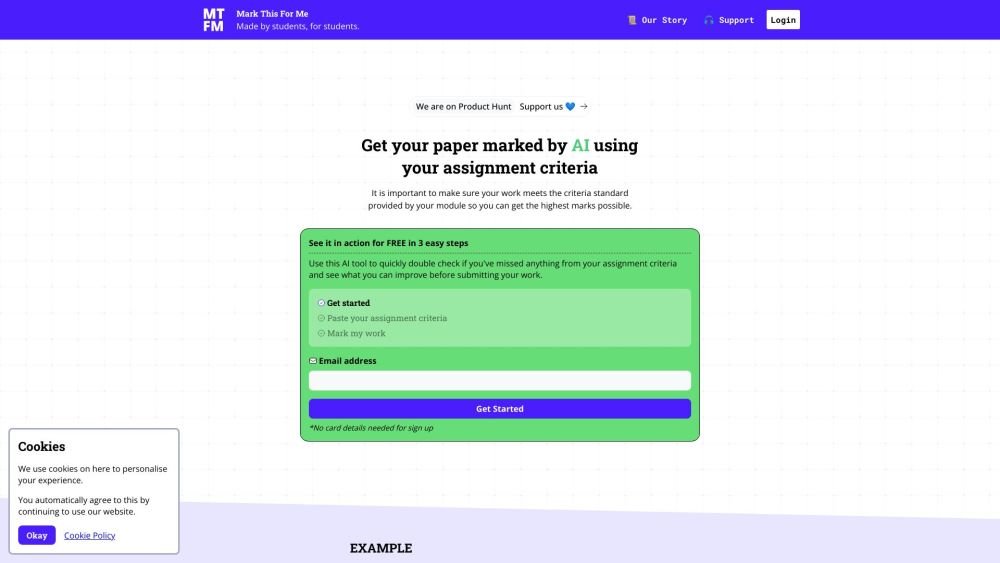
Mark This For Me is an AI-powered platform that provides students with instant, personalized feedback on their assignments. By leveraging OpenAI's GPT models, the tool evaluates work against specific criteria to offer insights that boost motivation and support academic success. The platform provides constructive guidance to help students refine their critical thinking and identify areas for improvement.

Kniru is a mobile application designed to help you manage your personal finances using AI. Through a chat-based interface, it provides precise, personalized, and actionable insights while answering your questions regarding investments, taxes, retirement, and spending. The platform allows users to track, manage, and optimize transactions, investments, and loans to support smarter financial decision-making in a secure environment.

NeoAnalyst.ai simplifies data analysis by making complex insights accessible to everyone. Users can upload datasets and select from 25 suggested questions to generate clear visualizations and actionable findings. Designed for business leaders, this platform requires no coding or data science expertise.

Pegleg.ai monitors the web for unauthorized copies of your content by scanning Patreon and Gumroad links. It helps protect your paid work and revenue by identifying stolen material and, for Pro members, automatically issuing DMCA takedown notices.
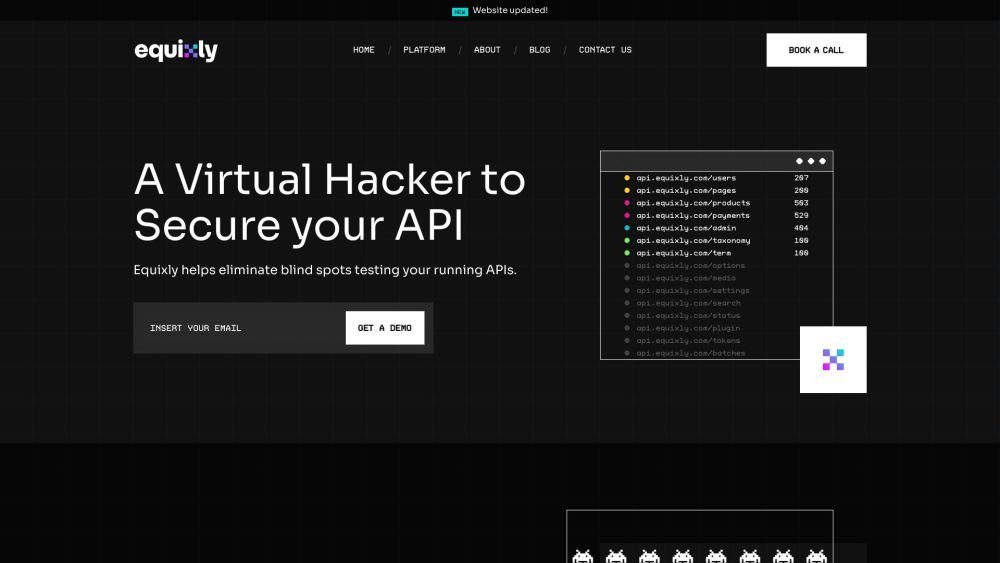
Equixly is a SaaS platform that integrates API security testing into the software development lifecycle (SDLC). It detects vulnerabilities, lowers bug-fixing costs, and scales penetration testing for every new feature release. By using AI-powered bots to scan APIs early, the platform enables faster, more efficient remediation and secure code deployment. Equixly also maps your attack surface by inventorying your API landscape, classifying operations, dependencies, and data flow. Additionally, it simplifies compliance by generating clear reports on security risks and sensitive data exposure to help meet regulatory requirements.

Chisquares is an AI-driven research platform providing end-to-end support for study design, data collection, analysis, and reporting. The platform includes tools for generating representative samples, calculating sample sizes, building custom surveys, and managing data collection. Additionally, it offers features for scientific writing, code-free data analysis, and integrated journal selection and submission.

Bell serves as a personal confidant for navigating life's challenges, providing a judgment-free environment to discuss your concerns and questions. It is designed to help users gain self-awareness and support their well-being through private, confidential conversations.
Alrite is a developer of user-friendly AI applications, including Rizzpad and PetCoco. Rizzpad assists users in crafting high-quality responses for dating platforms, while PetCoco serves as a pet-focused Q&A app that provides quick, authentic answers to animal-related inquiries. Alrite focuses on integrating AI into daily life to make routine tasks simpler and more enjoyable.
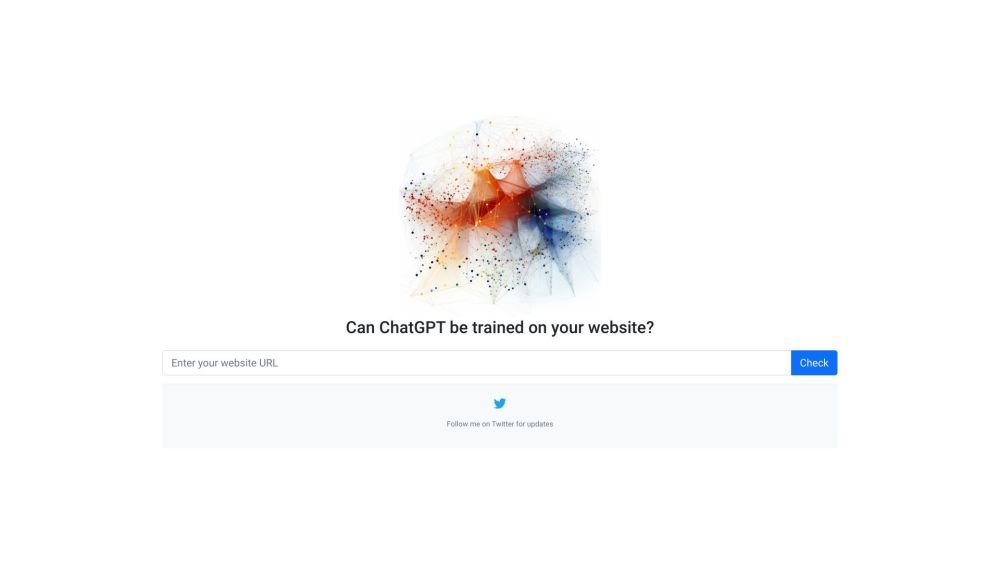
GPTBot Checker is a tool for website owners and developers to verify if their site is accessible to AI crawlers. As AI technologies like GPTBot evolve, this tool helps you confirm whether your content is available for ChatGPT training.
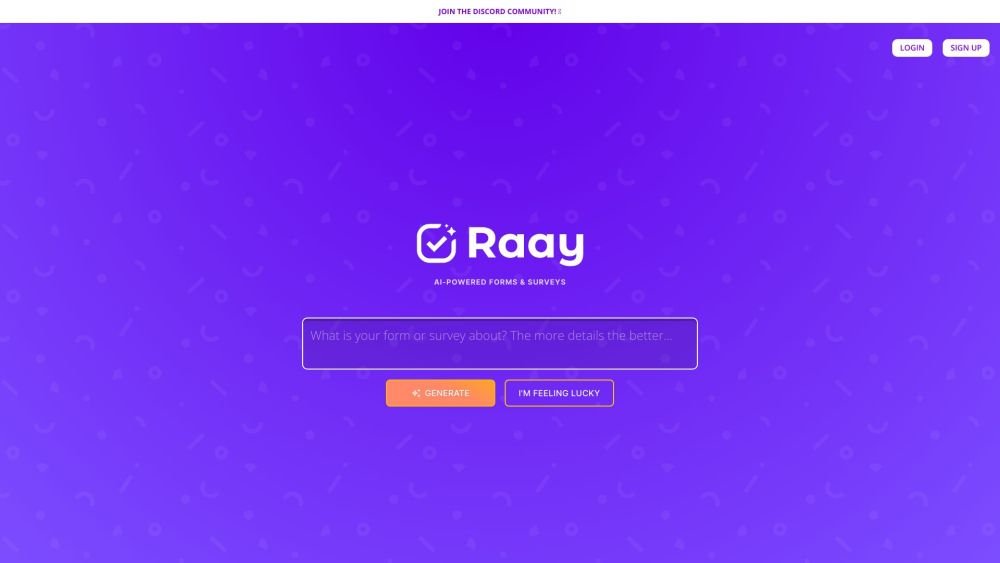
Raay is an AI-powered platform designed to streamline the creation of forms and surveys. By entering a simple prompt, users can generate forms in seconds. The platform also provides interactive summaries of responses and offers seamless integrations to support data-driven decision-making, allowing users to create, share, and analyze data efficiently.