
Free
$0Free plan available.
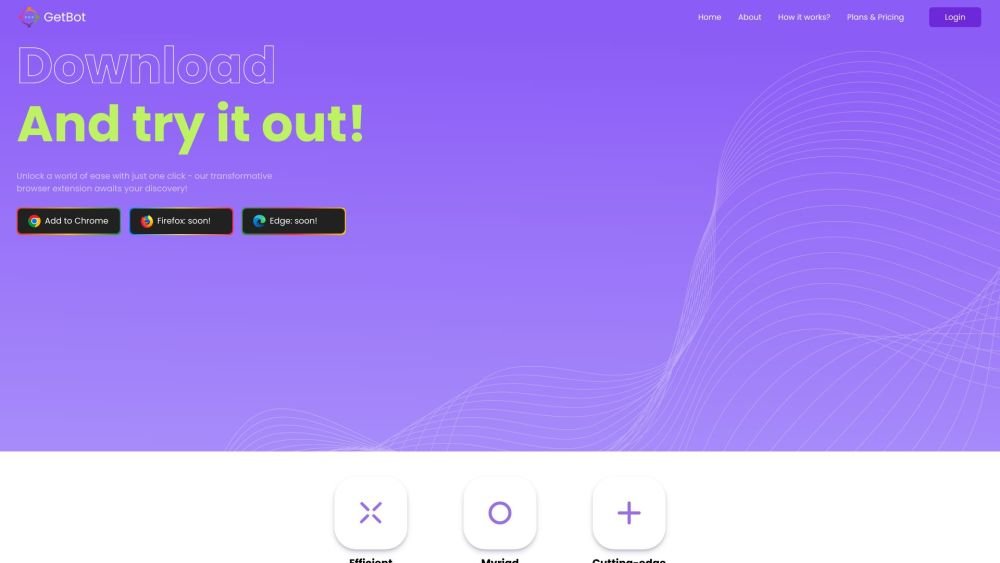
GetBotAI is an AI assistant that can be used while browsing any website. It helps users read and write articles in the sidebar on all websites and supports various AI models like GPT-4o, Claude 3.5, and Gemini AI. It also offers features like YouTube summary, ChatPDF, AI painting, and AI chatbots with ChatGPT.
Install the GetBotAI extension for Chrome or VS Code. Once installed, you can access it while browsing any website to read, write, summarize, and generate content using AI.
GetBotAI is a browser extension powered by the ChatGPT API, designed to serve as your personal AI assistant for communication and copywriting tasks.
Install the GetBotAI extension from your browser's web store, create an account, select your plan, and begin using the AI assistant.
GetBotAI offers a free version with daily usage limits. Access to advanced features may require upgrading to a paid subscription.
GetBotAI utilizes advanced artificial intelligence via the ChatGPT API to process chat messages and generate content based on provided templates. It can also translate, rephrase, and explain text on any webpage.
Please wait a few minutes and try again. Free users may experience intermittent server errors during peak traffic. You can also try starting a new chat. If the issue persists, disable any VPNs or Web Protection software and attempt to connect via a different network.
This error typically occurs when bot-like behavior is detected. If you are not a bot, this may be caused by your VPN or network configuration. Try connecting through a different network if possible.
Disable any URL blockers or browser extensions that may be preventing ChatGPT from loading correctly.
Disable or remove any unfamiliar or unnecessary browser extensions that might be interfering with ChatGPT's functionality.
Free plan available.
Use these comparison pages to understand the trade-offs between the models most relevant to GetBotAI.
Compare Gemini 1.0 Pro Deprecated and Gemini 2.0 Flash across pricing, context window, capabilities, benchmarks, and API access to choose the better fit for long-context workloads versus long-context workloads.
Compare Gemini 1.0 Pro Deprecated and Gemini 1.5 Flash Deprecated across pricing, context window, capabilities, benchmarks, and API access to choose the better fit for long-context workloads versus general-purpose AI workloads.
Compare Gemini 1.0 Pro Deprecated and Gemini 1.5 Flash Vision Deprecated across pricing, context window, capabilities, benchmarks, and API access to choose the better fit for long-context workloads versus general-purpose AI workloads.
Compare Gemini 1.0 Pro Deprecated and Gemini 2.5 Flash across pricing, context window, capabilities, benchmarks, and API access to choose the better fit for long-context workloads versus long-context workloads.

Similar AI tool in the AI Assistant category.
Similar AI tool in the AI Assistant category.
Similar AI tool in the AI Chatbot category.
Similar AI tool in the AI Assistant category.
Similar AI tool in the AI Image Generator category.
Similar AI tool in the AI Assistant category.
Similar AI tool in the AI Chatbot category.
Similar AI tool in the AI Chatbot category.
Similar AI tool in the AI Image Generator category.
Similar AI tool in the AI Image Generator category.
Similar AI tool in the AI Assistant category.
Similar AI tool in the AI Assistant category.