
Free
$0Free plan available.
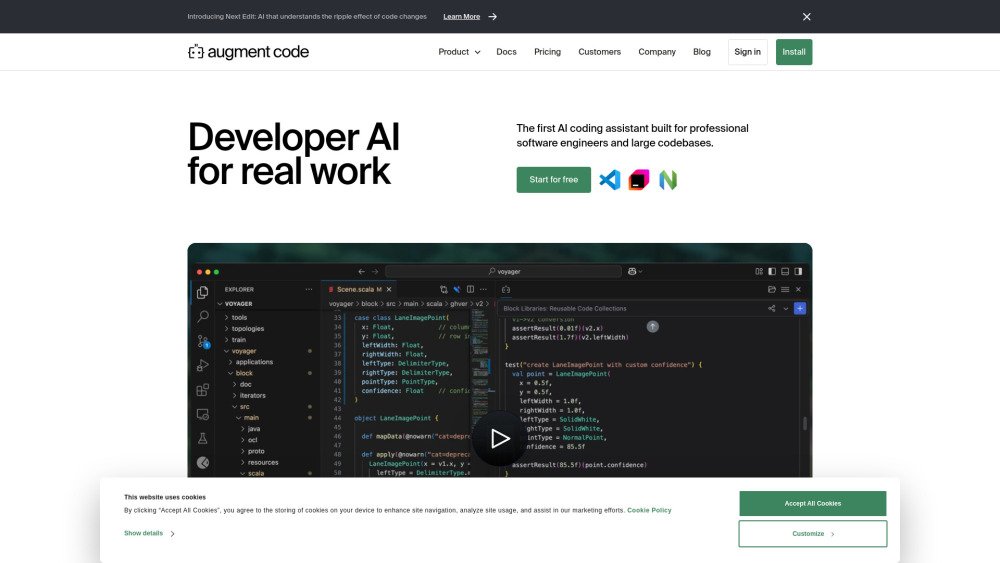
Augment Code is an AI platform designed to understand codebases, helping software engineering teams code faster, make smarter decisions, and unlock collective knowledge. It offers features like code augmentation, SDK migration, code refactoring, code documentation, multi-repo code context, and code explanation. It integrates with various native and MCP tools, allowing engineers to go from issues to pull requests quickly. Augment Code also provides code checkpoints for continuous progress and easy reversion, and a context engine that analyzes the entire codebase in real-time.
Install the Augment Code extension in your IDE (VSCode, JetBrains, or Vim) or integrate it with GitHub and Slack. Authenticate your accounts to begin using the AI agent for tasks such as code refactoring, documentation, and debugging. Define your issues, generate code, and refine your output using the platform's built-in features.
By signing up for a 14-day free trial of the Developer plan, you gain full access to Augment's features without your data being used for AI training.
A user message is any request sent to the Agent, whether via instruct or chat, that is successfully processed.
Yes, user messages are pooled at the team level. This allows one user on a team of 10 to utilize up to 90% of the team's total message allocation.
You can continue to use other unlimited features for the remainder of the trial period. To regain access to Agent or Chat functionality, you must purchase a plan, which takes effect immediately.
At the end of your trial, you can upgrade to a paid plan, switch to the free Community plan, or stop using the extension. Your data privacy remains protected; we do not use your data to train our models unless you explicitly opt into the Community plan.
No, your data remains private during the trial. You receive Developer plan benefits, which exclude AI training. After the trial, you can maintain this privacy by choosing a paid plan or opt into the Community plan, which uses data for model training.
No. Developer and Enterprise plans explicitly exclude AI training on your data as part of our Enterprise Terms of Service.
The free Community plan allows us to use real-world usage data to improve our AI models. If you prefer that your data not be used for training, please consider our paid plans.
We prioritize security and compliance through rigorous encryption, access controls, and annual SOC 2 audits. You can learn more on our Security page or request additional documentation via our Trust Center.
Extra user messages remain valid for 12 months from the date of purchase.
Free plan available.
Use these comparison pages to understand the trade-offs between the models most relevant to Augment Code.
Compare Amazon Nova Pro and Amazon Nova Lite across pricing, context window, capabilities, benchmarks, and API access to choose the better fit for tool-augmented workflows versus tool-augmented workflows.
Compare Amazon Nova Lite and Amazon Nova Micro across pricing, context window, capabilities, benchmarks, and API access to choose the better fit for tool-augmented workflows versus tool-augmented workflows.
Compare Amazon Nova Lite and Mistral Medium 3 across pricing, context window, capabilities, benchmarks, and API access to choose the better fit for tool-augmented workflows versus tool-augmented workflows.
Compare Amazon Nova Lite and Mistral Small 3.1 (25.03) across pricing, context window, capabilities, benchmarks, and API access to choose the better fit for tool-augmented workflows versus cost-efficient scale.