Browse AI

14
5 0 Reviews 14 Saved
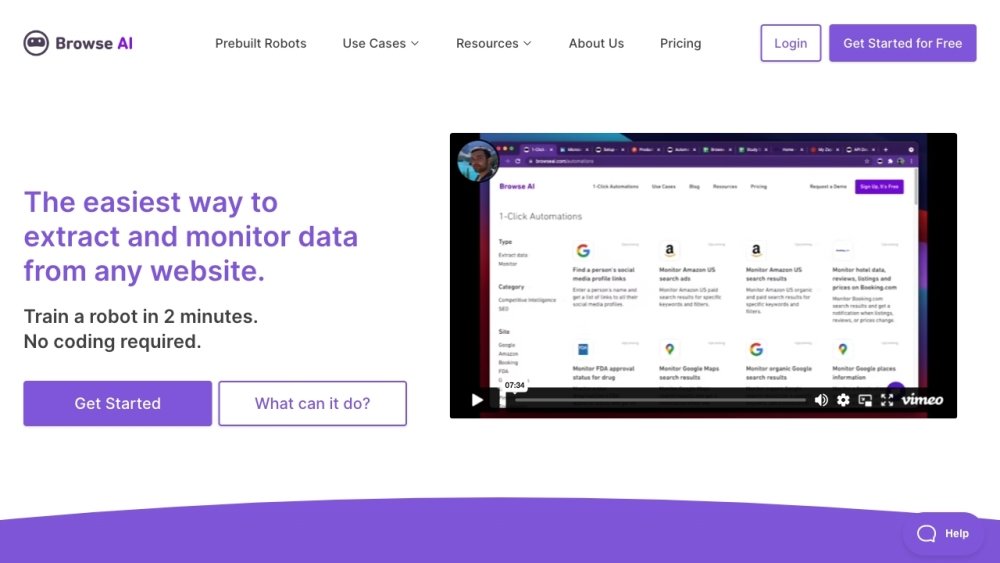
Introduction: Browse AI: Browse AI is an AI-powered data extraction platform that allows users to extract and monitor data from any website without coding. It offers features like point-and-click data extraction, website monitoring for changes, API creation from websites, and integrations with various apps and tools. It caters to entrepreneurs, enterprises, and individuals seeking reliable data extraction at scale.
Monthly Visitors: 307.3K

Browse AI Product Information

What is Browse AI?

Browse AI is a no-code web scraping tool that lets you turn any website into an API. You can train a 'robot' simply by clicking on the data elements you want to extract. It can monitor sites for changes, scrape visible text, and integrate directly with Google Sheets or Zapier, making data collection accessible to everyone.

How to use Browse AI?

  1. Enter the URL of the website you want to scrape.
  2. Use the visual selector to click on the data fields (e.g., prices, titles).
  3. Name your robot and set a schedule (e.g., daily monitoring).
  4. Download the data as CSV or sync it to your CRM via API.

Browse AI's Core Features

  • "[\"Point-and-click data extraction\",\"Website monitoring for changes\",\"API creation from websites\",\"Integration with 7,000+ apps\",\"Prebuilt robots for common use cases\"]"

Browse AI Use Cases

#1 "[\"Monitoring competitor pricing changes\",\"Scraping job listings from multiple career sites\",\"Extracting leads from business directories automatically\"]"

Related Model Comparison Pages

Use these comparison pages to understand the trade-offs between the models most relevant to Browse AI.

Compare Gemini 1.0 Pro Deprecated and Gemini 2.0 Flash across pricing, context window, capabilities, benchmarks, and API access to choose the better fit for long-context workloads versus long-context workloads.

Compare Gemini 1.0 Pro Deprecated and Gemini 2.5 Flash across pricing, context window, capabilities, benchmarks, and API access to choose the better fit for long-context workloads versus long-context workloads.

Compare Gemini 2.0 Flash Lite and Gemini 2.0 Flash across pricing, context window, capabilities, benchmarks, and API access to choose the better fit for long-context workloads versus long-context workloads.

Compare Gemini 2.5 Flash and Gemini 2.0 Flash across pricing, context window, capabilities, benchmarks, and API access to choose the better fit for long-context workloads versus long-context workloads.
