
Free
$0Free plan available.
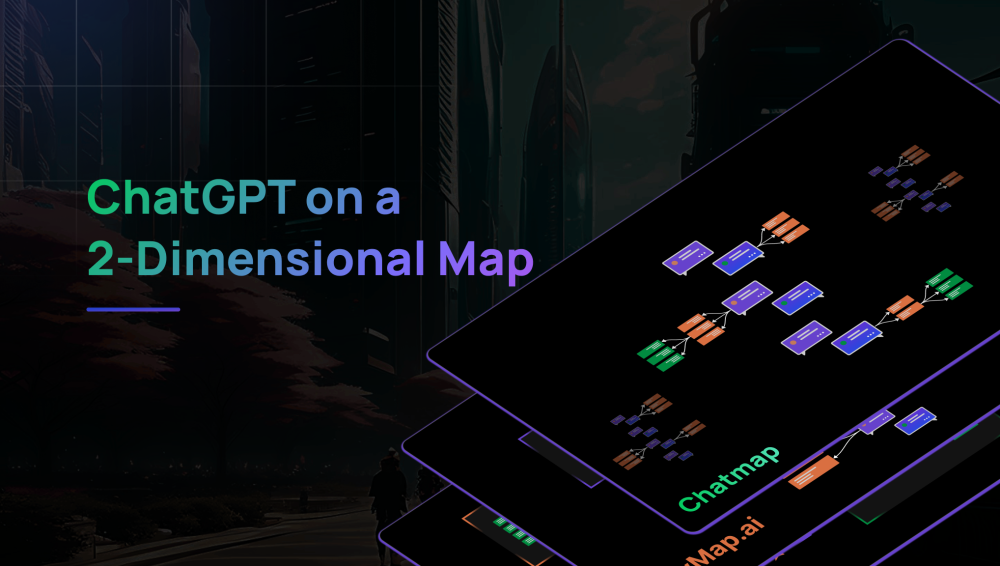
Chatmap enables you to interactively navigate branching AI conversations. It allows you to pose contextual questions based on AI responses and visualize your entire dialogue on a 2D map interface.
Use ChatGPT on a 2D map. Pose contextual questions based on AI responses and visualize your entire dialogue on a 2D map interface.
Chatmap enables you to interactively navigate branching AI conversations. It allows you to pose contextual questions based on AI responses and visualize your entire dialogue on a 2D map interface.
Free plan available.
Use these comparison pages to understand the trade-offs between the models most relevant to Chatmap.
Compare GPT 5.4 and GPT 5.4 Pro across pricing, context window, capabilities, benchmarks, and API access to choose the better fit for long-context workloads versus long-context workloads.
Compare GPT 5.5 and GPT 5.4 across pricing, context window, capabilities, benchmarks, and API access to choose the better fit for long-context workloads versus long-context workloads.
Compare GPT 5.5 and Claude 4.6 Opus across pricing, context window, capabilities, benchmarks, and API access to choose the better fit for long-context workloads versus long-context workloads.
Compare GPT 5.5 and Claude 4.6 Sonnet across pricing, context window, capabilities, benchmarks, and API access to choose the better fit for long-context workloads versus long-context workloads.

Similar AI tool in the AI Design Generator category.
Similar AI tool in the AI Assistant category.
Similar AI tool in the AI Assistant category.
Similar AI tool in the AI Image Generator category.
Similar AI tool in the AI Art Generator category.
Similar AI tool in the No-Code&Low-Code category.
Similar AI tool in the AI Productivity Tools category.
Similar AI tool in the AI Chatbot category.
Similar AI tool in the AI Assistant category.
Similar AI tool in the AI Chatbot category.
Similar AI tool in the AI Chatbot category.
Similar AI tool in the AI Design Generator category.