
Free
$0Free plan available.
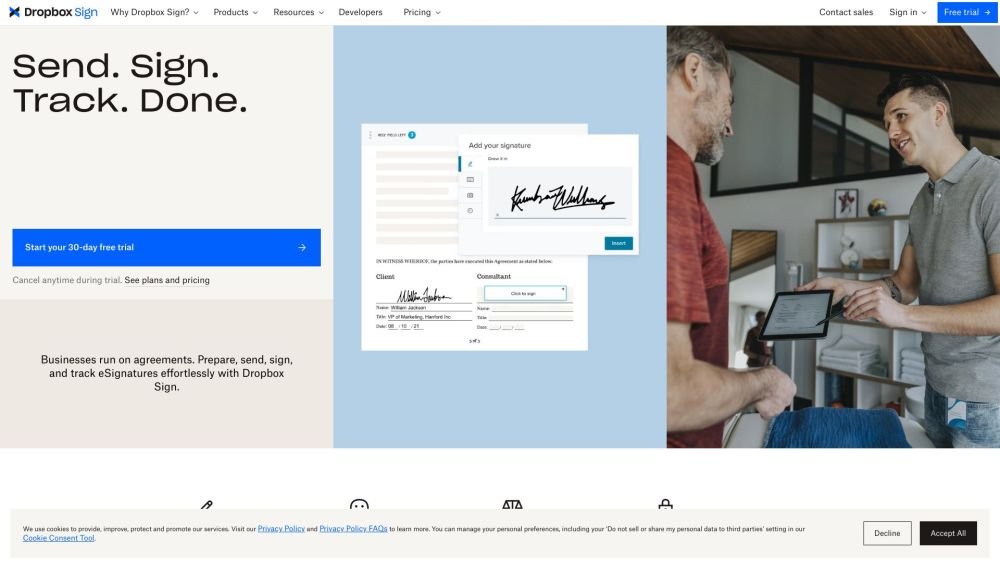
Dropbox Sign (formerly HelloSign) is a platform that simplifies work by providing legally binding electronic signatures, digital workflow, and electronic fax solutions. It allows users to send, receive, and manage agreements efficiently, automating important business processes. Trusted by millions of individuals and over 80,000 paying customers worldwide, Dropbox Sign integrates with various tools to streamline document lifecycles and contract management.
Users can prepare, send, sign, and track agreements effortlessly through the Dropbox Sign platform. It allows for embedding eSignatures into websites or apps, streamlining sales contracts, automating hiring paperwork, and securely collecting NDAs and waivers.
Yes, eSignatures from Dropbox Sign are legally binding under the ESIGN Act of 2000, offering the same legal standing as traditional pen-and-paper signatures. A non-editable audit trail is attached to every signature request to ensure all actions are tracked and time-stamped.
Yes, your subscription will renew automatically unless you modify or cancel your account, which can be done quickly through your account settings.
A recipient who only receives and responds to a signature request is not considered a sender. They do not need a Dropbox Sign account to sign, and there is no cost for them to sign a document.
A sender is an individual who uses Dropbox Sign to upload, sign, and send documents, or to request signatures from others.
Templates are designed for documents that are reused and sent for signature multiple times. When preparing a document, you can save it as a template to store prepared fields, making future document distribution faster and easier.
The 30-day trial provides access to features available in our paid plans, allowing you to experience the full benefits of eSignatures. If you choose to cancel your trial within the 30-day period, you will not be charged.
If you cannot find the answer to your question, please email our support team. We are happy to assist you.
No, they do not. Recipients receive an email notification for the signature request and can open and sign the document without any cost or special training. Once signed, both parties automatically receive a copy of the document.
Free plan available.
Use these comparison pages to understand the trade-offs between the models most relevant to Dropbox Sign.
Compare Amazon Nova Pro and Amazon Nova Lite across pricing, context window, capabilities, benchmarks, and API access to choose the better fit for tool-augmented workflows versus tool-augmented workflows.
Compare Amazon Nova Lite and Amazon Nova Micro across pricing, context window, capabilities, benchmarks, and API access to choose the better fit for tool-augmented workflows versus tool-augmented workflows.
Compare Amazon Nova Lite and Mistral Medium 3 across pricing, context window, capabilities, benchmarks, and API access to choose the better fit for tool-augmented workflows versus tool-augmented workflows.
Compare Amazon Nova Lite and Mistral Small 3.1 (25.03) across pricing, context window, capabilities, benchmarks, and API access to choose the better fit for tool-augmented workflows versus cost-efficient scale.

Similar AI tool in the AI Assistant category.
Similar AI tool in the AI Productivity Tools category.
Similar AI tool in the AI Writing Assistants category.
Similar AI tool in the AI Image Generator category.
Similar AI tool in the No-Code&Low-Code category.
Similar AI tool in the AI Chatbot category.
Similar AI tool in the AI Writing Assistants category.
Similar AI tool in the AI Writing Assistants category.
Similar AI tool in the AI Assistant category.
Similar AI tool in the AI Design Generator category.
Similar AI tool in the AI Chatbot category.
Similar AI tool in the AI Productivity Tools category.