
Free
$0Free plan available.
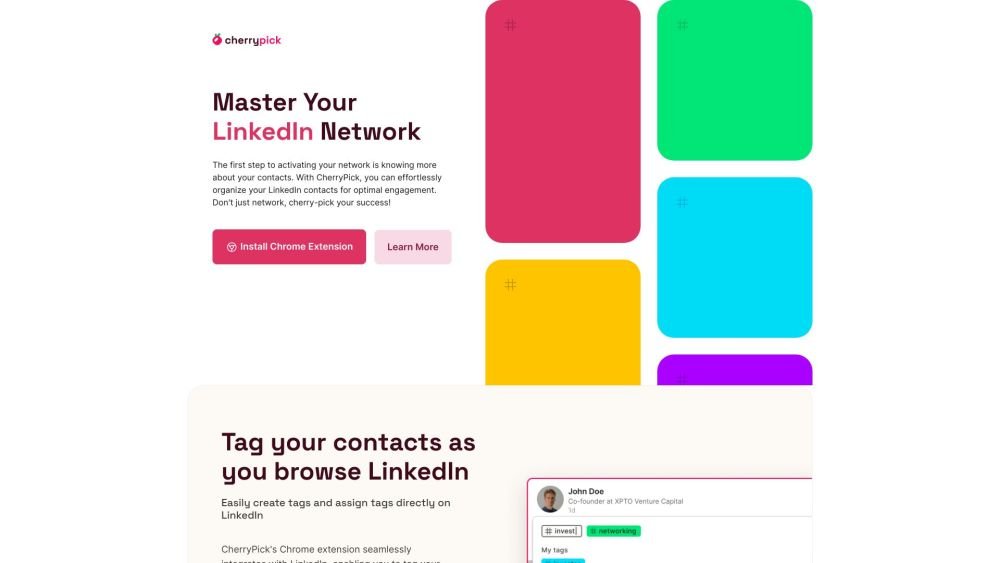
CherryPick is a Chrome extension designed to help users effortlessly organize, tag, and manage their LinkedIn contacts for better networking and professional growth. It allows users to create and assign custom tags to contacts, organize their network, track leads, and segment contacts by interests. The extension seamlessly integrates with LinkedIn, enabling users to tag contacts as they browse the platform and export curated lists for seamless integration with other tools.
1. Install the CherryPick Chrome extension. 2. Create your account using your email and password. 3. Browse LinkedIn as you normally would; the CherryPick interface will appear as you navigate. 4. Create and assign tags to your LinkedIn contacts and export your lists as needed.
CherryPick is a Chrome extension designed to help you organize, tag, and manage your LinkedIn contacts to improve your networking and professional growth.
We developed CherryPick to solve the lack of effective organizational tools on LinkedIn. Our goal is to make professional networking more efficient and less time-consuming, helping you maximize the value of your connections.
Once you install the Chrome extension, the CherryPick interface will appear on your LinkedIn page, allowing you to start tagging contacts as you browse.
CherryPick is ideal for professionals in HR, sales, and recruiting, or anyone looking to organize their LinkedIn network more efficiently.
CherryPick allows you to export your tagged contacts in CSV or JSON formats, making it easy to integrate them into your existing CRM or other professional tools.
Yes, CherryPick is currently free to use. We plan to introduce advanced features in the future as part of a premium subscription.
Data security is our priority. We follow LinkedIn’s guidelines to provide a secure, ad-free environment, and we do not sell your data to third parties.
Yes. CherryPick acts as a bridge between LinkedIn and your CRM. You can export your contacts and import them into any CRM or system you currently use.
CherryPick is a Chrome extension compatible with desktop Chrome browsers on both Mac and Windows. It is not currently available for mobile devices or other web browsers.
Free plan available.

Similar AI tool in the AI Social Media category.
Similar AI tool in the AI Social Media category.
Similar AI tool in the AI Assistant category.
Similar AI tool in the AI Productivity Tools category.
Similar AI tool in the AI Marketing category.
Similar AI tool in the AI Assistant category.
Similar AI tool in the AI Assistant category.
Similar AI tool in the AI Chatbot category.
Similar AI tool in the AI Marketing category.
Similar AI tool in the AI Marketing category.
Similar AI tool in the AI Productivity Tools category.
Similar AI tool in the AI Marketing category.