
Free
$0Free plan available.
CrystalSound is an AI-powered application and screen recorder designed to reduce noise, echo, howling, and other unwanted audio interference during calls, recordings, and online meetings. Available for Windows, Mac, and iOS, it improves audio quality and productivity by providing noise cancellation, screen recording, and meeting transcription features.
1. Install CrystalSound on your Windows, Mac, or iOS device. 2. Integrate the app with your preferred communication platforms, such as Zoom or Google Meet. 3. Select CrystalSound as your microphone input within your meeting app's settings. 4. Activate features like noise cancellation, screen recording, and meeting minutes during your calls.
No, the 7-day Premium Trial is free. Once the trial expires, your account automatically reverts to the Starter plan without any charges, unless you manually choose to upgrade to Premium.
CrystalSound provides bi-directional noise cancellation, which removes background noise from both your microphone and the other party's audio.
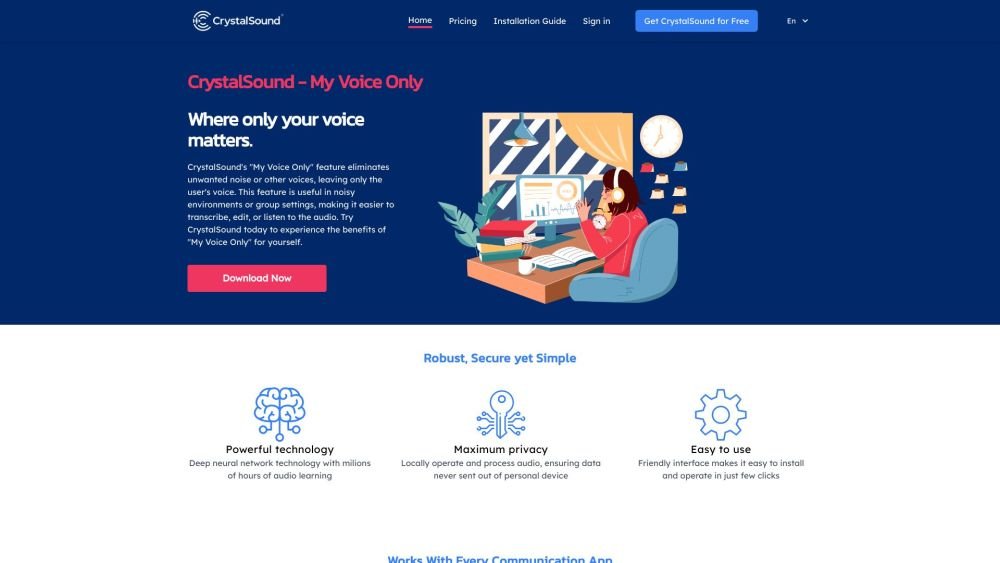
The 'My Voice Only' feature isolates and enhances your voice by suppressing background noise from other speakers.
CrystalSound improves the sound quality of MP3, WAV, and FLAC recordings for clearer playback. It also provides voice changer effects, including pitch shift, reverb, and robotic.
Yes, you can cancel at any time without a cancellation fee. You will retain access until the end of your current billing cycle; however, refunds are not issued for remaining time outside of the 30-day money-back guarantee period.
We provide a 30-day money-back guarantee on all subscriptions. If you find that CrystalSound does not meet your needs within the first 30 days of your paid subscription, we will issue a full refund.
Free plan available.
Use these comparison pages to understand the trade-offs between the models most relevant to CrystalSound.
Compare Gemini 1.0 Pro Deprecated and Gemini 2.0 Flash across pricing, context window, capabilities, benchmarks, and API access to choose the better fit for long-context workloads versus long-context workloads.
Compare Gemini 1.0 Pro Deprecated and Gemini 2.5 Flash across pricing, context window, capabilities, benchmarks, and API access to choose the better fit for long-context workloads versus long-context workloads.
Compare Gemini 2.0 Flash Lite and Gemini 2.0 Flash across pricing, context window, capabilities, benchmarks, and API access to choose the better fit for long-context workloads versus long-context workloads.
Compare Gemini 2.5 Flash and Gemini 2.0 Flash across pricing, context window, capabilities, benchmarks, and API access to choose the better fit for long-context workloads versus long-context workloads.

Similar AI tool in the AI Transcription category.
Similar AI tool in the AI Image Generator category.
Similar AI tool in the AI Social Media category.
Similar AI tool in the AI Summarizer category.
Similar AI tool in the AI Text-to-Speech category.
Similar AI tool in the AI Assistant category.
Similar AI tool in the AI Productivity Tools category.
Similar AI tool in the AI Summarizer category.
Similar AI tool in the AI Assistant category.
Similar AI tool in the AI Productivity Tools category.
Similar AI tool in the AI Assistant category.
Similar AI tool in the AI Marketing category.