
Free
$0Free plan available.
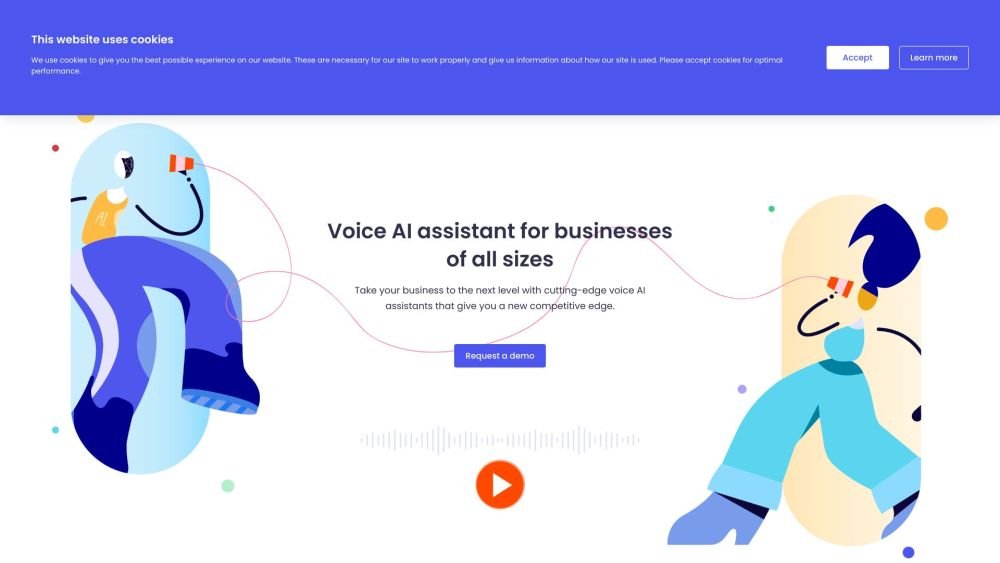
Curious Thing's conversational voice AI assistant helps businesses handle inbound customer enquiries, book meetings, and reach out to customers & patients to drive engagement. It offers AI phone agents designed to support growing businesses with inbound and outbound customer conversations. Their AI assistants can answer business calls, schedule meetings, answer FAQs, and make outbound calls to boost operational efficiency and revenue.
Businesses can sign up for Curious Thing and select from various AI agent products, such as Lucy, Alex, Sam & Lou, or a custom AI agent. Once selected, users configure the agent to manage inbound or outbound calls, address FAQs, and schedule meetings. The AI integrates directly with existing CRM and call center technology.
You can sign up for Lucy for free without a credit card. Get started here.
You only need your business phone number and email to begin. After signing up, set up conditional call forwarding on your phone using the Lucy AI phone number provided. This process takes less than 2 minutes; you can view our tutorial here. You will also select the action Lucy should take during a call, such as sharing your booking link, pricing, website, email, or taking a message. You can modify these settings at any time. Once configured, Lucy can start answering missed calls immediately with no technical knowledge or coding required.
The Lucy free plan provides an AI phone answering assistant that handles missed calls 24/7 and shares information with callers. It includes call summaries sent via text or email, with 20 summaries per calendar month (transcripts remain readable after this limit). You can share important links like booking pages or pricing, have Lucy answer FAQs from your documents or website, and utilize bilingual capabilities. Lucy can dynamically switch between English and your choice of Spanish, French, Chinese, Portuguese, or Korean. We offer three different plans; read more about each one here.
The Professional Plan includes everything in the Free plan plus unlimited call summaries sent via text or email. It removes all Curious Thing branding from caller interactions. You gain the ability to use custom message-taking to gather specific business information or capture lead details. Additionally, you can choose to receive notifications for all calls, including those where the caller hangs up. Read about all features in the Lucy Professional Plan here.
The Business Plan includes everything in the Professional plan plus the ability to select multiple skills for Lucy to perform. It supports call transferring to up to three numbers and advanced message taking, where you can program Lucy to ask up to five specific questions to ensure you collect the necessary information. You also receive notifications for all call types. Watch our demo here and read about all features in the Lucy Business Plan here.
You can select a second language in the Language and Voice settings within your Lucy portal. Lucy's primary language is English, and she currently supports Spanish, French, Mandarin Chinese, Korean, and Portuguese as second languages. Lucy can inform callers that she can switch languages, or you can write a custom greeting in both languages. Lucy detects the caller's language and switches accordingly, providing call summaries in both English and the selected second language.
Lucy is an AI phone answering agent powered by LLMs that conducts natural conversations with callers. She answers calls when you or your team are unavailable, whether during operating hours, peak times, or after hours. Lucy can handle multiple calls simultaneously and sends a summary via text or email after each call, helping you prioritize callbacks. We offer three plans based on your call volume and usage needs; learn more here.
Yes, you can personalize Lucy by choosing from various voices, accents, and languages. You can also customize your greeting message and call-to-action to suit your business. These settings can be modified at any time in your Lucy dashboard to ensure they remain relevant.
Yes, Lucy works on both mobile numbers and landlines. You simply need to set up conditional call forwarding to allow Lucy to answer your missed calls. You can read our setup instructions for both mobile and landline here.
You can cancel your Lucy subscription at any time via your account dashboard in a web browser. If you cancel, your service will remain active until the end of the current billing period, and no further charges will be applied. Refunds are not provided for periods already paid. You can renew your subscription at any time by logging back into your account. Read our terms of service here.
Voice AI technology uses smart AI to conduct natural, intelligent conversations with callers, rather than relying on the static, pre-recorded menus found in traditional IVR systems. Our AI can also send text messages to callers based on the context of the conversation. Read more...
If you have more complex requirements, our expert team can work with you to develop a custom product tailored to your business needs. Request a demo to speak with our team.
If you need assistance, please visit our Help Center for access to helpful articles and guides.
Webhook integration allows Lucy to send call summaries, audio recordings, and transcripts in real-time to external tools like CRMs, helpdesks, and automation platforms. This streamlines workflows and provides instant access to call data. For setup instructions and technical details, please refer to our webhook documentation here.
Lucy handles FAQs in two ways: you can either upload a document containing your questions and answers, or provide a link to your FAQ webpage, from which she will pull information. If a caller asks a question not covered by your provided content, Lucy will take a message and send it to you. Read more.
Free plan available.
Use these comparison pages to understand the trade-offs between the models most relevant to Curious Thing AI.
Compare Gemini 1.0 Pro Deprecated and Gemini 2.0 Flash across pricing, context window, capabilities, benchmarks, and API access to choose the better fit for long-context workloads versus long-context workloads.
Compare Gemini 1.0 Pro Deprecated and Gemini 2.5 Flash across pricing, context window, capabilities, benchmarks, and API access to choose the better fit for long-context workloads versus long-context workloads.
Compare Gemini 2.0 Flash Lite and Gemini 2.0 Flash across pricing, context window, capabilities, benchmarks, and API access to choose the better fit for long-context workloads versus long-context workloads.
Compare Gemini 2.5 Flash and Gemini 2.0 Flash across pricing, context window, capabilities, benchmarks, and API access to choose the better fit for long-context workloads versus long-context workloads.

Similar AI tool in the AI Chatbot category.
Similar AI tool in the AI Assistant category.
Similar AI tool in the AI Assistant category.
Similar AI tool in the AI Chatbot category.
Similar AI tool in the AI Assistant category.
Similar AI tool in the AI Assistant category.
Similar AI tool in the AI API category.
Similar AI tool in the AI Assistant category.
Similar AI tool in the AI Chatbot category.
Similar AI tool in the AI Chatbot category.
Similar AI tool in the AI Chatbot category.
Similar AI tool in the AI Productivity Tools category.