
Free
$0Free plan available.
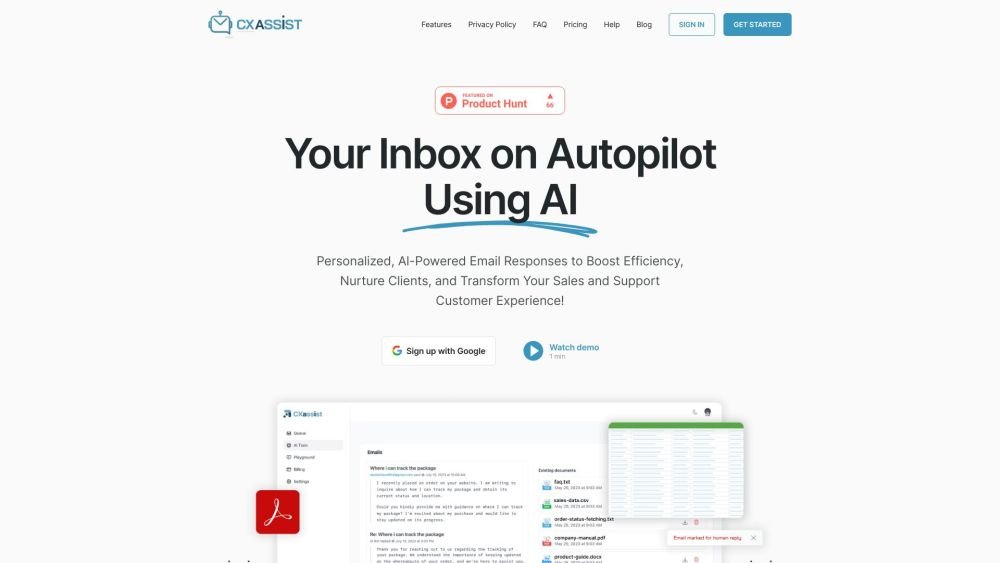
CXassist is an AI assistant designed to automatically manage your email inbox. It intelligently answers emails based on training data you provide (PDF, TXT, CSV files, website URL, or previously sent emails), saving you time and scaling your business. It offers personalized, AI-powered email responses to boost efficiency, nurture clients, and transform your customer experience.
1. Train the AI using your website URL, uploaded files, or by connecting your Google Drive or OneDrive accounts. 2. Define personalized rules for tone, urgency, and keywords to determine whether emails are handled by the AI or routed to human representatives. 3. Enable the assistant to manage your inbound emails automatically.
CXassist is an AI assistant for your inbox. Once trained with your own content, it references that information to provide timely and accurate responses to your prospects and customers.
We leverage advanced AI technology to read and answer emails similarly to a human, based on the training data you provide. It utilizes specific personas to offer a variety of approaches in its responses.
We currently support Google, Microsoft, and IMAP email accounts for both business and personal use.
You can train the AI by uploading PDF, Doc, TXT, and CSV files, or by providing your website URL and past emails. You can also integrate your storage applications for a seamless setup.
Yes, CXassist can understand and reply in over 50 languages.
Yes. You have the ability to exclude specific domains and filter by labels within your Gmail account.
We process your email information exclusively via APIs with Google, Microsoft, and OpenAI. We do not sell or share your data and adhere to the privacy and compliance standards set by these providers.
The system will forward the email to the address you have designated in your human override settings for manual review and handling.
Unlike other tools that require manual drafting or proofreading and lack training on your specific content, CXassist automates the process entirely, allowing you to focus on other priorities.
You can upload a style guide or similar document defining your brand's tone and voice. Additionally, you can allow the AI to train on your previously sent emails to better mimic your communication style.
Free plan available.
Use these comparison pages to understand the trade-offs between the models most relevant to CXassist.
Compare Gemini 1.0 Pro Deprecated and Gemini 2.0 Flash across pricing, context window, capabilities, benchmarks, and API access to choose the better fit for long-context workloads versus long-context workloads.
Compare Gemini 1.0 Pro Deprecated and Gemini 2.5 Flash across pricing, context window, capabilities, benchmarks, and API access to choose the better fit for long-context workloads versus long-context workloads.
Compare Gemini 2.0 Flash Lite and Gemini 2.0 Flash across pricing, context window, capabilities, benchmarks, and API access to choose the better fit for long-context workloads versus long-context workloads.
Compare Gemini 2.5 Flash and Gemini 2.0 Flash across pricing, context window, capabilities, benchmarks, and API access to choose the better fit for long-context workloads versus long-context workloads.

Similar AI tool in the AI Chatbot category.
Similar AI tool in the AI Assistant category.
Similar AI tool in the AI Assistant category.
Similar AI tool in the AI Chatbot category.
Similar AI tool in the AI Assistant category.
Similar AI tool in the AI Productivity Tools category.
Similar AI tool in the AI Assistant category.
Similar AI tool in the AI Assistant category.
Similar AI tool in the AI Assistant category.
Similar AI tool in the AI Productivity Tools category.
Similar AI tool in the AI Chatbot category.
Similar AI tool in the AI Assistant category.